Skip to content
macappstoday
  • Today’s appsThe apps launching today
  • CategoriesBrowse by what apps do
  • ArchiveEvery day so far
DealsBlack Friday dealsSubmitSubmit your App
iCarus app icon
Launched Nov 18, 2026

iCarus

Free Y2K-style music player with an equalizer and visualizer
PriceFreeNo cost
CategoryVideo & audio ›
ChipApple silicon
RequiresmacOS 13or later
LaunchedNov 182026 ›
iCarus screenshot

About iCarus.

iCarus plays your music and video in a window you can dress in skins, including old Windows Media Player skins. Import a .wmz skin file and iCarus converts it, cutting out the window's shape and connecting its buttons and sliders to the player.

It also downloads audio and video. Paste a link and iCarus fetches the file with yt-dlp (a free command-line downloader), saves the cover art and tags, and adds it to your playlist, where a 10-band equalizer and a live visualizer go with it.

Features.

  • Two modes: Play (Command-1) is the player and Get (Command-2) is the downloader. Files you download show up in Play automatically.

  • Get: Paste a link and choose audio (MP3 or M4A) or video. Downloads go to a Music/iCarus folder, which you can change, with cover art and tags saved.

  • Advanced tab: Set audio quality or video size, file names, playlist and time ranges, SponsorBlock, subtitles, browser cookies and a speed limit. A free-text box takes other yt-dlp options, and iCarus shows the exact command so you can copy it.

  • Play: Add songs with Command-O or by dragging files onto the window. Queue, shuffle and repeat are built in, the playlist opens with Command-L, and a video pane appears for files that have video.

  • Equalizer: Ten bands with presets and a balance control. Your settings are remembered, and Reset glides each band back to neutral.

  • Visualizer: Bars, waveform or radial patterns driven by the live audio. Click it to switch style.

  • Skins: A skin is a folder with a skin.json file and images. It can be a simple layout with its own colours and fonts, or fully image-based with custom buttons, sliders and shaped transparent windows.

  • Windows Media Player skins: Import a .wmz file and iCarus maps its play controls, seek, volume, balance and EQ sliders, text readouts, visualizer and playlist to the player. After installing, it lists anything it couldn't map.

  • Skin Inspector: Command-Option-I shows a skin's parts, lets you switch them on and off, and shows its script log.

  • Sandboxed skin scripts: A skin's own JavaScript only runs if you allow it, and it can't touch your files, the network or other programs.

Pricing.

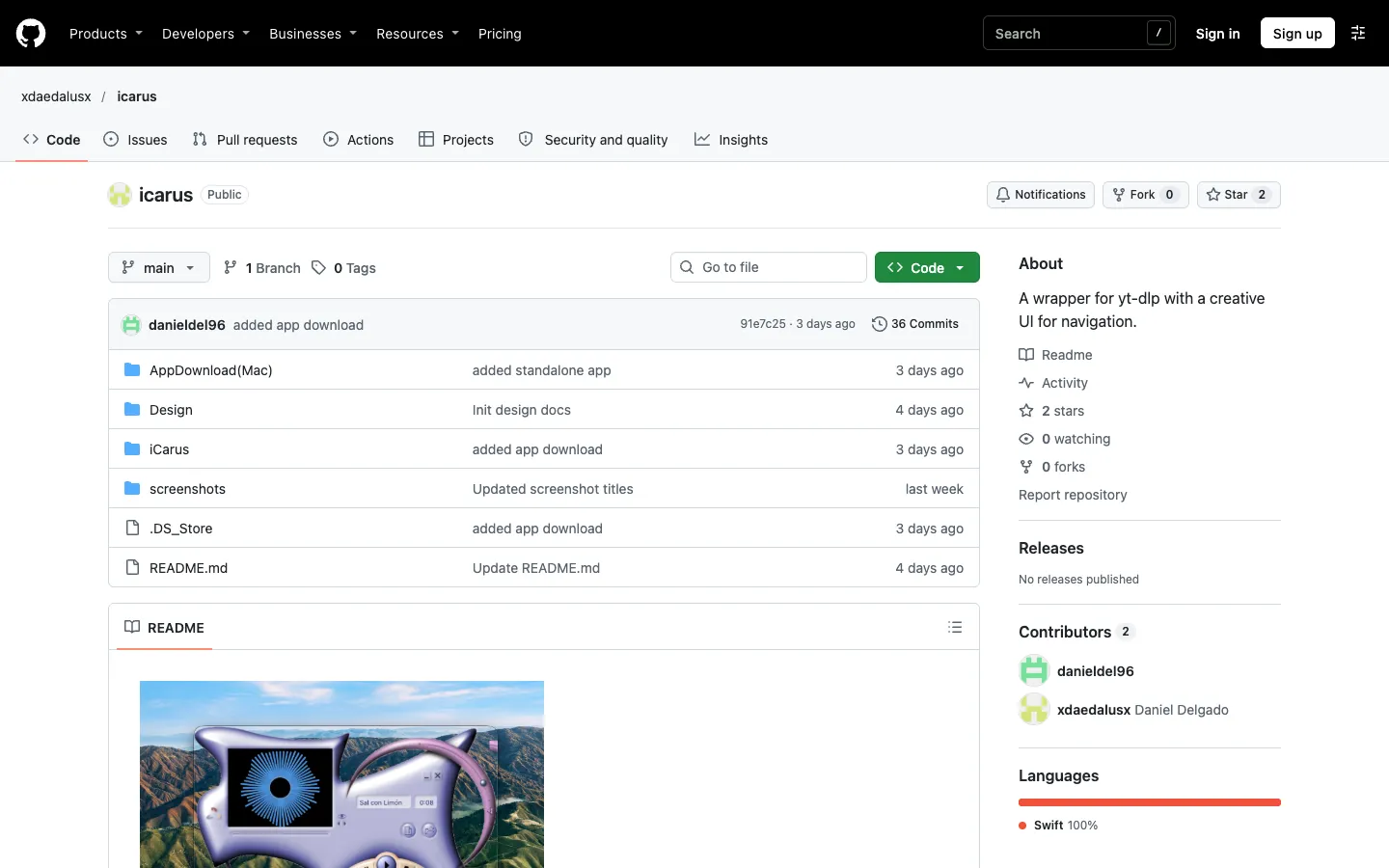
iCarus is free, and its source code is on GitHub.

  • No paid version

  • Build it yourself in Xcode or use the prebuilt app in the repo

Questions.

What is iCarus?
iCarus is a Mac music and video player with a built-in downloader, made for people who want their player to look like the shaped, colourful media players of the early 2000s.
Is iCarus free?
Yes. There's no paid version. The code is public on GitHub, but the repo has no licence file, so it isn't formally open source.
Does iCarus work on my Mac?
Built from source in Xcode, it needs macOS 13 or later. The prebuilt app in the repo needs macOS 14 or later and runs only on Apple silicon; the developer doesn't say whether Intel Macs work. Downloading also needs yt-dlp and ffmpeg, which you install with `brew install yt-dlp ffmpeg`.
Is iCarus available for Windows or iPhone?
No. iCarus is Mac only.
Where can I download iCarus?
From its GitHub repo, github.com/xdaedalusx/icarus. The README's route is to open the project in Xcode and run it, and there's also a ready-built iCarus.app in the AppDownload(Mac) folder. Daniel Delgado makes it. There's no version number or release yet, and the last update was November 3, 2026.
Is iCarus safe?
The README suggests building iCarus yourself from its public code in Xcode, and it doesn't list the permissions the app asks for. Skin scripts run in a sandbox with no file, network or program access, and yt-dlp options that would run other programs are blocked.
Can I use Windows Media Player skins on a Mac?
Yes, with iCarus. Import a .wmz file from the skin picker (Command-comma) and it converts the layout and window shape. Skin sounds, effect presets and fullscreen or separate video windows aren't supported yet. The developer points to the Windows Media Player Skins Archive for skins.
Is there a yt-dlp GUI for Mac?
Yes. iCarus is one: its Get mode puts yt-dlp behind a paste-a-link window, with an Advanced tab for the common options and a box for any others. You still need yt-dlp and ffmpeg installed through Homebrew, and running `brew upgrade yt-dlp` usually fixes downloads that start failing.

More in Video & audio.