Klipnok Ronin
Add a tiny ronin to your desktop that walks along your windows
About Klipnok Ronin.
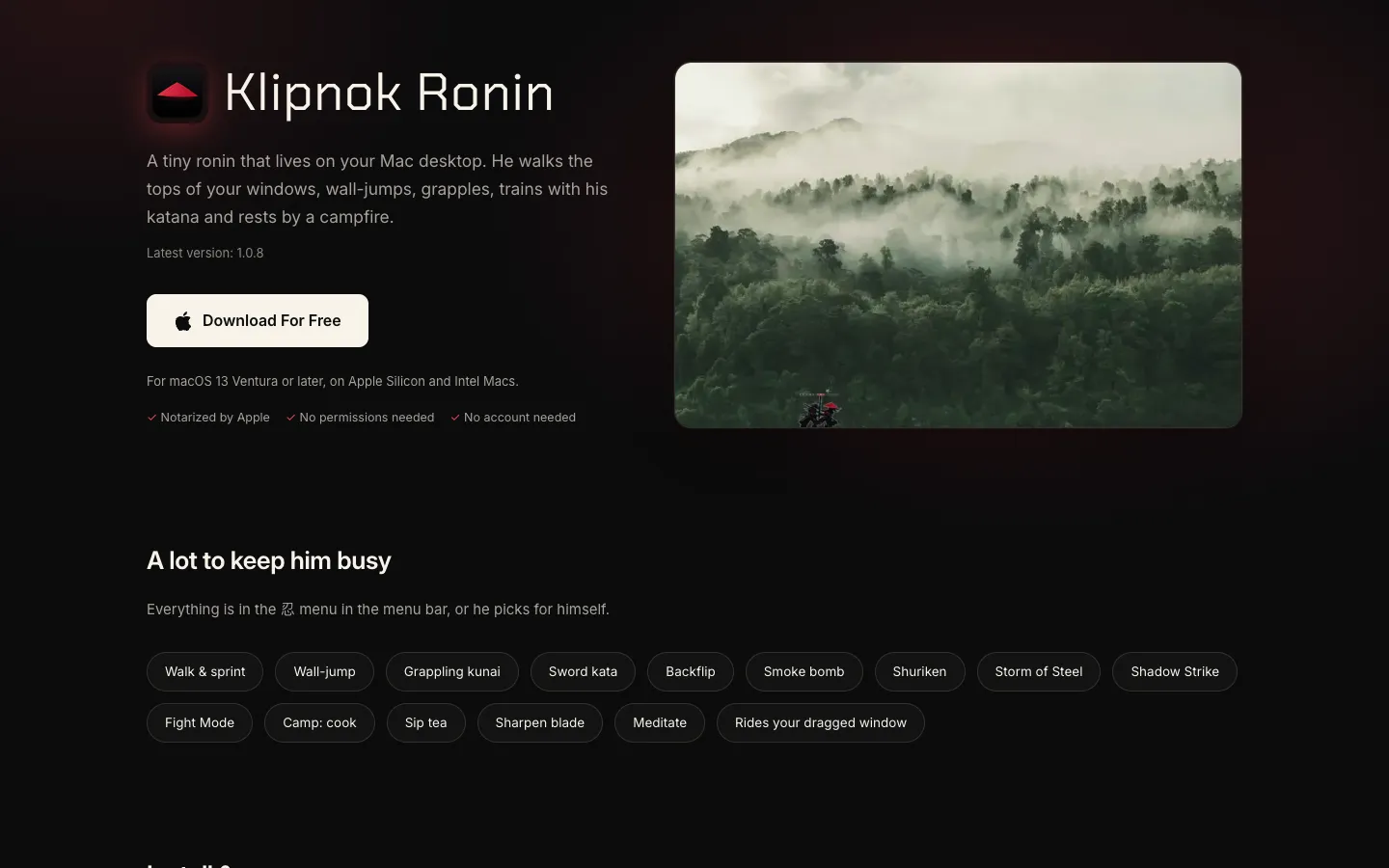
Klipnok Ronin puts a tiny ronin on your Mac desktop. He walks along the tops of your windows, wall-jumps, throws a grappling kunai and trains with his katana, and he rides along when you drag a window.
Pick him up and throw him with the mouse, or right-click to make him camp, where he cooks, sips tea or meditates. The menu bar menu lets you choose his skills.
Features.
Window walker: The ronin walks and sprints along window tops, wall-jumps between windows and the screen edge, and climbs a rope when a window floats high above.
Skills menu: Everything lives in the menu bar menu: sword kata, backflip, smoke bomb, shuriken, Storm of Steel, Shadow Strike and Fight Mode. He also picks moves for himself.
Camp: Right-click him to make camp, where he cooks, sips tea, sharpens his blade or meditates.
Pick up and throw: Click and drag to lift him and throw him across the screen.
Shortcuts: Option-Command-C starts camp, Option-Command-F starts Fight Mode and Option-Command-G hides him in a full-screen app.
Fits your screen: You can make him smaller on any display, which helps on a big TV, and each display remembers its own size. He's also built to work alongside other overlays such as Weatherling's weather effects.
Several monitors: Since version 1.0.7 he smoke-bombs from one monitor to another.
Sound: A full sound mode adds extra punch and is off by default.
Updates and login: The menu has Check for Updates and a Launch at Login switch, and the app checks for new versions by itself.
No permissions or account: The website says it needs no permissions and no account.
Pricing.
Klipnok Ronin is free to download from its website.
No account needed
No permissions needed
The website mentions no paid version
What users love.
Smooth movement One user found it surprisingly smooth and satisfying to watch the character perform its moves.
A bit of fun at work Another said it brings some fun to boring work hours.
A character that's hard to catch One person enjoyed trying to grab a screenshot of him as he moves around.