Stint
Track your daily habits from your Mac menu bar
About Stint.
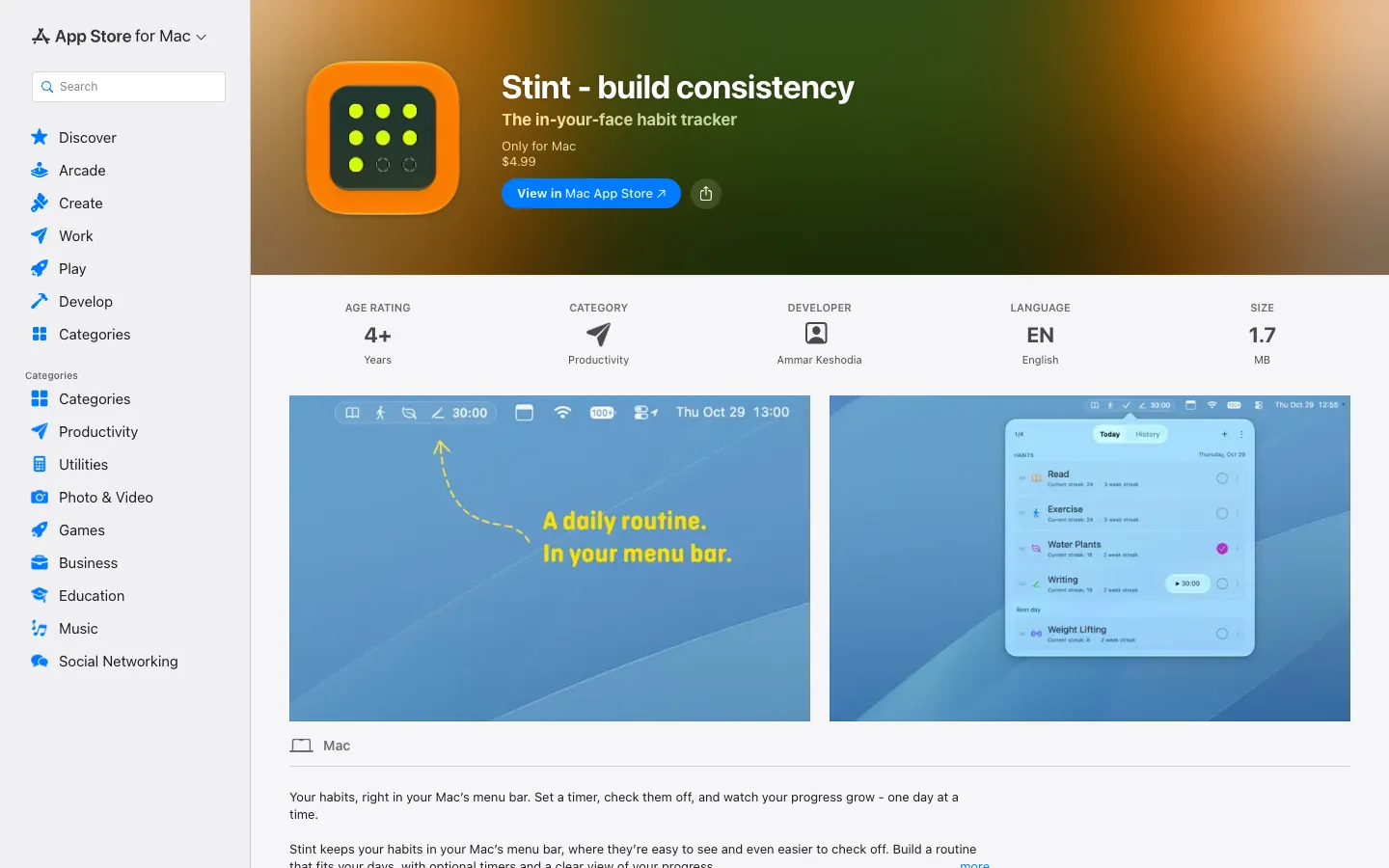
Stint shows the habits you still have to do today as icons in your Mac's menu bar. Right-click one to check it off, and it disappears once it's done, so the menu bar shows only what's left.
Any habit can have a countdown timer, for things like reading or writing for 30 minutes, and Stint marks it complete when the timer ends. Streaks, a monthly calendar and rest days that don't break your streak keep track of how you're doing.
Features.
Habits in the menu bar: Today's unfinished habits sit in the menu bar as icons. Up to 9 show at once, with a +1 or +2 count for the rest, and finished ones disappear.
Quick check-ins: Right-click a habit in the menu bar to check it off, or click a circle in the Today panel to complete or undo it.
Timed goals: Add an optional countdown timer to any habit. Start and pause it by right-clicking the habit in the menu bar, and Stint marks the habit complete when time runs out, with a short sound.
Custom habits: Pick an icon, color and the weekdays each habit is scheduled for. Reorder habits and archive the ones you're finished with, which keeps their history.
Rest days: Days a habit isn't scheduled don't break its streak.
Progress: Follow daily and weekly streaks, completion totals and a monthly calendar for each habit in History.
Edit and export: Fix past check-ins, and export your history as a CSV file.
Options menu: Change the sounds, hide completed habits, export your log or quit from the ellipsis menu.
Privacy: Habits and history stay on your Mac. There's no account, no analytics or tracking code, and nothing is sent to the developer.
Pricing.
Stint costs $4.99 on the Mac App Store, paid once.
No subscription, account or login
No in-app purchases
Family Sharing for up to six family members
What users love.
Clean design at a fair price Early buyers like the clean look and call a one-time $4.99 refreshing.
Habits you can't miss Commenters like keeping the day's tasks visible in the menu bar, and one called the cap of 9 icons sensible.
Rest days built in People who asked about weekday-only habits were glad to find rest days already supported.