Chronoframe
Sort scattered photos and videos into dated folders and clear duplicates
About Chronoframe.
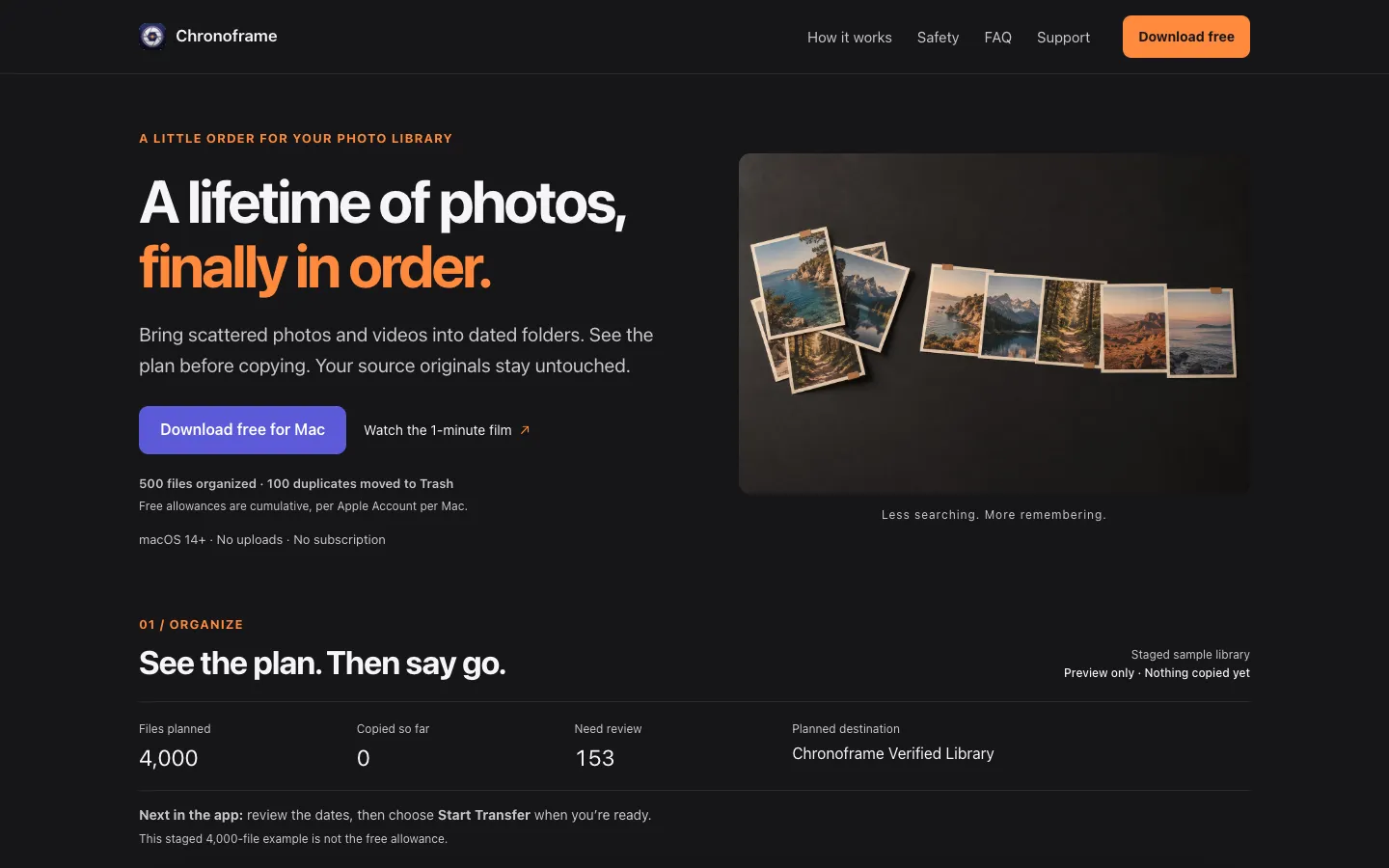
Chronoframe brings photos and videos from your folders or Apple Photos into one library of dated folders, then helps you find and remove duplicates. You pick a source and a destination, preview the plan, and approve it before anything is copied.
It works out each date from the file's metadata, then its filename, then its file dates, and you can review the uncertain ones. Your source files are only read, and duplicates go to the Trash only when you approve them.
Features.
Dated folders: Choose a source folder and a destination, pick a date-based layout and preview where everything will go. Chronoframe copies the files, so your source stays as it is.
Date detection: Dates come from photo and video metadata first, then the filename, then the file dates. Files with an unknown date go to an Unknown_Date folder unless you set one in Review.
Verified copies: Copy verification is on by default. If a filename already exists in the destination, the new file gets a distinct name instead of overwriting the old one.
Apple Photos import: Pick photos and videos in Chronoframe and it copies their original files into your dated library. Live Photo pairs stay together, iCloud-only originals are downloaded as needed, and your Photos library is never changed.
Watched sources: Register the folders you add photos to, and Chronoframe estimates how many new items have arrived while it's running. You review each import before it starts.
Duplicate review: Finds exact copies of photos and videos by content, plus similar photos, bursts, RAW and JPEG pairs and Live Photo pairs. You compare them, choose the keepers and approve what goes to the macOS Trash.
Similar videos: An optional setting looks for re-exports and resized versions of the same video, which you then review yourself.
History and undo: Every run leaves a receipt. History can undo supported transfers, duplicate removals and reorganize runs while the files still match, and duplicates must still be in the Trash.
Interruption recovery: If a transfer stops, Chronoframe picks up the unfinished work when you reopen it with the destination drive connected.
Reorganize: Move an existing library into a different folder layout. This comes with the paid unlock.
Formats: Works with JPEG, HEIC, camera RAW, MOV and MP4.
Privacy: Photos are processed on your Mac and never uploaded. There's no Chronoframe account, analytics or tracking.
Pricing.
Chronoframe is free to download, and a $14.99 US lifetime unlock, paid once, removes the limits.
Free: organize 500 files and move 100 approved duplicates to the Trash
The free allowance is counted per Apple Account on each Mac, has no time limit and doesn't renew
Previews, plans, CSV exports, duplicate scans and review, and History are always free
Undoing a run is free and gives the allowance back
Unlock: removes the limits, includes Reorganize and works with Family Sharing
No subscription
Prices in other regions may differ, and the app shows your local price