KeyPad
Type on your iPhone, iPad or Android phone with your Mac keyboard
About KeyPad.
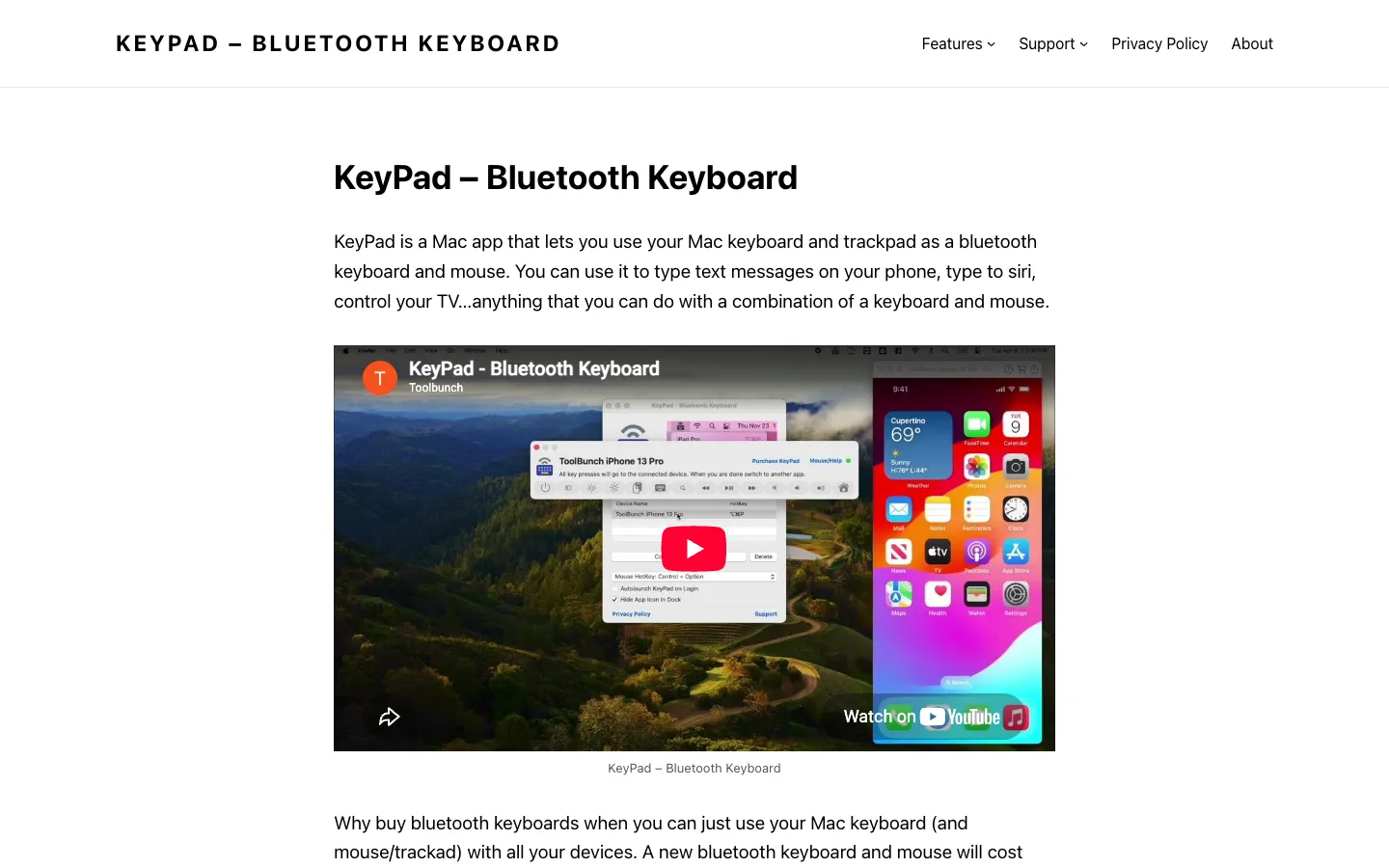
KeyPad lets you type on your iPhone, iPad, Android phone, smart TV or another computer with your Mac's keyboard and trackpad. The other device sees it as an ordinary Bluetooth keyboard and mouse, so there's nothing to install there.
You can answer messages or write long emails on your phone with a full keyboard, or test how your own app handles keyboard input. Each paired device can have its own hotkey, so switching between them is quick.
Features.
Bluetooth keyboard: Type on iPhone, iPad, Android phones and tablets, Samsung and Sony TVs, Raspberry Pi, other Macs and more. The other device uses its own keyboard layout, so layouts like AZERTY work.
Mouse control: Press Control and Option to send your Mac's trackpad or mouse to the device. An iPad shows a full pointer, and an iPhone shows one through AssistiveTouch.
Media keys: Volume, mute, play and pause, skip, Home and brightness keys reach the connected device.
Several devices: KeyPad remembers the devices you pair and can connect to more than one at a time. Give each one a hotkey to switch between them.
Hold Connection: On by default, it keeps the Bluetooth link while KeyPad is in the background. The link drops when the screen saver starts, the lid closes or you log out, so the phone's own keyboard comes back.
Full keyboard control: With Accessibility permission, Command-Tab and Command-Space go to the connected device instead of your Mac.
Paste as typing: Command-Shift-V types the text on your clipboard into the device.
Games: Hold down up to six keys at once, which helps with keyboard-controlled games on a tablet or phone.
Stays out of the way: Hide the Dock icon, open KeyPad at login and bring it up with a hotkey (Command-Option-P by default).
Privacy: KeyPad can't connect to the internet and only uses Bluetooth. It has no third-party code, the app is under 1 MB, and its App Store privacy label says no data is collected.
Pricing.
KeyPad is free to download and try for 7 days, then KeyPad Pro is a $4.99 lifetime in-app purchase.
Every feature works during the trial
KeyPad Pro is a lifetime licence, paid once
Sold only on the Mac App Store
What users love.
Long messages on a phone One user writes long emails on their iPhone with the Mac keyboard instead of the small on-screen one.
No typing lag One user found it easy to connect and noticed no delay when typing.
Switching with a hotkey A user who records demo videos moves between an iPad and an iPhone with one hotkey each, instead of reconnecting Bluetooth every time.
Better than similar apps One reviewer who had used another app like it found KeyPad the better one and liked the per-device shortcuts and media keys.
The price Reviewers call the price very reasonable for what the app does.