Bigshot
Give your coding agent your screenshots and the code behind them
About Bigshot.
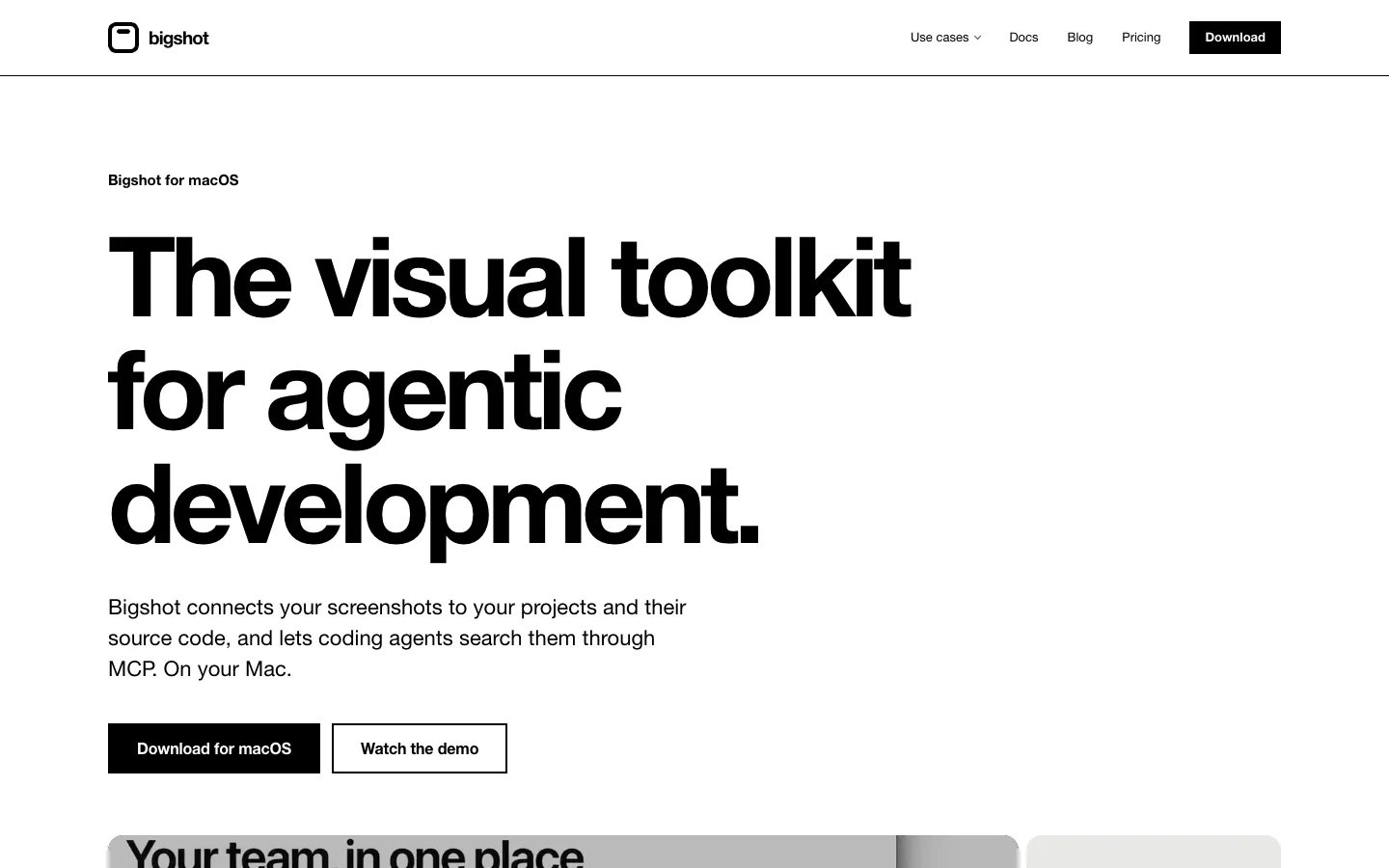
Bigshot is a screenshot tool for people who build software with coding agents. It files each capture under a Project tied to a code repository, and agents such as Claude Code and Codex can search those captures through a local MCP server. Code Lens shows the file and line behind any part of your screen.
It lives under your Mac's notch and in the menu bar. Capture, mark up, redact and measure from there, then drag a screenshot into any app or hand it to an agent.
Features.
Capture: Five capture modes, plus Smart selection, which snaps to the window, panel or row under the pointer. Images you copy from a browser, Preview, Figma or Finder are kept as captures too, and you can switch that off.
The island: Hover the notch for your latest captures, drag one into any app, and switch Project, tag or mode with a key. Pro lets you arrange the island yourself on a grid.
Editor: Annotate, blur or pixelate to redact, measure with a ruler, pick colours in HEX, RGB, HSL or OKLCH, number steps, highlight and copy text from an image.
Projects: Each Project belongs to a repository, and its captures are stored in the repo's `.screenshots` folder. Bigshot checks that the folder is git-ignored.
Code Lens: Select part of the screen and each component gets a label with its file and line. It works from pixels, so compiled apps work too. An optional image model, about 390 MB, helps with icons, images and charts.
MCP server: A local, read-only server with six tools lets Claude Code or Codex search your screenshots, find similar ones and look up related code.
Library and smart search: Find captures by the words in them or by what they show. Duplicates and similar shots are grouped, and you can tag captures and collect them in Moodboards.
Inline Agent: Select part of the screen and say what to change. Claude Code, Codex, Cursor, Gemini CLI or opencode, signed in with your own account, works on a new branch in a worktree. Bigshot never pushes or merges.
Share and export: Put a capture on one of 95 gradients, a colour or your own image, in a Window or Browser frame, at a size for X, LinkedIn or Instagram.
Privacy: Text recognition, search, Code Lens and the image model run on your Mac, and Bigshot says it has no analytics, crash reports or usage data.
Pricing.
Bigshot is free for one Project. Pro is a one-time purchase at $19 launch price, shown as $29 after launch.
Free: capture, editor and redaction, Library and smart search, Code Lens, Inline Agent, the MCP server and Hooks for one Project, with a reminder to upgrade now and then
Pro: unlimited Projects, your own island layout and no upgrade reminders
Pro includes 12 months of updates. After that Bigshot keeps working on the last version your licence covers, and you can renew for another 12 months
Works on up to 2 Macs at a time
14-day refund, no reason needed