Glade
Save links, images and notes on one canvas you arrange yourself
About Glade.
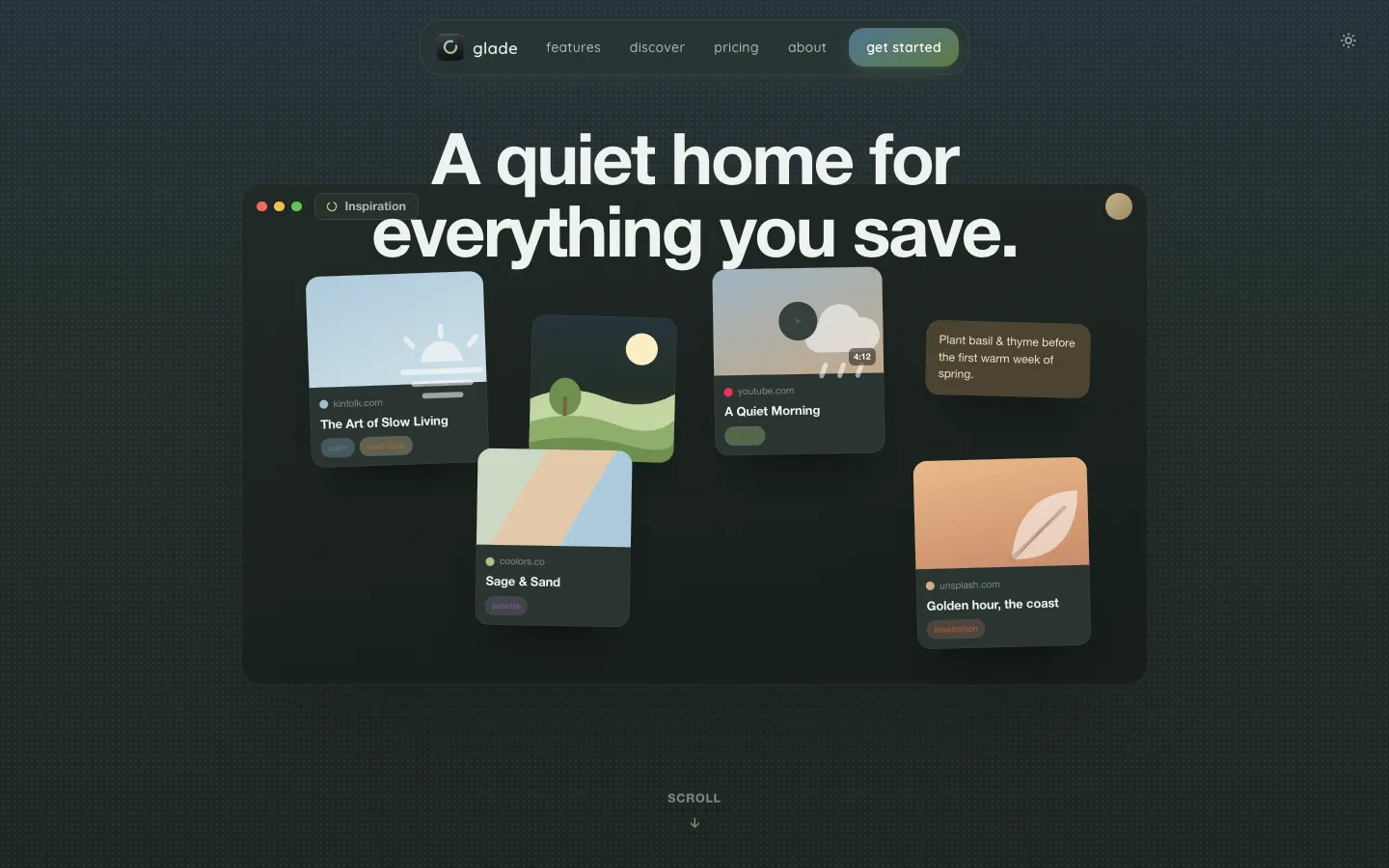
Glade keeps the links, images, videos, notes and files you save on a canvas instead of in a list. Each collection is a grove, and inside it you can drag cards anywhere, stack them and group them. Press ⌘⇧M from any app to save something, and a preview and title fill in on their own.
Glade runs on Mac, iPhone and iPad. Your saves stay on your devices and sync through your own iCloud account, and you can start as a guest without an account.
Features.
Groves: Every collection gets its own canvas with its own colour and icon. Flip through groves like a deck of cards or see them all in a gallery, and drag, stack or frame cards into groups.
Quick Save: Press ⌘⇧M from anywhere on your Mac, use the Safari button, or share from any app on iPhone and iPad. There is also a bookmarklet and a Shortcuts action.
Search: Press / to search titles, notes and links, or find a save from Spotlight without opening Glade. You can filter by tag, kind or favourite. Search doesn't look inside saved files.
Automatic sorting: Version 1.0.3 sends each new save to the grove where it fits, with tags. It uses your own tags first and uses Apple Intelligence where you have it. Glade shows where each thing went, and one tap undoes it or turns sorting off.
Shelf and notes: A shelf tracks books, films, series, podcasts and games with progress and ratings. You can add your own notes to any card, and Revisit shows what you saved on this day.
Import and export: Import bookmarks, CSV, JSON or Markdown, and export everything as plain data. Markdown export writes each card as a readable page, for one grove or all of them.
Sharing and Discover: Share a grove as a read-only link that opens in the app or a browser with no account needed to view it. Paid plans can also publish a grove to Discover. Both are off until you turn them on.
Reading bar: Version 1.0.3 shows the site, reading time, progress and text size while you read a saved article.
Widgets and lock: Widgets work on the Home Screen, Lock Screen and Mac desktop. Face ID or Touch ID can lock the app.
Privacy: Glade says it has no server, no analytics, no tracking and no ads. Data syncs only through your own private iCloud database, and you can export or delete everything at any time.
Pricing.
Glade is free for up to 100 saved things in three groves. Paid plans are $1.99 a month ($14.99 a year) for Grove, $3.99 a month ($34.99 a year) for Wildwood, or $49.99 once for Evergreen.
Free: 100 saved things in three groves, and nothing you already saved is taken away if you stop paying
Grove: unlimited saved things and groves, and publishing to Discover
Wildwood: the same features as Grove, plus supporter canvas colours and app icons
Evergreen: everything in Wildwood, paid once, with free updates and no subscription
Whether sync and share links are free depends on which vendor page you read (see the FAQs)
Bought through the App Store
What users love.
Clean design One user who tried it called the app very nice looking and clean.
Tagging and snippets The same user found it did a decent job of tagging and added a snippet of each article.