Convert2Any
Convert images, video, audio and documents on your Mac without uploads
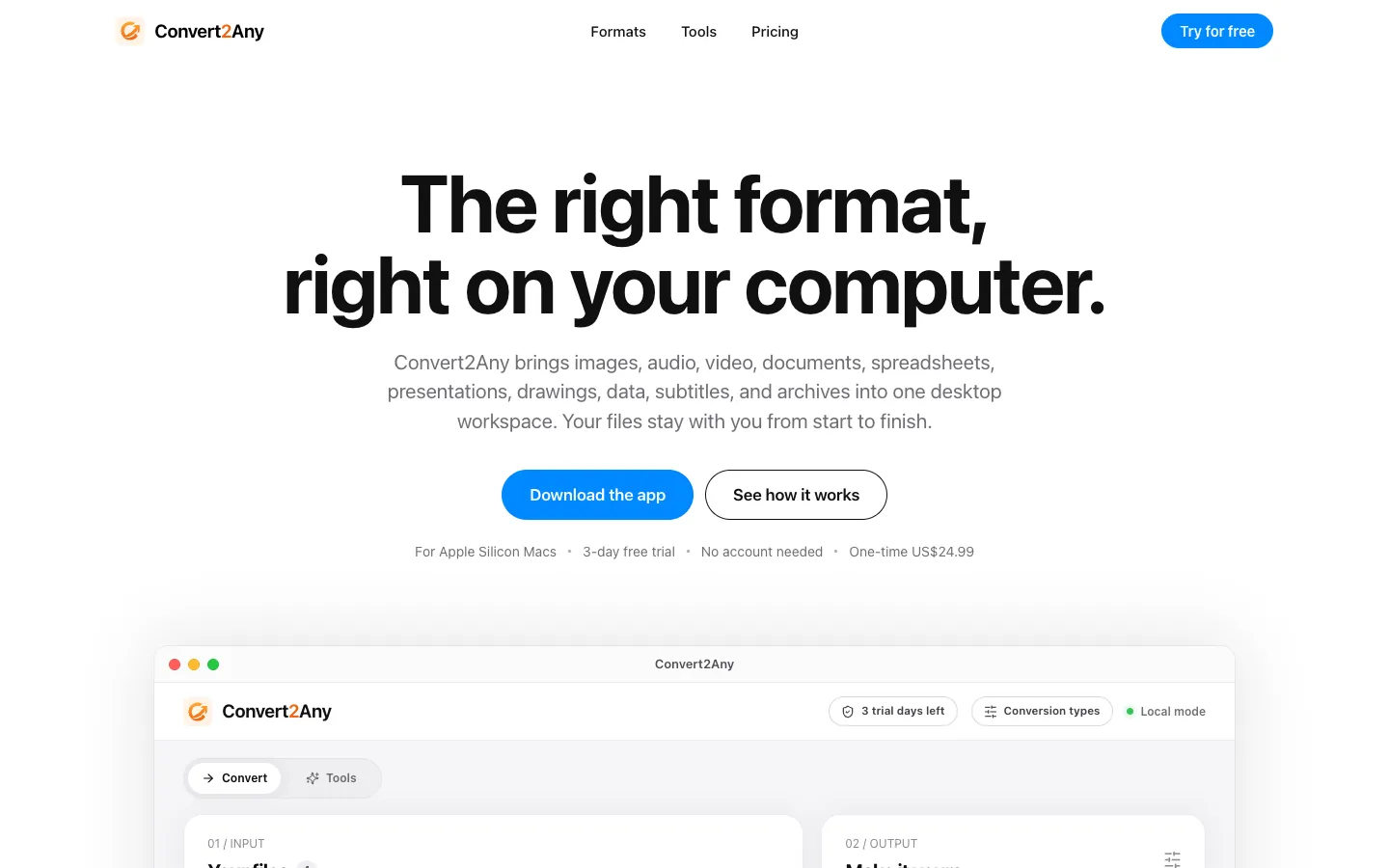
About Convert2Any.
Convert2Any converts images, audio, video, documents, spreadsheets, presentations, data files, subtitles and archives in one Mac app. Add up to 500 files, pick an output format and save the results next to the originals or in a folder you choose.
Files are processed on your Mac with no upload step and no account. The app also includes PDF tools, text recognition in more than 100 languages and speech to text in 99 languages, so it covers jobs that usually need separate apps.
Features.
Batch conversion: Add up to 500 files at once, follow progress for each file and cancel a running job. A quality setting (High, Balanced or Small) is available where the format supports it. The vendor counts 151 source formats and 5,088 conversion paths.
Images: Convert JPEG, PNG, WebP, TIFF, HEIC, AVIF and camera raw files such as CR2, CR3, NEF, ARW and DNG. You can also resize, crop, rotate and compress, turn pictures into a video, or pull out the text.
Audio: Convert MP3, WAV, FLAC, M4A, AAC, OGG, Opus, AIFF and more. Trim, join files, make an M4B audiobook, normalize loudness or compress to a smaller M4A.
Video: Convert MP4, MOV, MKV, WebM, AVI and more. Resize, crop, trim, join or compress, and extract the audio track or frames as images.
Documents and office files: Create PDFs from supported documents, including Pages files, and turn EPUB books into documents or back. Convert XLSX, XLS, ODS and Numbers spreadsheets, and PPTX, PPT, ODP and Keynote presentations. Visio, Publisher and CorelDRAW files can be saved as PDFs or images.
PDF tools: Merge, split, extract, reorder, rotate and remove pages. Crop, resize, compress, add page numbers or a watermark, set or remove passwords, add text or images, and redact.
Speech to text: Transcribe audio and video in 99 languages with automatic language detection, optional translation into English and timestamps. Choose a fastest, standard or most accurate model, and save as SRT, WebVTT, TXT, Word or PDF.
OCR: Recognize text in more than 100 languages to make searchable PDFs, or turn an image into text or a Word file.
Data, subtitles and archives: Convert JSON, CSV, YAML, TOML, XML, SQLite and other data formats, SRT, WebVTT and ASS subtitles, and ZIP, 7-Zip and TAR archives.
Remove metadata: Save copies of your files without location, device and author details.
Optional converter packs: The base app is a 7.5 MB download. Extra packs for audio, video, text recognition, speech and EPUB download only after the app asks you.
Privacy: Files are processed on your Mac and never uploaded. The app goes online only to activate a license and to download converter packs.
Pricing.
Convert2Any costs US$24.99, paid once, with a lifetime license.
Every tool is included
3-day free trial of every tool, with no account or payment details
No subscription
One license can be active on up to 3 devices at once, and you can deactivate one to move it
What users love.
The PDF tools One user who tried it said they were loving it so far and expected it to become their go-to converter. They singled out the PDF tools as especially handy.