Sidekeys
Add your iPhone as an extra Mac display with shortcut keys for each app
About Sidekeys.
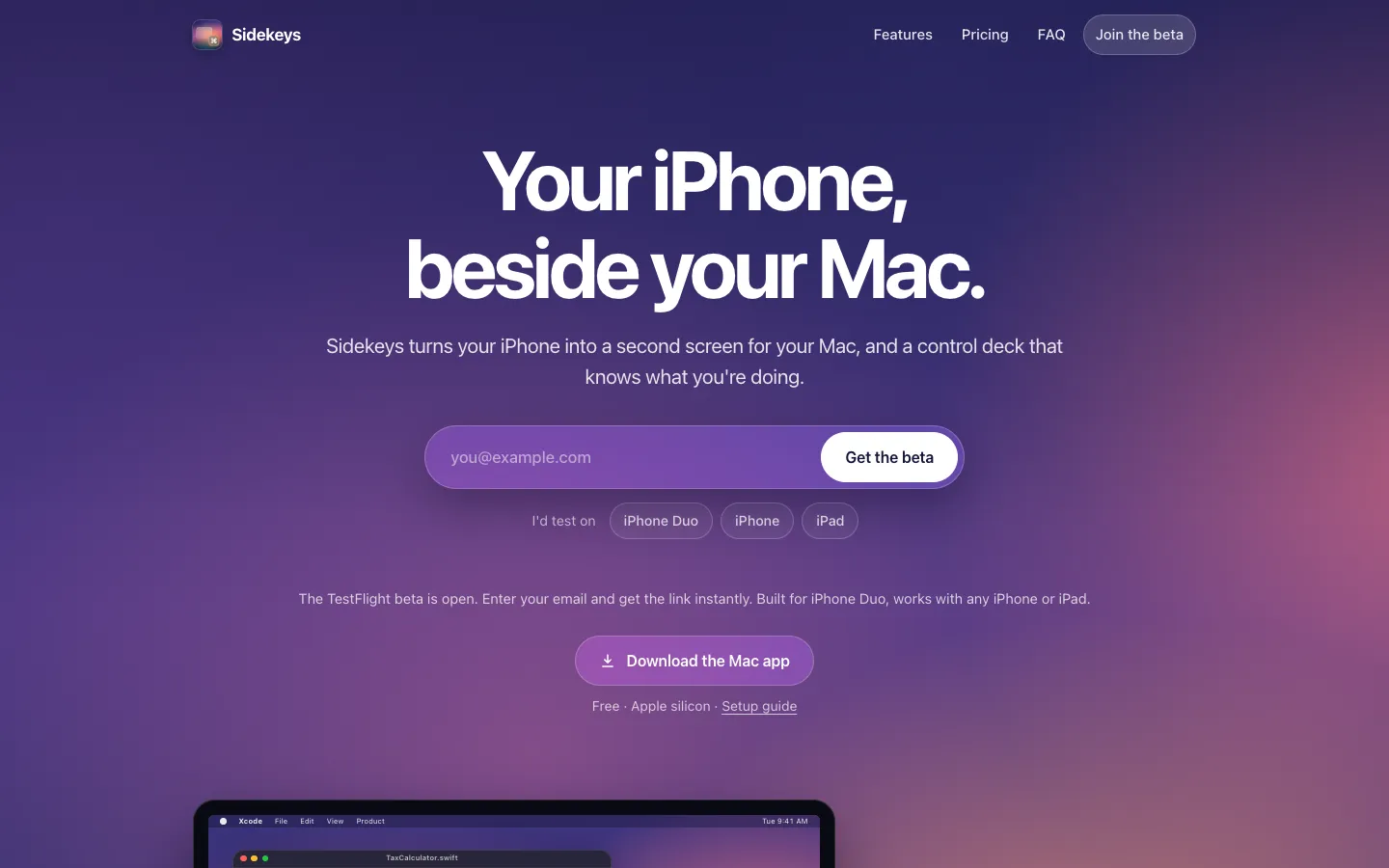
Sidekeys turns your iPhone or iPad into a second display for your Mac. Plug the phone in with a USB-C cable, or pair it once over Wi-Fi, then drag windows onto it and tap, scroll and type on it.
The phone also works as a control deck. It shows one-tap shortcut keys for the app you're using, switches to mute, camera and leave buttons during a call, and lists your Claude Code sessions so you can approve a request without going back to the terminal.
Features.
Second screen: Your Mac gets a new display on the phone. Drag windows onto it, tap to click, scroll with two fingers and type with the on-screen keyboard. The picture is sharp and fills the screen edge to edge, with the Mac's menu bar visible.
Cable or Wi-Fi: A USB-C cable that carries data gives the lowest delay. After pairing once, by cable or with a 6-digit code, the phone connects over Wi-Fi on its own, encrypted between your two devices. Pull the cable mid-session and it switches to Wi-Fi without losing the picture.
Rotate and zoom: Turn the phone and the Mac display turns with it. Pinch to zoom in on small text, and new windows you open from the phone land on the phone.
A deck for every app: The phone shows keys for the app in front on your Mac, including Xcode, Final Cut Pro, Figma and VS Code. In Xcode, for example, you get Run, Stop, Build, Test, Clean, Console and Breakpoints, so one tap replaces a shortcut you'd have to remember.
Call controls: In a Zoom, Google Meet, Microsoft Teams or Slack call, the deck switches to big Mute, Camera and Leave buttons, plus Raise Hand, Share and Chat. They work even when the meeting window is buried behind your other work.
AI agents at a glance: Each Claude Code session shows up as a card saying what it's working on, what finished and what's waiting on you. Approve or deny a permission request with one tap after seeing the actual command, or jump to that session's terminal tab or tmux pane. If the phone isn't connected, approvals go back to the normal terminal prompt.
Easy Claude Code setup: Choose Agents, then Connect Claude Code in the Mac app's menu. Sidekeys adds its hooks to your Claude Code settings file and keeps a backup of the old one, and Disconnect Claude Code removes them again.
Built for iPhone Duo: On iPhone Duo, Sidekeys uses the vertical toolbar, fills the inner screen and also works on the outer screen. Any other iPhone or iPad works too.
Menu bar app: The Mac app sits in the menu bar and updates itself.
Privacy: Your screen, touches and typing go straight between your iPhone and your Mac. The apps have no analytics, ads, tracking or accounts.
Pricing.
The Mac app is free, and the iPhone and iPad app costs $9.99, paid once, after a 7-day free trial.
Every feature free for 7 days
No subscription and no account
Family Sharing included
Same price in the app or on the web, where you get a code that unlocks up to 5 of your devices
Free while the TestFlight beta runs