Compact Contacts
Merge duplicate contacts and fix hundreds at once on your Mac
About Compact Contacts.
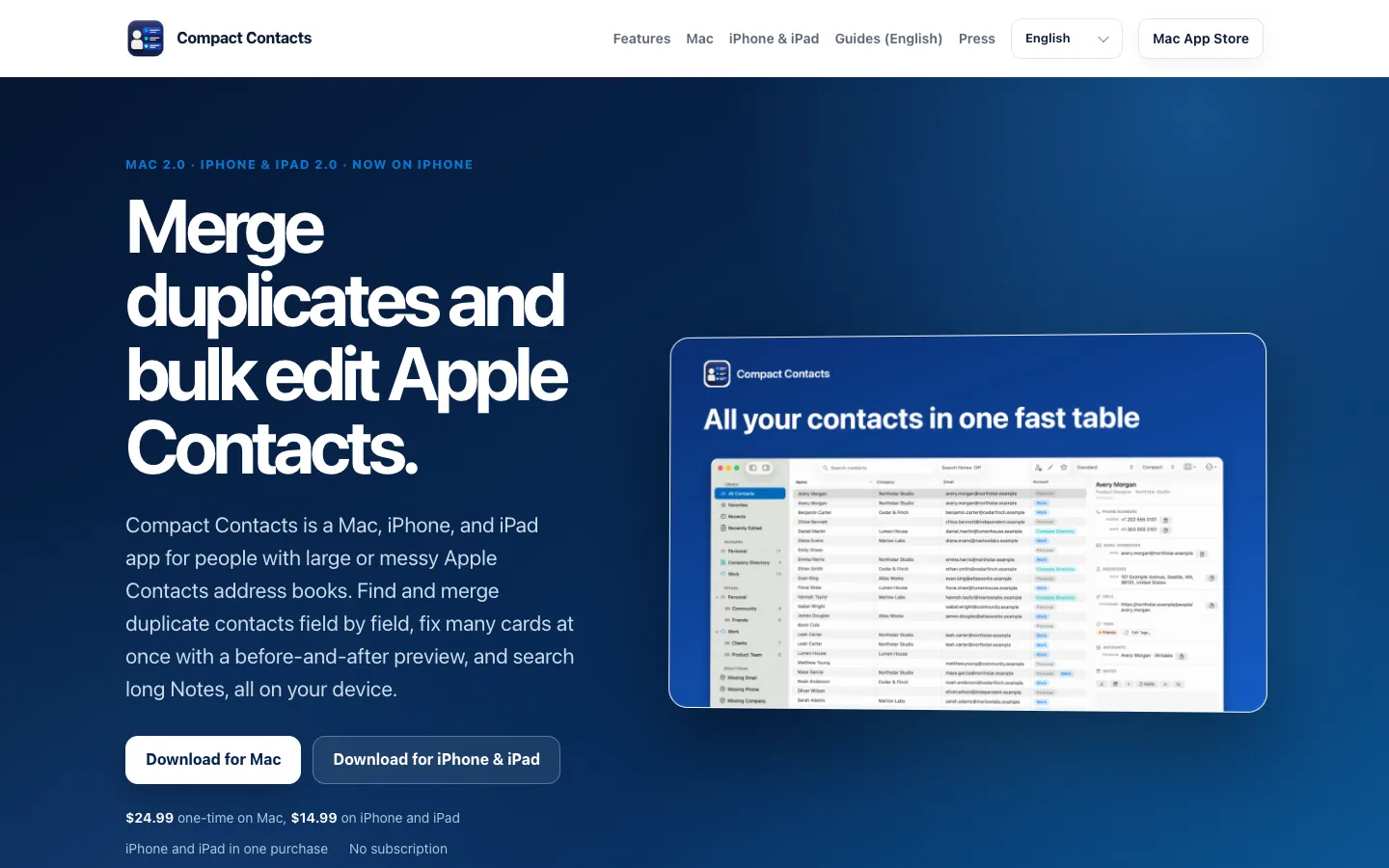
Compact Contacts shows the contacts already in Apple Contacts as one sortable table, so you can clean up a large address book without opening cards one at a time. It finds duplicates by name, email or phone number, and you merge them card by card, choosing the value to keep for each field.
Bulk Edit changes a field across many contacts at once, with a before-and-after preview of every change. It doesn't create a contact account of its own. Edits go back through macOS and sync with iCloud, Google or Exchange like any change in Contacts.
Features.
Table view: Pick the columns, sort any column A to Z or Z to A, and set the row density. A separate panel shows the selected card, and you can edit any field right in the table.
Merge Studio: Merge a group of duplicates card by card. You choose the value to keep for each field and the account the merged card goes to. There's no Merge All button.
Merge History: Eligible merges can be undone for 30 days from an encrypted record kept on your Mac.
Smarter duplicate matching: A phone number saved with a country code and the same number saved without one count as a match.
Bulk Edit: Change names, companies, phone numbers, emails, addresses, birthdays, groups and Notes across a selection. Use plain text changes or regular expressions, and check every before-and-after value, including skipped cards, before anything is saved.
Health Check: Scores your address book from 0 to 100 and lists duplicates, invalid phone numbers and emails, missing names and stray spaces.
Search and Notes: Search names, companies, emails, phone numbers in any format, addresses, groups and, if you allow it, Notes. Results are grouped by the field that matched.
Tags and Smart Views: Colored tags are saved as Contacts lists, so they sync with iCloud and Google. Smart Views keep your rules, columns and sorting, and rules can match ALL or ANY of your conditions.
History and backup: Daily encrypted backups stay on your Mac, with field-by-field history. You can revert one field, bring back a removed card, or restore from a vCard backup.
Import, export and printing: Export a selection as CSV, vCard or Excel, review each card before a vCard import, and print Avery labels and envelopes.
Command Palette and menu bar search: Open any contact, view or action from the keyboard, or search contacts from the menu bar.
Rules and reminders: Version 2.0 also adds Rules and birthday reminders. On macOS 26 with Apple Intelligence, it can summarize long notes and build Smart Views from a plain-language description.
Sample Contacts: A workspace of fictional contacts lets you try the interface without giving the app access to your real address book.
Privacy: Contacts and Notes are processed on your Mac and never uploaded to the developer. The app has no ads, no analytics, no sign-in and no contact cloud.
Pricing.
Compact Contacts costs $24.99 on the Mac App Store, paid once.
All features
No subscription and no in-app purchases
No free trial, but Sample Contacts lets you try the interface on fictional records
Version 2.0 was a free update for existing owners
Refunds are handled by Apple through your App Store account