OpenScreen
Record demo videos that zoom in on your clicks, free and open source
About OpenScreen.
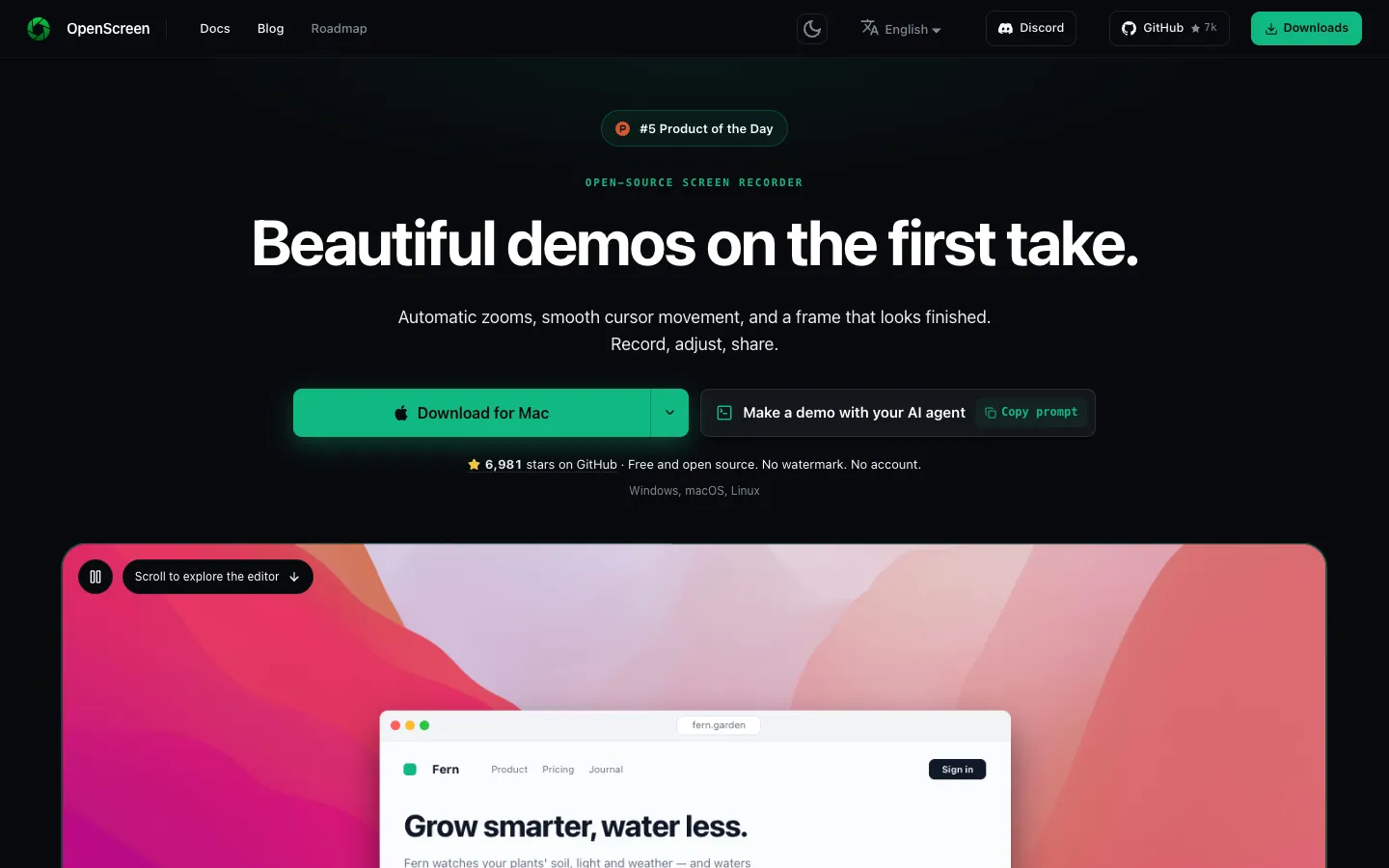
OpenScreen records your screen and opens the take in an editor built for product demos and walkthroughs. Each new recording already zooms in on your clicks and sits on a wallpaper with padding, a shadow and rounded corners. You can change any of it, or export the video as it is.
The cursor is saved as data, so you can change its size, smoothing and style after the take. You can also cut the video by deleting words or silences from its transcript, or describe the edits you want to an AI assistant that uses your own API key.
Features.
Recording: Record the whole screen or one window at 60 fps, up to 4K, with system audio and a microphone. Recordings are saved in one-second pieces, so if the recorder crashes the file still plays up to the last full second. A notes window with a teleprompter mode keeps your script beside the capture.
Auto zoom: Zooms are placed from your clicks by a fixed rule, with no AI and no network call. You can change each zoom's depth, length, easing and position, or turn auto zoom off and press Z to add zooms yourself.
Editable cursor: Change the pointer's size and smoothing after recording, add a bounce on clicks, or pick one of five cursor packs or a 3D cursor.
3D camera and backgrounds: Turn or orbit the screen while it zooms, place it in a window, laptop, phone or screen frame, and set it on a wallpaper, colour, gradient, your own image or an animated background.
Webcam and Layouts: Show your camera as picture in picture, side by side, stacked or full screen, and blur, remove or replace its background without a green screen. Version 2.2 adds a Layouts track that switches between these layouts as the video plays. An iPhone works as the webcam through Continuity Camera.
Transcript editing: Delete a word or a silence in the transcript and the cut appears on the timeline.
On-device captions: Captions are transcribed on your Mac with Whisper in 100 languages. The model, about 264 MB, downloads once and then works offline, and subtitles can be translated.
AI editing: Describe cuts, zooms or speed changes in a chat, using your own key for Claude, OpenAI, Gemini, Mistral, OpenRouter, MiniMax or any OpenAI-compatible service. It stays off until you connect a provider, and every change can be undone.
Off-Menu: When an effect is missing, an AI agent can write it as a GPU shader that shows up on the timeline with its own sliders. Since 2.2, these effects can read the recording at its full original resolution.
MCP server and CLI: AI agents can record, edit and export through the built-in MCP server, and the command line tool runs `openscreen record` and `openscreen export`. You can also export the audio mix or a single track as WAV or M4A.
Editing tools: Crop, trim, change the speed of any section, blur parts of the screen, and add text, arrows and images on their own timeline rows. Export in 16:9, 9:16, 1:1 and other aspect ratios.
Export: Save MP4 videos from 720p up to the original size at 24, 30 or 60 fps, or save a GIF, with no watermark. On a Mac, export runs on Metal and Apple's VideoToolbox encoder.
Privacy: Recordings stay on your computer and there's no account. By default the app sends an anonymous count of active installs once a day, with no recording details; untick Send Anonymous Usage Count in the tray menu to stop it.
Pricing.
OpenScreen is free and open source under the MIT licence, including for commercial use.
All features, with no premium tier or usage caps
No account and no watermark
AI editing uses your own API key, so any cost comes from your AI provider
You can support the project through GitHub Sponsors or Ko-fi
What users love.
Good results on the first try One user got a zoomed demo video on their first attempt and said the learning curve is roughly zero. Another had used it for about a month with nothing but a good experience.
Editing after the take Users like how much they can still change once recording is done, from the cursor to speeding up or slowing down parts of the video.
Transcript editing People call cutting silences from the transcript intuitive and say the captions are well done.
Free for any use People who record product demos point out that commercial use without a watermark makes it an easy pick, and one thanked the maker for making it open source.
Runs on Linux too Some users picked it because it also works on Linux, unlike another open-source recorder they compared it with.