Parall
Use work and personal accounts side by side in the same Mac app
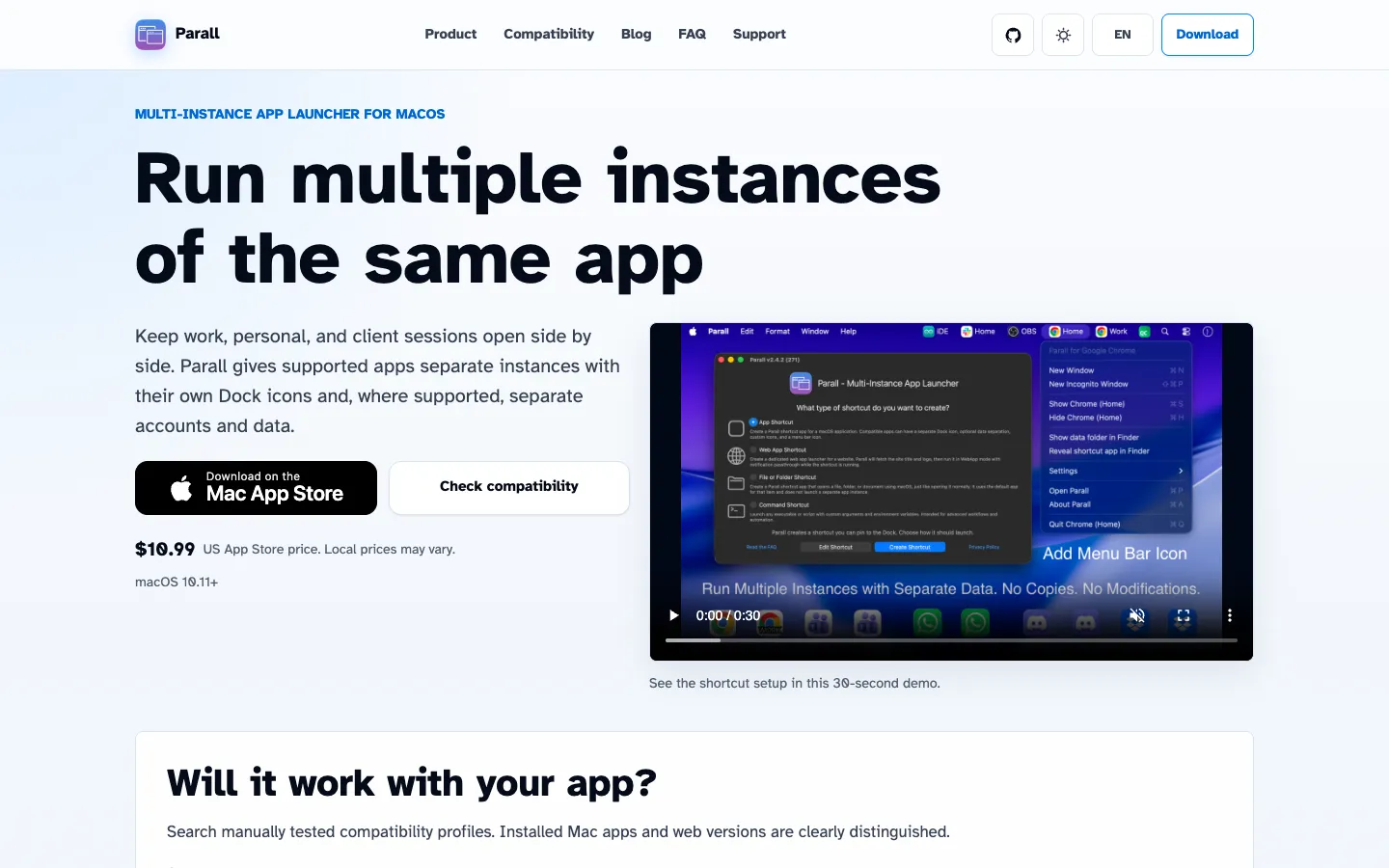
About Parall.
Parall lets you run more than one instance of the same Mac app at a time, each with its own name and Dock icon, and its own accounts and data where the app supports it. You can keep a work and a personal Claude or Chrome open side by side.
Each instance is a small shortcut that starts the app you already have installed. Parall never copies, patches or re-signs it, so the app's own updater keeps working. It can also turn websites into separate web apps and make launchers for files, folders and command-line tools.
Features.
Multiple instances: Make a shortcut for each instance with its own name, Dock icon and Space. Shortcuts can show up in Open With or be set as a default app.
Separate data and accounts: Give each shortcut its own data folder. Parall sets this up on its own for Chrome, Firefox, Electron and Eclipse based apps, sandboxed ones included, and offers a HOME folder override for other compatible apps.
Original app untouched: Shortcuts launch the installed app as it is, with its signature and updater intact. After the app updates, your shortcuts use the new version once restarted.
Restart app after it exits: New in version 2.5.0, this relaunches apps such as Claude after they update while idle, so they keep running in the background.
Web App Shortcuts: Turn any website into a native app built on Safari's WebKit engine, with its own data folder, notifications and Dock badges. WhatsApp and Microsoft Teams come ready to use. Passkeys don't work in this mode.
Menu bar icons: Add an optional menu bar icon to any shortcut while its app is running.
Command-line and file launchers: Run command-line tools from the Dock with your own arguments and environment variables, or make shortcuts that open files and folders.
Dock styling: Each shortcut can have Dock effects, a text label on its icon, an icon taken from any app or file, and its own Light, Dark or system appearance.
Compatibility profiles: The developer tests apps by hand and publishes which ones are verified or partly supported. Download Compatibility Settings applies the right setup for an app in one click.
Clean on quit: A shortcut can erase its data folder when it quits, which helps on shared or classroom Macs.
iPhone and iPad apps: On Apple silicon, Parall can make limited shortcuts for iPhone and iPad apps, without separate data or their own Dock icon.
Privacy: There are no background services and no automatic telemetry. The only network request is the optional compatibility download.
Pricing.
Parall costs $10.99 on the Mac App Store, paid once.
All features
No in-app purchases
Family Sharing for up to six family members
Email support before buying and the developer will test whether your app works
What users love.
Work and personal side by side Users like keeping separate work and personal logins open without juggling profiles.
It runs the original app Several people say launching the installed app instead of a clone is what sold them, and some plan to switch from tools that copy the app.
More than one Claude A number of buyers got it to run several Claude desktop apps at once and say it works as advertised.
Quick setup Buyers call it easy to set up. One had been trying to do the same thing by hand with Firefox and Chrome.
Sandboxed and fairly priced People like that it's sandboxed, sold through the App Store and priced fairly.


