
Skip to content
macappstoday
  • Today’s appsThe apps launching today
  • CategoriesBrowse by what apps do
  • ArchiveEvery day so far
DealsBlack Friday dealsSubmitSubmit your App
Feather Drive app icon
Launched Nov 23, 2026

Feather Drive

Open Google Drive and Dropbox files in Finder without downloading
PricePaidSee pricing
CategoryUtilities ›
RequiresmacOS 26or later
LaunchedNov 232026 ›
Feather Drive screenshot

About Feather Drive.

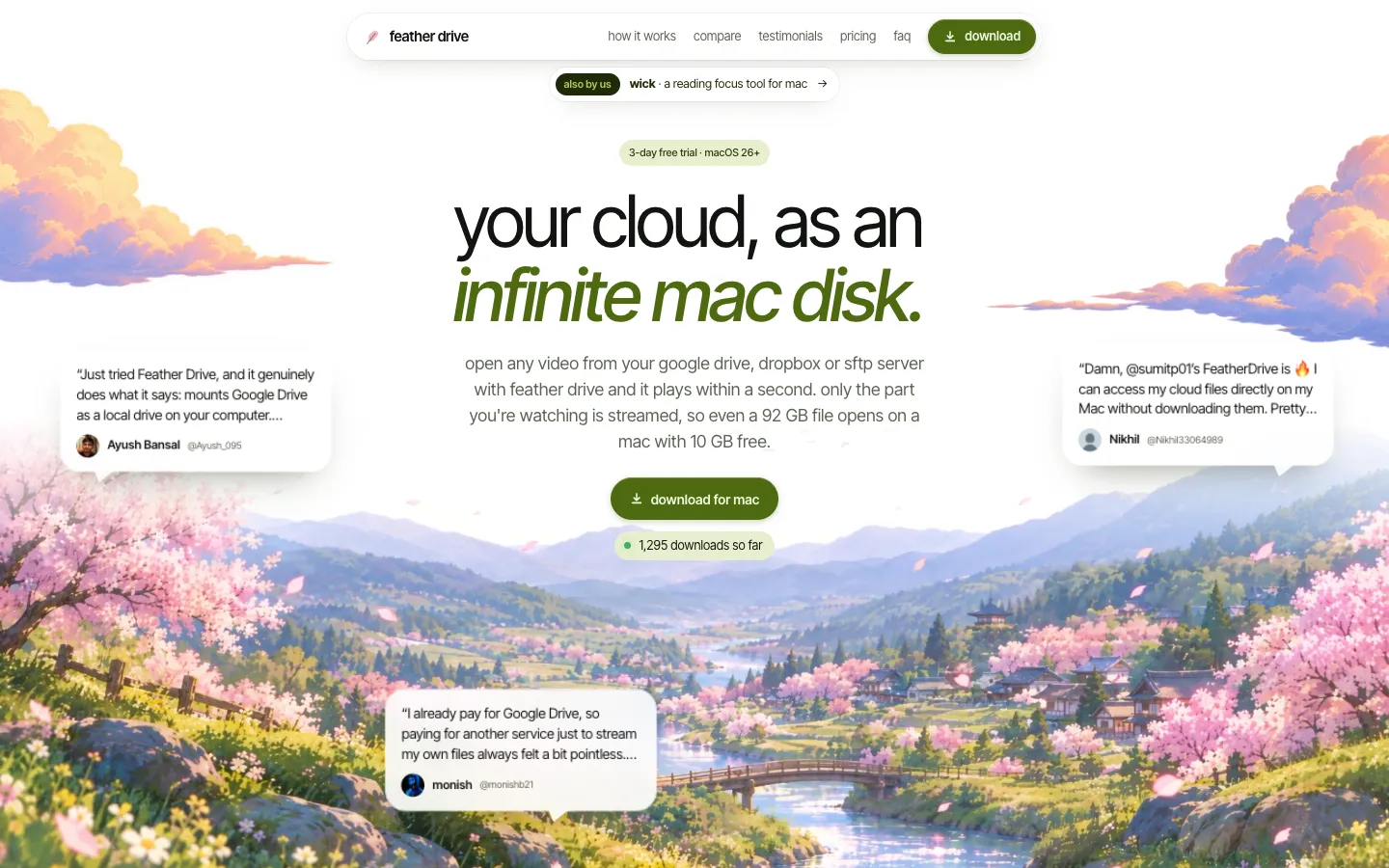
Feather Drive puts your Google Drive, Dropbox and SFTP servers in Finder as one drive, with a folder for each account. Files show up at zero bytes on disk, and when you open one, the app reads only the parts it needs instead of downloading the whole thing.

A 3 GB video starts playing in about a second, and a 92 GB file opens on a Mac with 10 GB free. It works with video editors, photo apps and players such as Final Cut Pro, DaVinci Resolve, Premiere Pro, Lightroom, VLC and IINA.

Features.

  • Streaming on demand: Each app reads only the byte ranges it asks for, so big files open fast and never fill your disk. A cache keeps recent pieces ready, and you set its size limit in Settings.

  • Google Drive, Dropbox and SFTP: Connect as many accounts as you like. Version 1.1 added SFTP, so any server you can reach over SSH, with a key or a password, shows up in Finder next to your clouds.

  • Uploads from Finder or the menu bar: Copy files into the drive or drop them on the menu bar icon. Uploads resume after sleep or a lost connection, and you can cancel one from its pill.

  • Optional encryption: Turn on end-to-end encryption (AES-256-GCM) with keys stored in your Mac's Keychain and a 24-word recovery key.

  • Quick search: Press Control-Option-F in any app to search the whole drive.

  • Share links: Press Command-Shift-C to copy a share link. The encryption key stays inside the link.

  • Menu bar palette: See how much of each cloud and server you've used. Feather Drive also shows in the Dock, and "hide from dock" keeps it in the menu bar only.

  • Narrow permissions: It asks Google only for files it creates, uses only an app folder in Dropbox, and touches only the folder you pick on an SFTP server.

  • Needs a connection: Your files live in the cloud, so opening them needs internet. Files you add while offline queue and upload later.

Pricing.

Feather Drive costs $19.99 for a lifetime licence, paid once, or $4.99 for 30 days. Every plan starts with a 3-day free trial of all features, with no card.

  • Lifetime: up to 3 Macs, free updates for every 1.x version

  • 30 days: 1 Mac, every update during the 30 days

  • When the trial ends, adding or changing files needs a licence straight away, and your files keep opening in Finder for 7 more days

  • Encrypted files always open

  • Refunds: email within 2 days of buying for a full refund

  • You pay Google or Dropbox for storage separately, if you need more space there

Questions.

What is Feather Drive?
Feather Drive is a utility that adds Google Drive, Dropbox and SFTP servers to Finder and streams files as you open them instead of downloading them first.
Is Feather Drive free?
No. It has a 3-day free trial, then costs $19.99 once for a lifetime licence on up to 3 Macs, or $4.99 for 30 days on one Mac. The terms describe the monthly plan as renewing, so read them before you buy that option. You can get a full refund by emailing within 2 days of buying.
Does Feather Drive work on my Mac?
It needs macOS 26 Tahoe or later and can't run on earlier versions. Feather Drive doesn't say whether it runs natively on Apple silicon or supports Intel Macs, and it doesn't list a download size. You turn it on once in System Settings under File System Extensions.
Is Feather Drive available for Windows or iPhone?
No. Feather Drive is Mac only, and its website doesn't mention a Windows or iPhone version.
Where can I download Feather Drive?
From the developer's website, featherdrive.app. It isn't on the Mac App Store. Sumit Paul, an independent developer in India, makes it, and the latest version is 1.1.0, released November 11, 2026.
Is Feather Drive safe?
Feather Drive asks you to switch on its file system extension in System Settings. It asks Google for access only to files it creates, uses only an app folder in Dropbox, and reads only the SFTP folder you choose. The developer says it sends a licence check, an update check and anonymous usage stats with no file names or contents, and you can turn the stats off in Settings. There's no public source code.
How do I add Google Drive to Finder on my Mac?
Feather Drive does it by mounting your Google Drive as a drive in Finder, with a folder for each account, and streaming files when you open them. Sign in to Google, then switch on the drive in System Settings.
Does Feather Drive work offline?
No. Opening a file needs an internet connection, because the files stay in your cloud and not on your Mac. Files you add while offline queue up and upload when you're back online.

More in Utilities.

