Calyvento
Get desk exercise and eye break reminders timed around your work
About Calyvento.
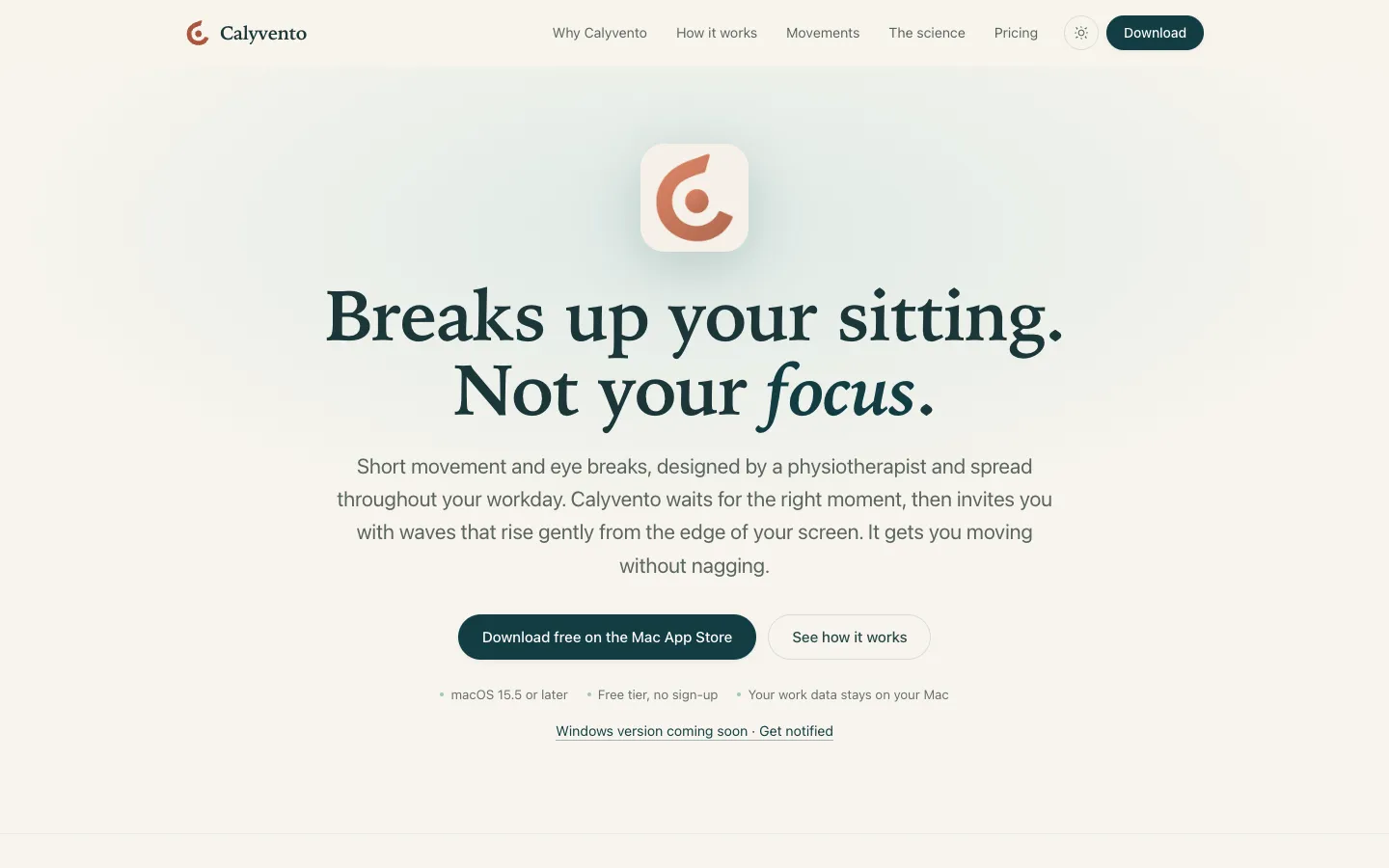
Calyvento spreads short movement and eye breaks across your workday. It waits for a good moment, then shows waves that rise gently from the edge of your screen and get a little more noticeable until you respond. One click starts the break and one click snoozes it.
The exercises were designed by a physiotherapist, the developer says, and cover the neck, shoulders, lower back, wrists, legs and eyes. Each comes with a video to follow along.
Features.
Finds the moment: Calyvento counts the breaks you really take and waits while a known meeting app is using your microphone. Idle time is read from the time since your last keyboard or pointer input.
Waves from the edge: The break invitation rises from the edge of your screen and nothing turns red. On battery, Liquid Glass shows instead of the wave, and it follows Reduce Motion.
Exercises: There are 36 movements and 13 ready-made sets, each with a duration, repetitions and a weekly schedule. You follow along with a video, spoken cues and step and breath guidance. You can also pick from 12 common desk complaints.
Eye and breathing breaks: Eye breaks following the 20-20-20 rule and breathing exercises are always free.
While AI thinks: When an AI app is in front and you stop typing, Calyvento suggests a movement. AI used in a browser isn't covered. You can turn this off in Settings or add apps like Terminal.
Menu bar: Shows today's goal, what's done and what's next.
See your day: Time at work, breaks taken, apps used and your longest stretch without a break, plus work areas to see time per project.
Shortcuts, Siri and Focus: Start a break from Shortcuts or Siri, or add Calyvento to a Focus so invitations stay quiet. It stays off your screen share in meetings.
Languages and privacy: It comes in 14 languages and needs no account. It never asks for Accessibility or Screen Recording permission. Anonymous usage and crash data is on by default and can be turned off in Settings.
Pricing.
Calyvento is free to use, and Calyvento Plus costs $3.99 a month or $29.99 a year, with 7 days free on both.
Free: 5 movements in your pool, two ready-made sets, eye and breathing breaks, tracking and statistics, both invitation styles, the last month of history and one work area, with no account or card
Plus: an unlimited movement pool, all 13 ready-made sets, your whole history and unlimited work areas
Family Sharing lets up to 5 family members use Plus at no extra cost
Plus renews automatically unless you cancel at least 24 hours before the period ends
Prices are US prices and vary by country or region
What users love.
The exercise screen Early users like how the exercise screen is designed and say the voice guidance works well.
The gentle prompt One user liked that the app suggests an exercise with a wave from the side of the screen instead of a loud alert.
Meeting handling One user called waiting while the microphone is in use a sensible way to handle meetings.


