Biscotti
Record meetings and get speaker-labeled transcripts on your own Mac
About Biscotti.
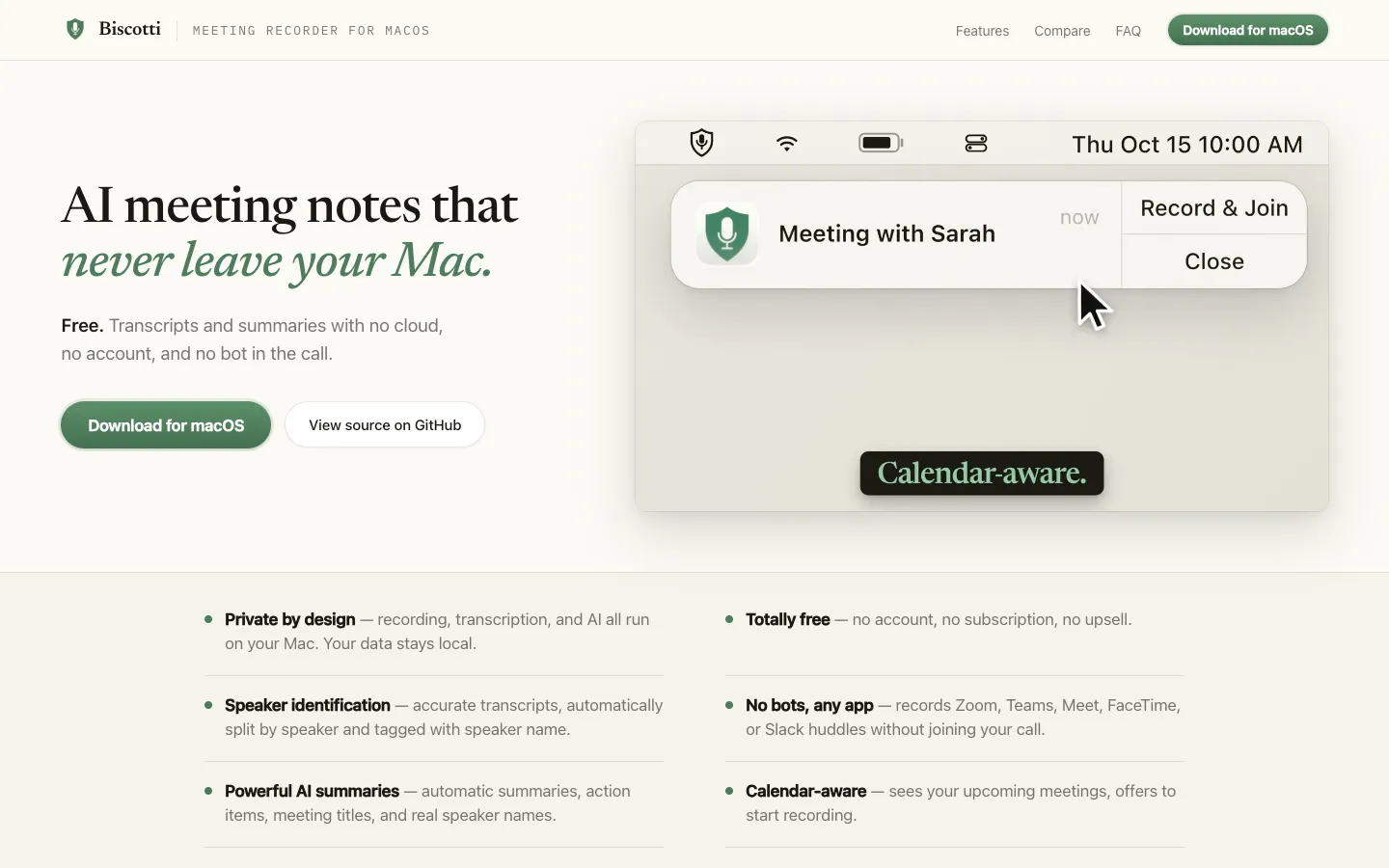
Biscotti records your meetings and turns them into transcripts with a label for each speaker, plus a summary and action items. Recording, transcription and the AI that writes the summary all run on your Mac, so your audio isn't uploaded.
It works with Zoom, Teams, Meet, FaceTime, Slack huddles and Webex without a bot joining the call, and it can record in-person conversations through your microphone. It's free, with no account or subscription.
Features.
Records any meeting app: Biscotti captures your microphone and your Mac's system audio, so nothing appears in the call and other people aren't notified. It only records when you click record.
Speaker labels: The transcript is split by speaker and tagged with names. Biscotti compares each voice with speakers from your past meetings and keeps those voiceprints on your Mac.
Summaries and action items: A local AI model writes a summary, pulls out action items, suggests a meeting title and works out who's who.
Calendar-aware: It reads any calendars you've connected to the Apple Calendar app, offers to record your next meeting and stops when the call ends. It spots meetings by watching which apps are using audio, without listening to what they play.
Voice isolation: Your microphone and everyone else are captured as separate, clean channels, so there's no echo.
Markdown notes: Jot notes during the meeting and each one is linked to the moment you wrote it.
Custom vocabulary: Add names and jargon so uncommon words are transcribed correctly.
Many languages: Transcription supports 99 languages and summaries support 35 or more.
Chat through MCP: Connect an app such as Claude Desktop or LM Studio and ask questions about your meeting notes.
CSV import and export: Version 1.0 added CSV import and export of your meetings. Version 1.1.0 lets you pick a custom menu bar icon.
Privacy: Nothing is uploaded and there's no account. Biscotti downloads its AI models the first time you run it, then works fully offline.
Pricing.
Biscotti is free.
All features
No account
No subscription
No upsell
Source available under the PolyForm Perimeter License
What users love.
Works on the first install One user ran it on an M1 Mac mini with 16 GB of memory and said it recorded an important meeting beautifully on the first try. They had spent hours trying to get a similar app working.
A Granola replacement A user who tried it for two days said it had taken over about 90% of what they used Granola for, and that searching past recordings made it better.
Does the job without fuss Someone who has used it for a couple of weeks says they like it very much and that it does the job with no fuss.
Requests get built A user who asked for a feature said it showed up in a later release.


