Mowji
Add emoji anywhere you type with a colon and a word
About Mowji.
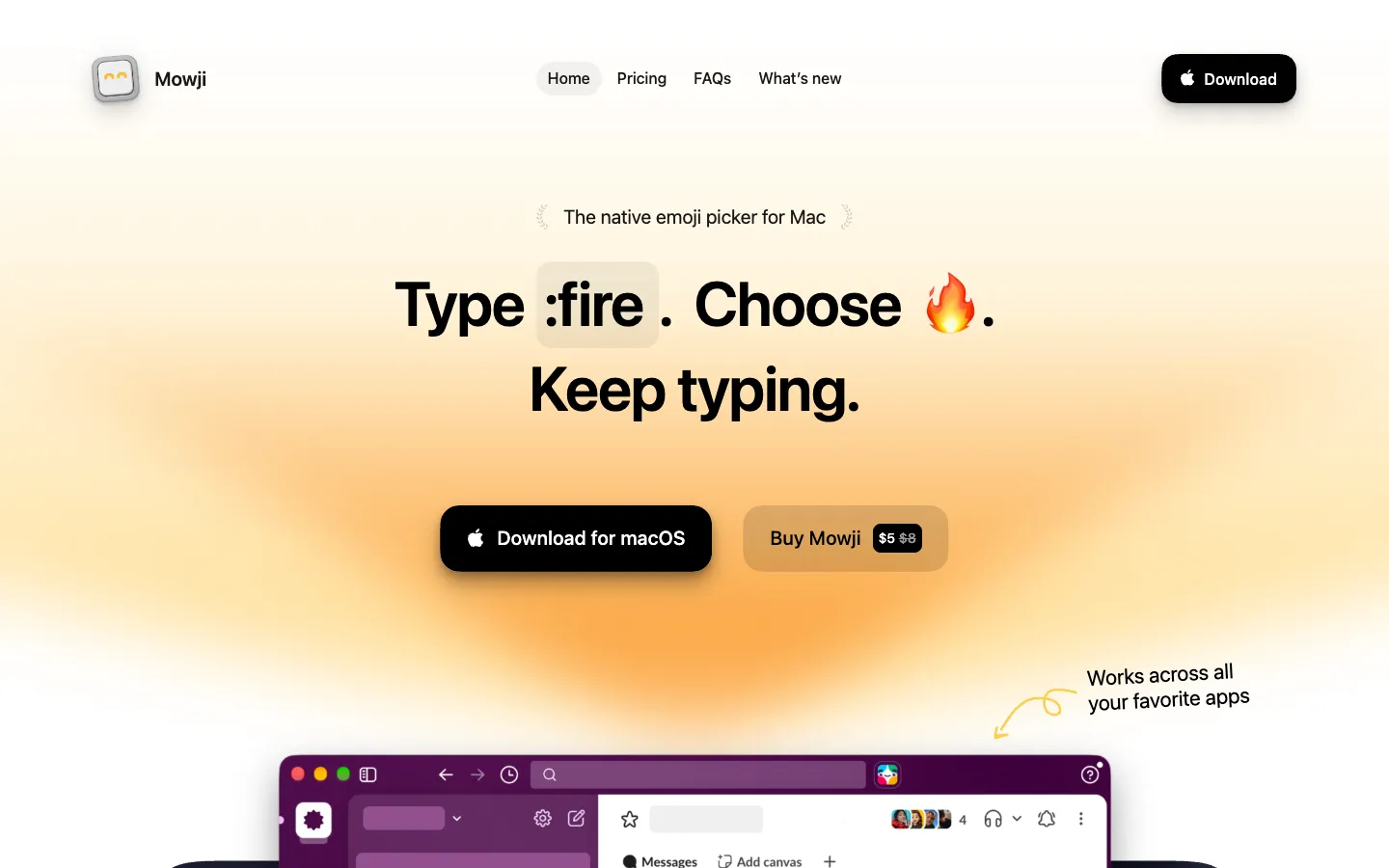
Mowji lets you insert emoji anywhere you type on your Mac by typing a colon and a word. A small picker opens where you're typing, you choose an emoji with the arrow keys, press Return, and carry on writing.
Your Favorites show first, and Mowji learns which emoji you use. The search copes with typos and plain words, so you can find an emoji without knowing its official name, and you can give the ones you use most a word of your own.
Features.
Colon trigger: Type : and a word, move through the results with the arrow keys and press Return to insert. Escape closes the picker. If the colon gets in your way, pick another trigger character in Settings.
Favorites first: Save up to 30 Favorites and drag them into the order you like. They're the first thing you see when the picker opens, and you can add one straight from the picker.
Learns what you use: Mowji notices the emoji you pick, so everyday searches bring up the ones you actually use.
Forgiving search: Results are ranked by relevance and survive typos like ":rokcet". You can also combine words, so "crylaugh" finds 😂 and "womanchef" finds 👩🍳.
Custom aliases: Give an emoji a word you'll remember, such as "shipit" for 🚀 or "lgtm" for 👍.
Hide emoji: Remove any emoji you never use from the results for good. One switch hides all the cat-face emoji at once.
Skin tone: Choose a preferred skin tone once and Mowji applies it to every emoji that supports one.
Full emoji browser: The picker stays compact while you type. Press the down arrow to open the full browser when you want to look around.
Several at once: Shift + Return (or Shift + click) inserts an emoji and keeps the picker open for the next one. Command + C copies the selected emoji instead.
App Exclusions: Mowji is paused by default in terminals, code editors and similar apps, and you can add or remove apps from that list. It also stays out of password fields that macOS marks as secure.
Works in web editors: Version 1.1.3 opens the picker at your cursor in Google Docs and made inserting more reliable in Notion and Figma. In apps that don't report the cursor position, such as some Electron apps, the picker opens near the text field instead.
Emoji 18: The newest emoji are ready to use as soon as your version of macOS can show them, and emoji your Mac can't display don't appear as broken symbols.
Privacy: Searches run on your Mac without AI, so finding emoji works offline. There's no account. Mowji sends one installation event on first launch, and usage analytics and crash reports each have their own switch in Settings.
Pricing.
Mowji costs $5, paid once. That's a launch price for the first 100 licences, after which it goes back to its regular $8.
All features
Updates included
No account and no subscription
One licence covers up to 3 Macs
Free trial of 150 emoji insertions
Full refund within 7 days, no reason required
What users love.
A fix for the built-in picker Several early users say the Mac's own emoji picker buries the handful of emoji they use every day, and that Mowji finally sorts this out. One called it an instant purchase.
Looks and feels like a Mac app People single out the polished, native design. One user who rarely types emoji said the polish alone was a pleasure to see.
A fair price Buyers call the one-time price reasonable, and one said the low launch price makes it easy to try and support.
Favorites first Users like seeing their usual emoji the moment the picker opens, before any search.