ReCopied
Find and paste anything you've copied, or queue it up to paste in order
About ReCopied.
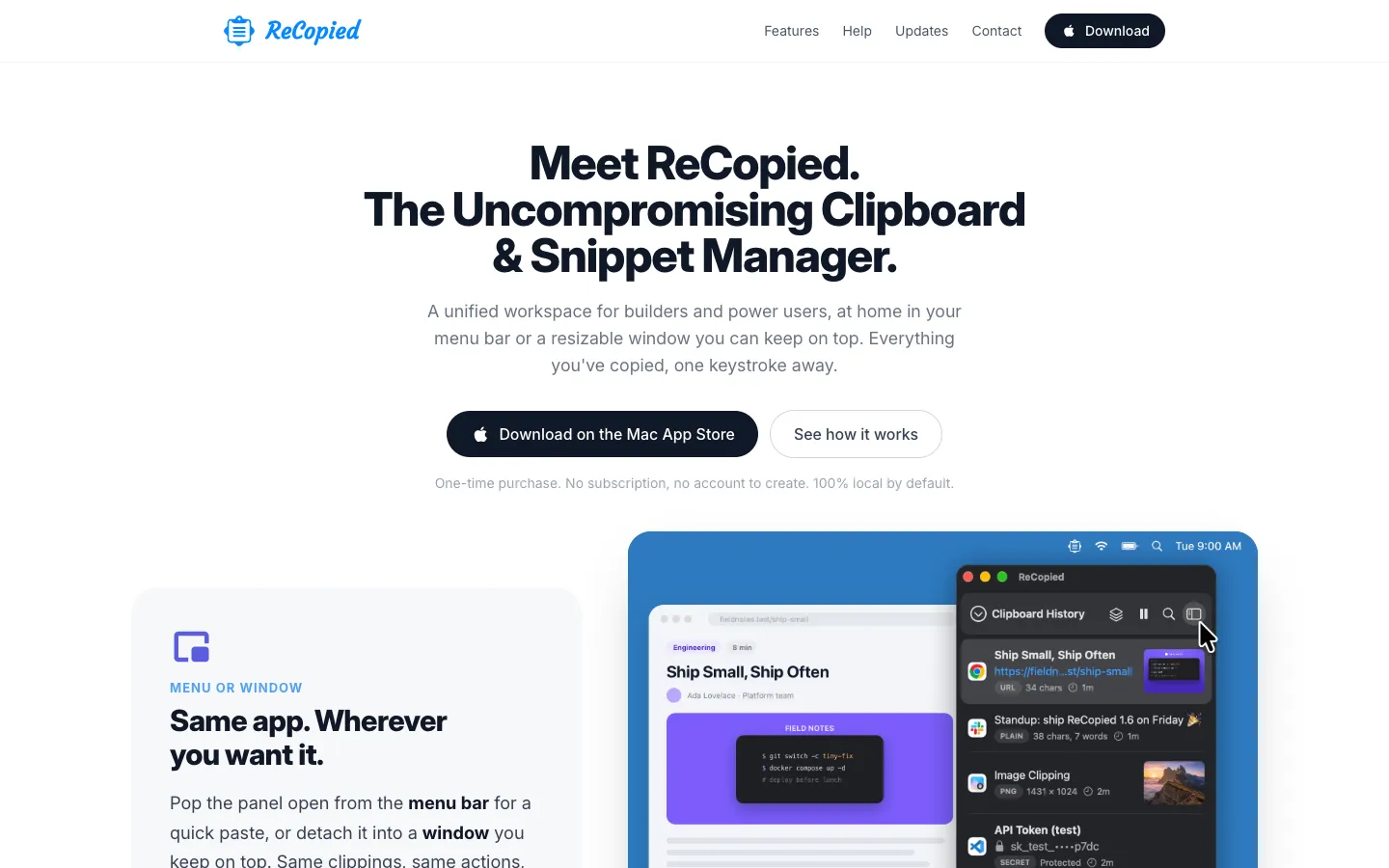
ReCopied keeps a history of everything you copy on your Mac, including text, links, images, files and colors, so you can search for it and paste it again. Press Shift Command V in any app to open it.
It works from the menu bar or from a window you can keep on top, with the same features in both. You can save clippings to lists, set rules for what gets kept, line up several items to paste in order, and reformat text as you paste.
Features.
Clipboard history: Every copy is saved: plain and rich text, links, images, files and colors. Start typing to search titles, text, links or types like JSON or color.
Menu or window: Open the panel from the menu bar for a quick paste, or detach it into a window that stays on top. Both show the same clippings and actions.
Clip Lists: Keep clippings you use often in lists that never get trimmed from history. Jump to a list with Command 1 to 9.
Capture Rules: File a copy into a list or skip it based on the app it came from, a text pattern or its type. Right-click a clipping to make a rule.
Clip Queue and Auto Queue: Line up several items and paste them one after another. With Auto Queue on, everything you copy joins the queue and plain Command V pastes them in order. Step Back puts the last item back if it landed in the wrong field.
Split into Clippings: Break a copied block into pieces by line, tab, comma or your own separator, and send them to the queue. CSV values in quotes stay together.
Formatters and Merge: Over 50 built-in formatters clean up text, pretty-print JSON, change case, encode or decode, and turn lists into Markdown. Merge several clippings into one with a live preview.
Smart clippings: Colors show HEX, RGB and HSL values, timestamps read as dates, links can become QR codes and text in copied images can be copied out.
Paste to the active app: Optionally paste a clipping straight into the app you're using. It's off by default.
Make it yours: Adjust row density, font size, labels, source icons and the menu height to suit your screen.
Optional iCloud sync: Sync Clip Lists, Formatters and Rules across your Macs through your own iCloud. Your history stays on the Mac.
Privacy: Everything stays on your Mac by default, with no account, analytics or tracking. Copies from password managers are skipped, and anything that looks like a payment card or API key is masked.
Pricing.
ReCopied costs $9.99, paid once, on the Mac App Store.
All features included
No subscription and no in-app purchases
No account to create
What users love.
One interface everywhere Users like not having to choose between a quick view and a full view, since both work the same.
The paste queue People who paste several items in a row single out the queue. One user who relied on another paste-queue app says ReCopied replaced it.
Paying once Some users were sold on the one-time price alone.
Text from images Early users like being able to copy text out of a copied screenshot.
A helpful developer One user says the developer helped them get it working.


