Inkline
Open, format and edit huge JSON, log and CSV files on your Mac
About Inkline.
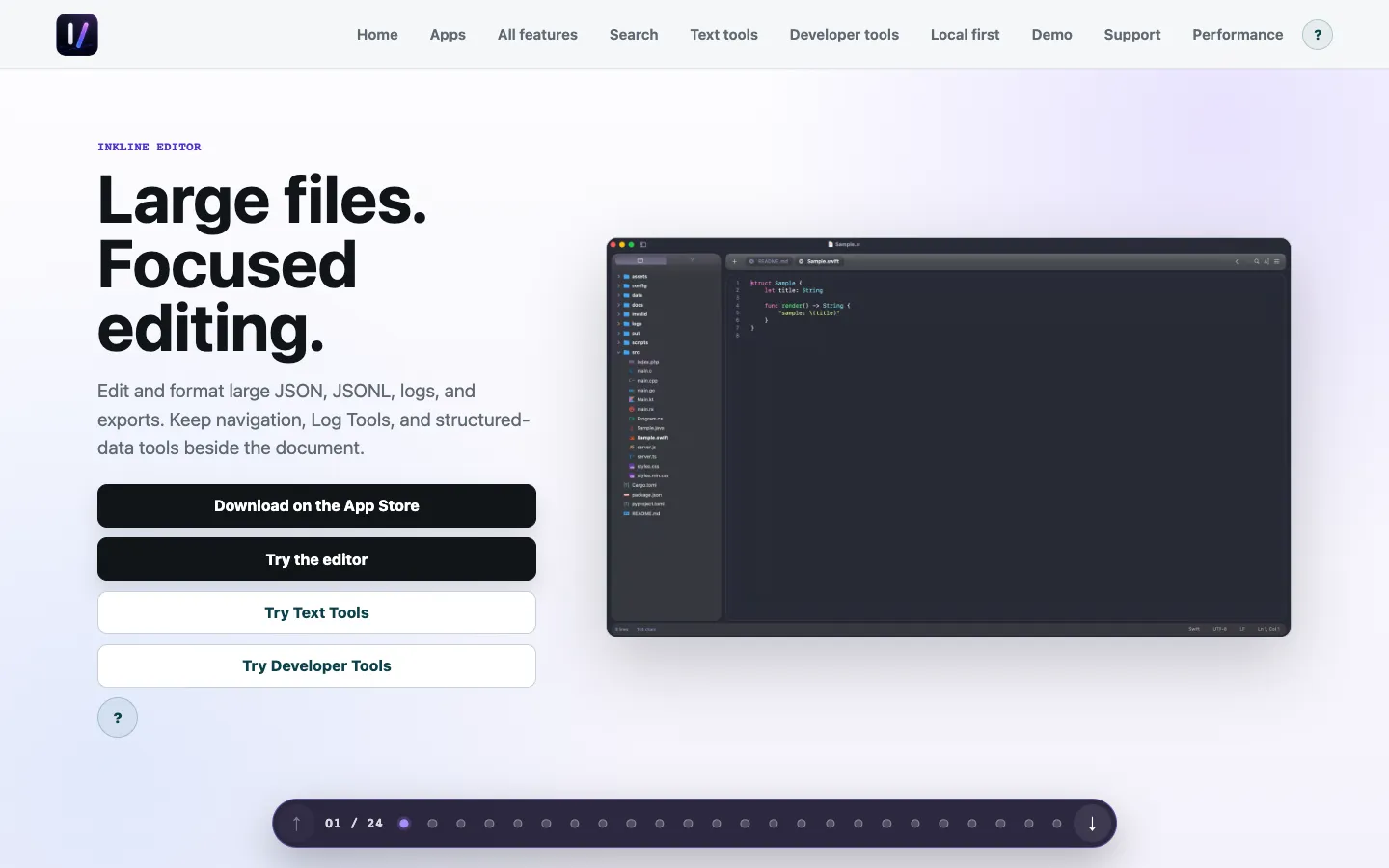
Inkline is a text editor for Mac that's built for large JSON, JSONL, CSV and log files. You can open, search, edit and pretty-print them, and the developer says files with millions of lines stay usable.
Around the editor sit 79 text commands, log filters and ten developer tools such as Regex, Diff and a cron checker. For project work it also has a terminal, a Git changes panel and split editors.
Features.
Large files: Open multi-million-line JSON, JSONL, logs and exports. The developer says searches in very large files read the file in chunks in the background, and you can cancel them.
Formatting and conversion: Pretty-print or minify JSON and XML, and format HTML, CSS and SQL. Convert between JSON, JSON Lines, CSV and TSV, and preview a conversion before you accept it. Syntax repair suggests fixes for broken structured files, and you confirm them.
Text Tools: 79 commands that work on a selection or the whole file. They sort and deduplicate lines, change case, encode and decode Base64, JWT, URLs and hex, make hashes and UUIDs, and convert dates and number bases.
Log Tools: Keep or remove lines by text or regex, spot repeated messages, highlight errors and warnings, and show only the first or last lines. A log-follow mode keeps up with a growing file.
Developer Tools: Ten built-in tools: Regex, Diff, Markdown, Password, QR Code, File Base64, File Converter, File Integrity, Unicode Inspector and Cron. The File Converter always asks where to save its output.
Editing: 15 syntax definitions come bundled, and optional Zed-compatible extensions add languages such as C, C++, C#, Kotlin, PHP and Rust. You also get Find in Project, Go to Exact Text for case-sensitive jumps, a minimap, tabs, a command palette and session restore.
Terminal, Git and split views: Run commands in a terminal beside your file, review changes in a Git panel and keep two editors side by side.
Safe saving: The developer says Inkline writes to a temporary file first and swaps it in for the original at the end. That doesn't fully protect against a power cut or every cloud storage problem.
Privacy: The App Store listing says Inkline has no analytics, telemetry, advertising or crash reporting, and only uses the network when you fetch themes or extensions you choose.
Languages: The interface is available in English, Danish, French, German, Norwegian Bokmal, Spanish and Swedish.
Pricing.
Inkline costs $14.99, paid once on the Mac App Store.
One-time purchase
No subscription
Family Sharing for up to six family members
The website has a free browser demo that simulates some features