Standflow
Get reminders to stand, sit and move at your desk
About Standflow.
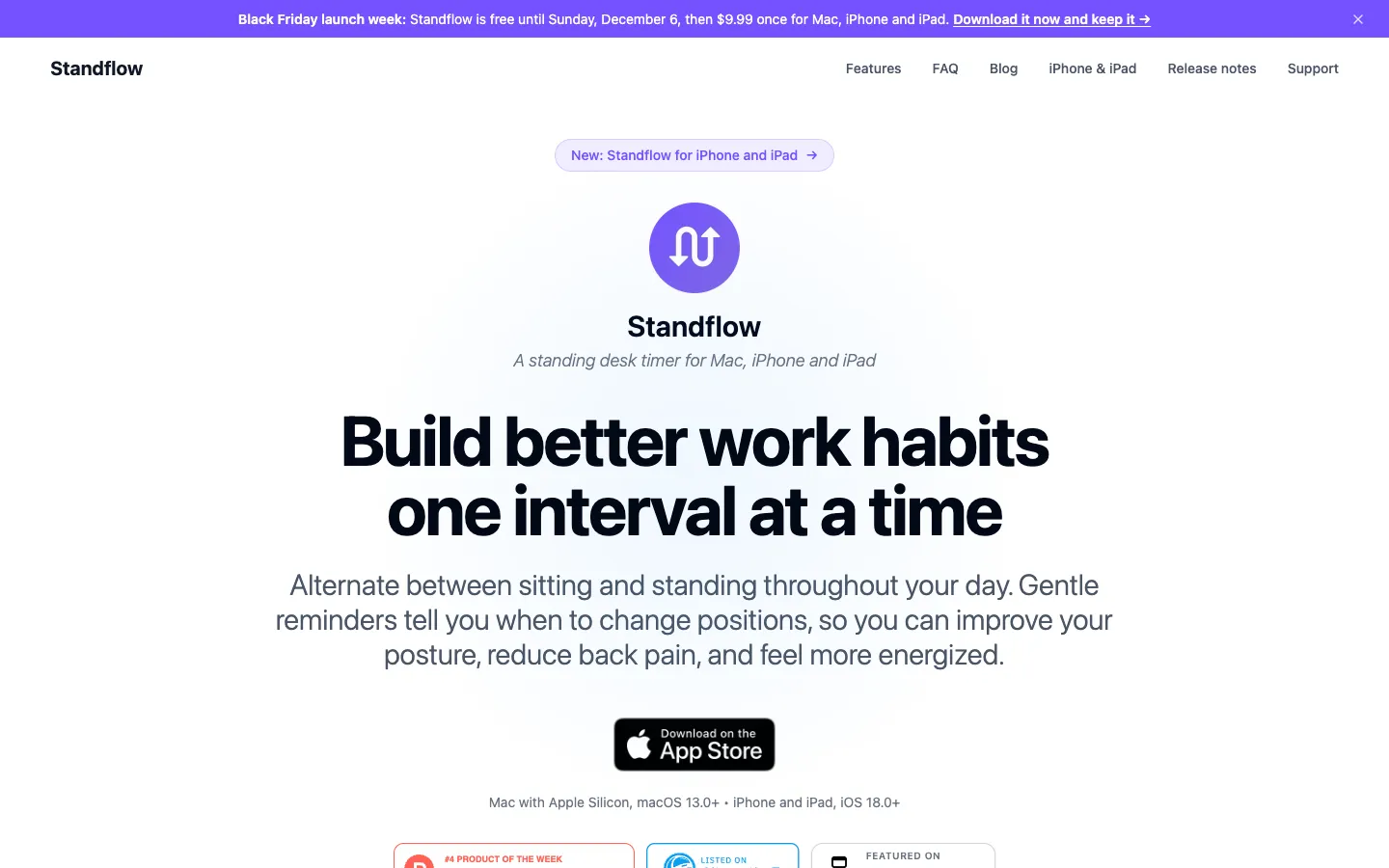
Standflow is a standing desk timer that tells you when to switch between sitting, standing, perching on a tall stool and moving around. You pick a routine, start the timer, and a reminder comes up each time it's time to change.
A small ring in the menu bar fills up as each interval runs, with the time left beside it. You can set a daily standing goal and look back over the last 90 days. There's also an iPhone and iPad app with Lock Screen and Dynamic Island timers, included in the same purchase.
Features.
Four postures: Standing, perching, sitting and moving, in the order you choose. Perching and moving are optional, and each can last from 1 to 60 minutes.
Presets: Start from Easy Start, Balanced or Posture Trio. If you change anything, Standflow saves it as your Custom routine.
Rhythm ring: Your whole cycle is drawn as a ring. Drag a point on it to move minutes from one posture to another while the total stays the same, or set each one with a slider.
Menu bar timer: A ring or pie in the menu bar shows how far through the current interval you are, next to the time left. Click it to start, pause, skip or add 5 minutes, or use Space, N and + on the keyboard.
Reminders: When an interval ends, Standflow can move on by itself with a notification, or ask first. If it asks, a small alert lets you start the next posture, do one more round, get reminded in 5 minutes or stop. You pick the sound and its volume, or keep it silent.
Daily goal: Set how long you want to stand each day and follow your progress in the menu bar, for example "1h 10m of 2h".
Metrics: See your last 7, 30 or 90 days as a chart or a table, including standing time per day, the days you hit your goal, how often you changed posture and your mix of postures.
iPhone and iPad: The same routine runs on its own, without a Mac. A Live Activity keeps the timer on the Lock Screen and in the Dynamic Island, there are Home Screen and Lock Screen widgets, and Dock Mode turns an iPhone on a stand into a full-screen timer.
Accessibility: Standflow follows Light and Dark mode, Reduce motion and Increase contrast. Posture colors are chosen to stay distinct for people with color blindness, and each posture also shows its name or minutes.
Works with any desk: It needs no special hardware, so it suits electric, manual and fixed-height desks.
Privacy: No account. Your settings and history stay on your device and work offline. Standflow sends anonymous crash reports and anonymous usage stats, and you can turn the usage stats off in Settings.
Pricing.
Standflow is free to download until Sunday, December 6, 2026, and you keep it if you get it before then. After that it costs $9.99, paid once.
Mac, iPhone and iPad in one App Store purchase
No subscription
No account needed


