
FaceScreen
Keep your face and name on screen while you record or present
About FaceScreen.
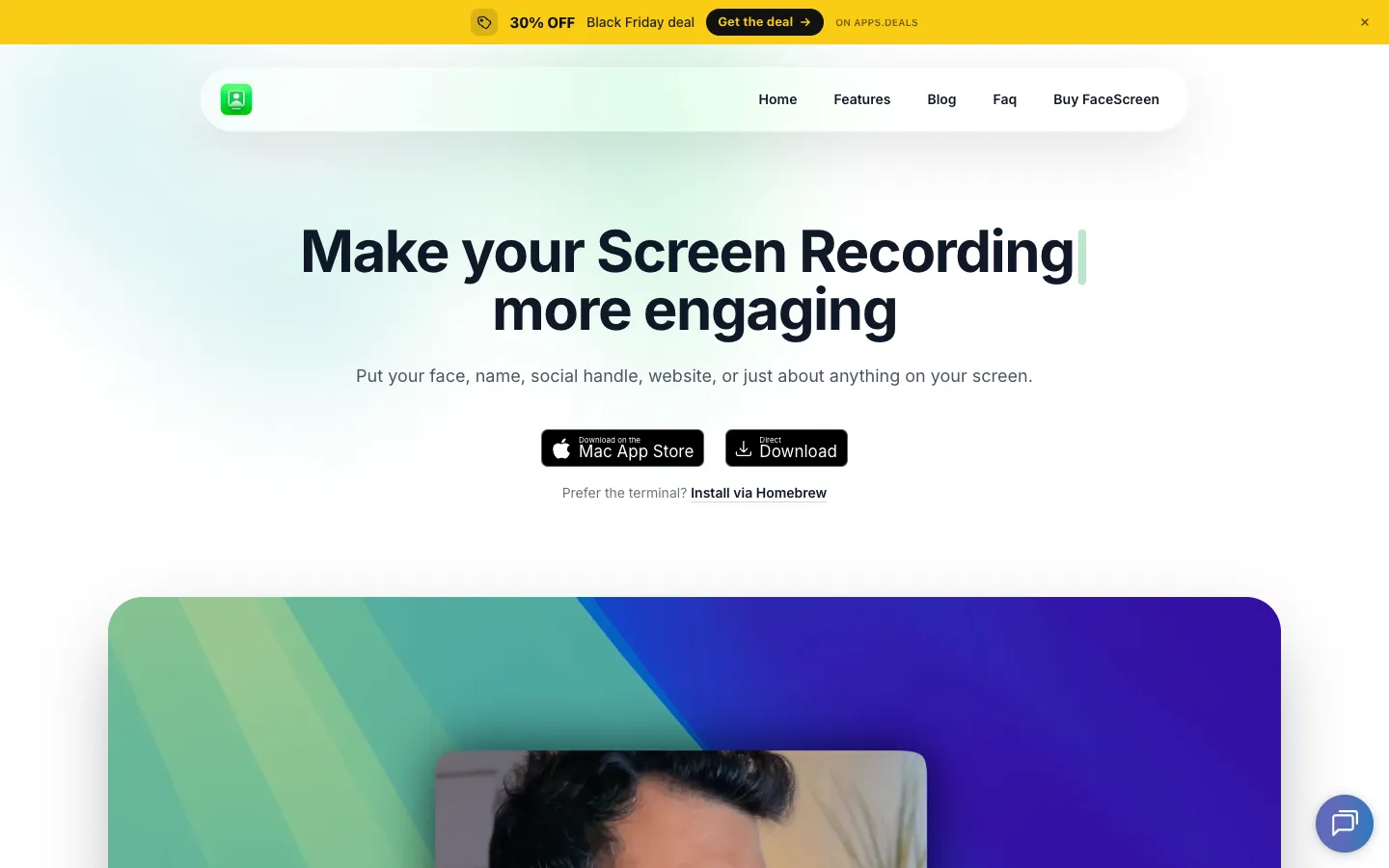
FaceScreen puts a live view of your camera on top of everything on your Mac screen, so your face shows up in any screen recording, presentation or shared screen. You can add a text label under it with your name, website or social handle.
It works with whichever recorder or call app you already use, because it only shows the camera and doesn't record anything itself. On a Mac it lives in the menu bar, and it can also turn your screen into a soft light for your face.
Features.
Camera View: A live camera window that floats above all other windows, including full-screen apps. Turn it on with a click or a keyboard shortcut and drag it anywhere, on any screen.
Shape and look: Change the shape, size, aspect ratio, orientation and corner radius of the camera view. You can also adjust brightness, contrast, saturation and hue, or add a colour tint with Color Multiply.
Text Overlay: Show your name, role, company, website or social handle next to the camera. Pick any font installed on your Mac and set the text and background colours.
Ring Light: Use the screen itself as a soft light for calls and recordings, with adjustable brightness, warmth and glow. This one is Mac only.
Multiple cameras: Show a separate camera view for each camera connected to your Mac. If your chosen camera disconnects, FaceScreen briefly falls back to the default camera and switches back when it returns.
Backgrounds: Change the camera background with the video effects built into macOS.
Keyboard shortcuts: Set your own shortcuts to toggle the camera, change its size and more, which also works with a Stream Deck.
Remembers your setup: Position, size and appearance are saved for the next time you open the app.
iPhone and iPad version: The same floating camera works over other apps on iPhone and iPad through Picture in Picture, and can show the front and back cameras at once.
Privacy: FaceScreen doesn't record, store or process any video or personal data. It only displays the camera overlay.
Pricing.
FaceScreen costs $5.99 on the App Store, paid once.
One-time purchase with lifetime updates
The App Store purchase covers the Mac, iPhone and iPad versions on the same Apple ID
Also sold directly on the website for Mac only, with a licence key
No free trial, but you can ask for a full refund, no questions asked
50% off for businesses and schools buying 20 or more copies through Apple Business Manager or Apple School Manager
What users love.
Simple and customisable One buyer who looked at many similar apps called this the simplest of them and liked how much the floating window can be adjusted.
Works alongside other apps One user was surprised it kept working while recording with voice apps, and said it now helps with their content.