
Lattix
Open your apps, files and websites in a saved layout with one click
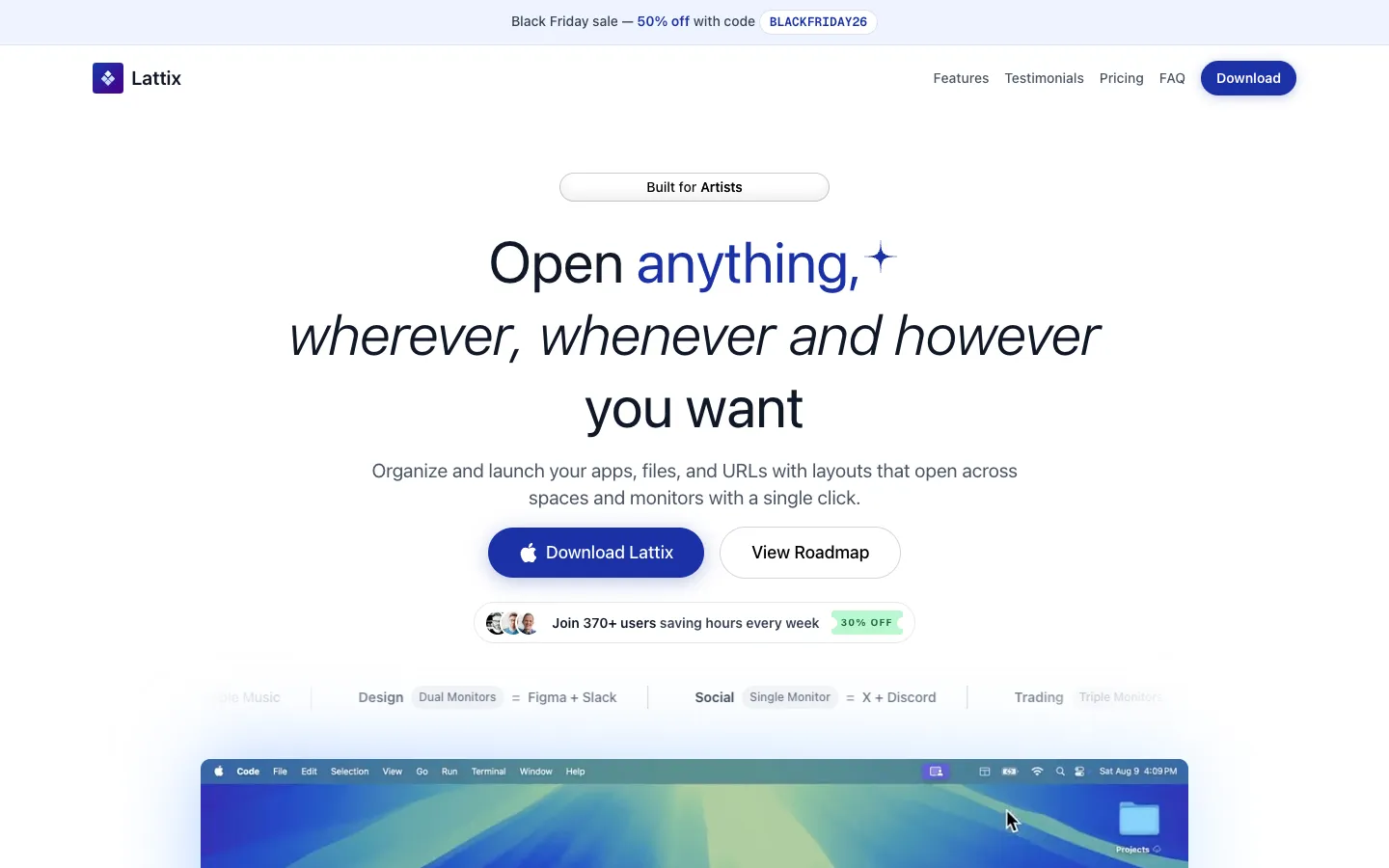
About Lattix.
Lattix saves a set of apps, files, folders and websites as a workspace, then opens them all at once with every window back in its place. One click from the menu bar, or a hotkey, brings back the whole setup, across several monitors and Spaces.
It's for people who switch between projects and rebuild the same desktop each time. Arrange your windows once, save the layout, and Lattix remembers each window's size and position.
Features.
Workspaces: Group apps, files, folders and URLs into a named workspace and change it any time in the workspace editor.
Save from the menu bar: Arrange your windows the way you like and save the setup from the Lattix menu. Lattix records each window's size and position, and you can update a saved layout in one click.
Launch your way: Open a workspace from the menu bar or give it a hotkey.
Layouts: Use a preset layout or a custom one to place every window at the exact size and spot you want.
Multiple monitors: Set a layout for each display. A workspace saved for two monitors only opens when both are connected.
Spaces management: Lattix can create or delete Spaces to match a workspace, name your Spaces and switch between them quickly. It does this on a standard Mac, without turning off System Integrity Protection.
No need to quit first: Restore a layout while your apps are already open, including several windows from the same app.
Browsers and Terminal: Open a browser with a chosen profile and set of web pages, and run terminal commands as part of a workspace.
Privacy: Lattix runs fully on your Mac and doesn't collect, store or send any of your data. The only outside service is the licence check.
Pricing.
Lattix costs $19.99, paid once, for one Mac, or $39.99 for two. Use the code EARLYBIRD to get it for $13.99, or DOUBLEACCESS to get the two-Mac licence for $23.99. During the Black Friday sale, the code BLACKFRIDAY26 gets you 50% off.
All features
Lifetime updates, including new features
No subscription
Larger plans for teams on request
Refund within 7 days of downloading if you run into a problem
What users love.
Ends the daily setup Long-time users say it fixed a chore they repeated every day and makes switching between projects easier.
Works across Spaces on a normal Mac People were impressed that it moves windows between Spaces without relaunching them or turning off system protections.


