
Podium Presenter
Send timers, cues and notes from your Mac to a stage iPad
About Podium Presenter.
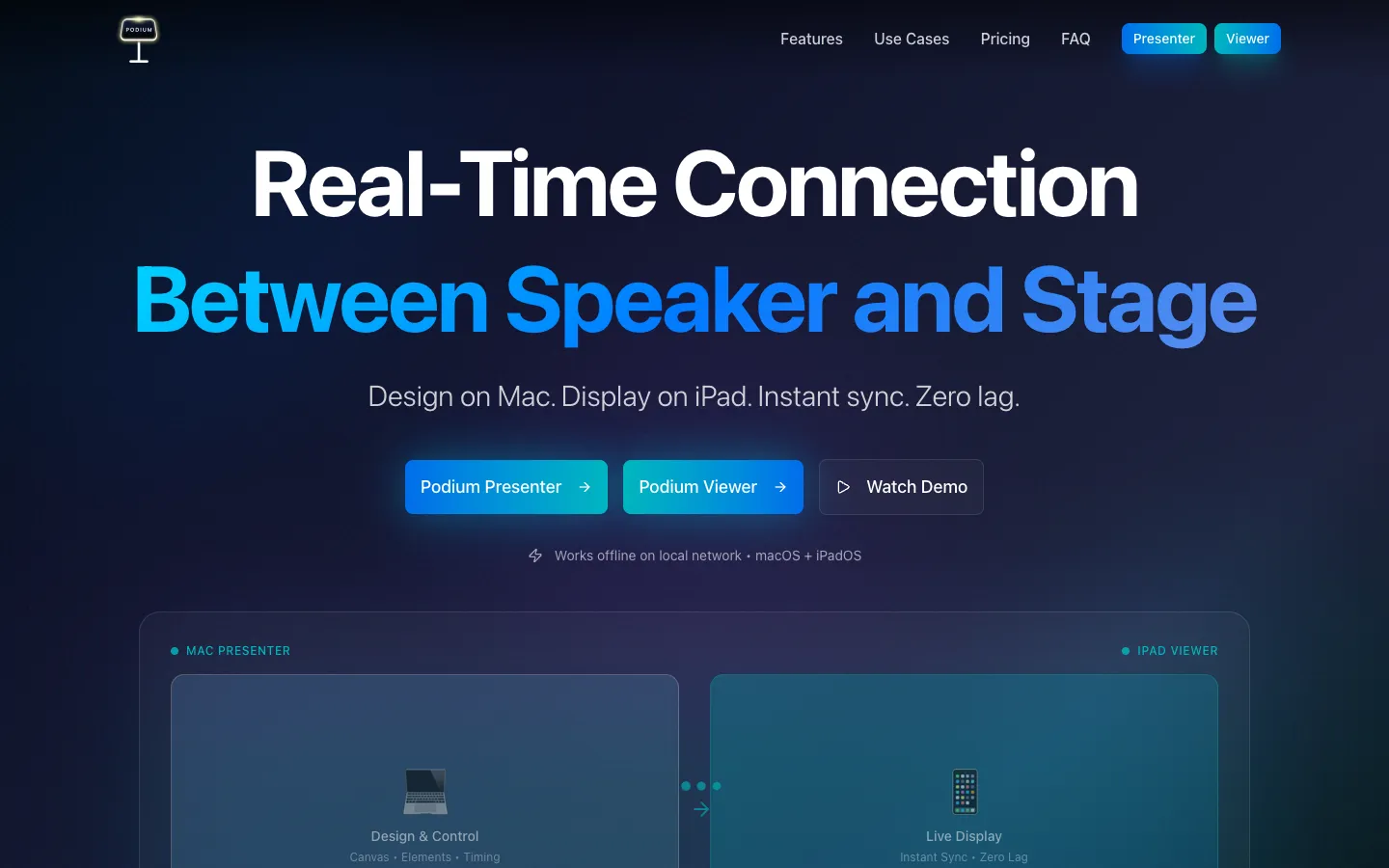
Podium Presenter lets you design screens on your Mac and show them on an iPad or iPhone facing the speaker at a live event. You lay out text, images, timers and clocks, and the free Podium Viewer app shows exactly what you see on the Mac.
The two devices connect over your local network, with no cables, internet or accounts. You can change content while the event runs and send the speaker a flash, sound or buzz when you need their attention.
Features.
Auto-matched canvas: Podium detects the connected iPad's screen resolution and resizes the Mac canvas to match, so the layout you build is the layout the speaker sees.
Instant local sync: The Mac and the Viewer find each other over Bonjour on the same network. No internet connection is needed during an event.
Live viewer: A preview inside the Mac app shows what the iPad is displaying right now, with connection status and device details.
Text: Add several text boxes per slide and set fonts, sizes, styles, colors, backgrounds, alignment, spacing and indents. You can flash a single text element to draw the eye.
Images: Add one or more images per slide, change their opacity, add shadows and lock them so they don't move by accident.
Timers: Run several timers on one slide. Show or hide hours and seconds, add a label, make a timer flash at a time you choose, and start, stop or reset it instantly.
Clocks: Show the time in any timezone, in 12 or 24-hour format, with optional seconds and a custom title.
Alerts and acknowledgements: Trigger a full-screen flash, a sound or a haptic buzz on the Viewer. You can ask the speaker to tap Acknowledge, so you know they saw the message.
Font transfer: If the iPad lacks a font you used, Podium sends it over and removes it again when you disconnect.
Multi-slide support: Build several slides and switch between them during the event. Grid and ruler overlays help with layout, and an idle screen can show your company logo.
Stage Mode and Live Mode: Version 1.0.5 brought a Liquid Glass toolbar, a redesigned inspector with Connect and Disconnect controls, and clearer Stage Mode and Live Mode labels.
Privacy: No account, no ads and no tracking. Your content stays on your own devices and local network.
Pricing.
Podium Presenter has one plan, $69 a year, with everything included.
Unlimited slides, text, images, timers and clocks
Alerts and acknowledgements
Resolution matching and font transfer
Works across macOS and iPadOS
All future updates
The Podium Viewer app for iPad and iPhone is a free download


