Katami
Browse, cull and clean up RAW photos where they already live
About Katami.
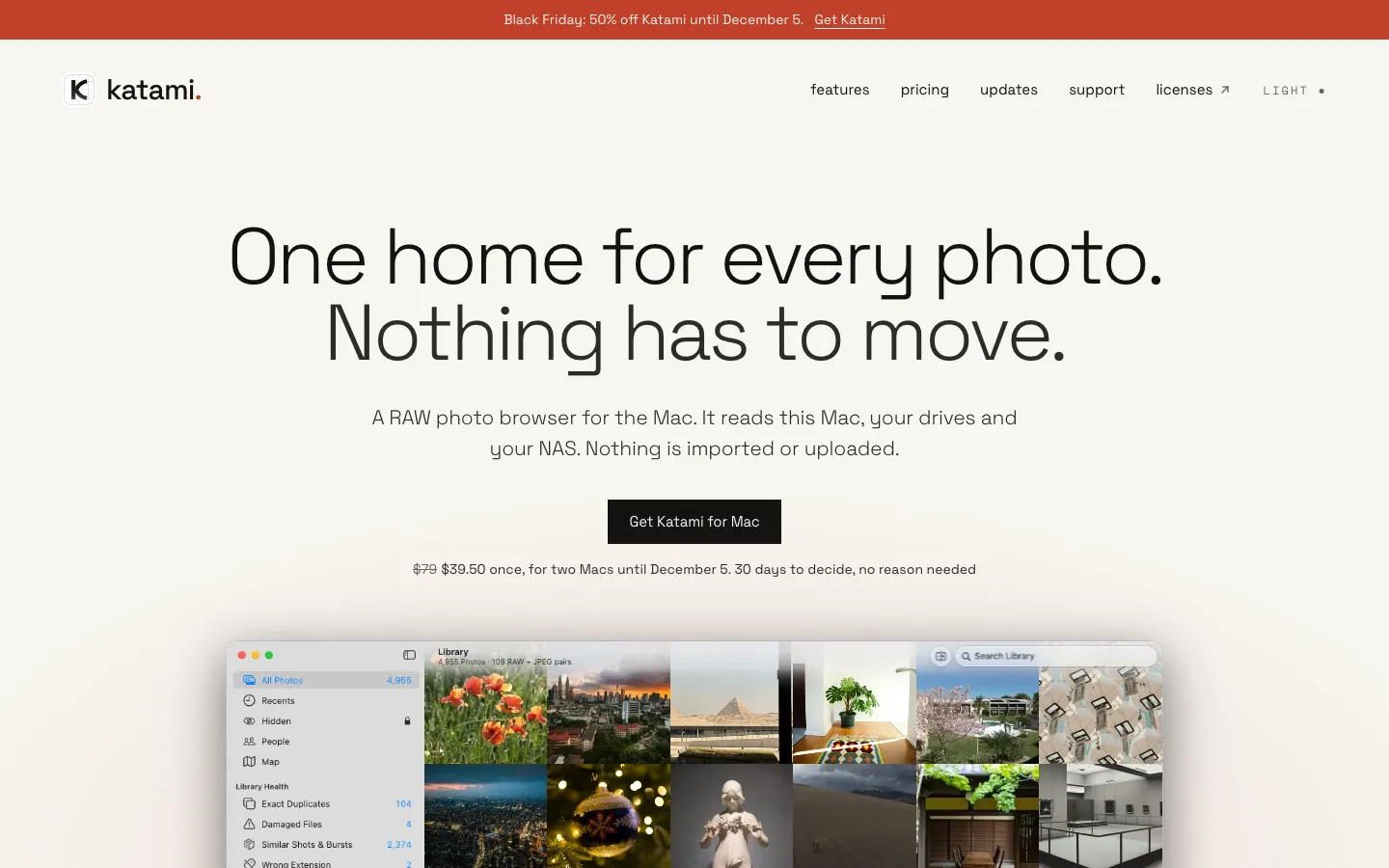
Katami is a RAW photo browser that reads your photos where they already are: on your Mac, on external drives, on memory cards and on a NAS. Nothing gets imported, moved or uploaded. It renders the RAW file itself rather than the small JPEG preview inside it, so you can check focus and clipped highlights with one key.
It also helps with the work around editing. Put in a card and Katami copies and checks every file, groups the shoot into moments and suggests a pick for each one. Library Health finds duplicates, blurred frames and damaged files on old drives. Katami doesn't edit photos. Your picks go to the editor you already use.
Features.
Your folders, left in place: Point Katami at a folder, drive or network share and browse it straight away. It follows changes you make in the Finder, and a drive that's offline still shows its thumbnails.
RAW from the file itself: Katami draws the actual RAW data. More than 60 formats open, from Sony, Canon, Nikon, Fujifilm, Leica, Hasselblad, Sigma Foveon, DJI, GoPro and others. A RAW and JPEG pair shows as one photo, and Live Photos play.
Viewer tools: Nine one-key checks answer questions like "is it sharp?": focus peaking, the camera's AF point, clipping, zebra, exposure from -2 to +2 stops, waveform, false color and more. A loupe follows the cursor at 100, 200 or 400%.
Sessions: Insert a card and Katami copies it to your Pictures folder, checks every file arrived whole and ejects the card without deleting anything from it. It then groups the shoot into moments and proposes a pick for each.
A reason for every out: Each frame Katami sets aside says why, for example softer at the focus point than another frame, eyes closed or too dark. You overrule any call with one key, and Katami never changes a frame you decided on.
Library Health: Katami scans a drive for exact duplicates, similar shots and bursts, blurred or badly exposed frames, damaged files, wrong file extensions and RAW and JPEG pairs. Nothing moves until you agree.
Sensor dust: It counts dust spots across a shoot and tells you whether they were there on an earlier one.
Handoff to your editor: Picks are saved as 5 stars and alternates as 3 stars in XMP sidecars, which Lightroom and Capture One read. You can also export a contact sheet PDF or a CSV of your decisions.
Search: Type a place, lens, camera setting, an object in the frame, text in a photo or a person's name. Each suggestion shows how many photos match and becomes a filter you can combine with others.
People, places and albums: Faces are found and grouped on your Mac, locations can be corrected and written back to the file, and albums tell you how big the set can print and what needs a second look.
Open from the Finder: Right-click any photo and choose Open With Katami to use the viewer without adding it to your library.
Hidden and Trash: Hidden photos and Recently Trashed lock with Touch ID or your password. Deleted photos wait 30 days before they go.
Drag and export: Drag photos into Mail, Messages or any app, or export to JPEG, PNG, HEIC or TIFF with presets and a watermark.
Privacy: Photos are never uploaded, and the face, caption and text models run on your Mac. Katami has no analytics or tracking. The only thing it sends out is a photo's coordinates to Apple Maps, so a pin can show a place name.
Pricing.
Katami costs $79, paid once. Until December 5 it's $39.50 in Katami's Black Friday sale.
Use it on two Macs
Every update for 12 months, then $39 for another year if you want more updates
The app keeps working if you don't renew
No subscription
Students and educators pay half
30-day refund, no reason needed
What users love.
Local and paid once Early users like that everything runs on the Mac with no subscription, and call the feature set interesting for the price.
Reasons behind each call One photographer liked the idea of the app explaining why a frame was set aside instead of just scoring it.