
Skip to content
macappstoday
  • Today’s appsThe apps launching today
  • CategoriesBrowse by what apps do
  • ArchiveEvery day so far
DealsBlack Friday dealsSubmitSubmit your App
ClipTen app icon
Launched Nov 23, 2026

ClipTen

Copy to a number key and paste it back from anywhere

PriceFreemiumFree to start
CategoryUtilities ›
ChipApple silicon
RequiresmacOS 10.15or later
LaunchedNov 232026 ›
ClipTen screenshot

About ClipTen.

ClipTen gives your Mac ten clipboards, one on each number key. Hold Command, press C, then tap a number to save a copy there. Hold Command, press V and the same number to paste it in any app. Normal copy and paste still work as before.

A panel adds clipboard history with search and pins, and doubles as a launcher for apps, files, sums, window snapping and PDF tools.

Features.

  • Ten slots: Save a copy onto a number key and paste it back with one shortcut, with no window to open. Slots 1 to 0 are all ten number keys.

  • Clipboard history: Every copy is kept and searchable. You can pin items, add notes, edit them and search inside pictures, and history can be kept for up to 12 months.

  • Search: Open apps, files, folders, windows and settings from one panel. File search still finds a file when you misspell it.

  • Answers: Type a sum, a unit conversion or a time zone and get the result as you type. Translation is included too.

  • Window snapping: Arrange windows in halves, thirds, quarters and saved layouts.

  • PDF tools: Merge, split, sign, shrink and lock PDFs on your Mac. Nothing is uploaded.

  • Sticky notes: Keep notes on tabs along the edge of your screen.

  • Ask AI and dictation: Ask AI uses Apple's model or your own key. Dictation types what you say into any app.

  • More tools: Snippets, quick links, a System view of what slows your Mac down, video download, cleanup, games and a pinned panel.

  • Private by design: Nothing you copy leaves your Mac, your slots are encrypted on disk, and copies a password manager marks as secret are never saved. ClipTen contacts its website only for your account, updates and licence, and it sends no analytics or crash reports.

  • Light and native: Built on AppKit with no Electron, a 2.4 MB download that waits in the menu bar. It follows Light and Dark mode, can open at login and asks for Accessibility once.

Pricing.

ClipTen costs $19 paid once for one Mac, or $24 for two computers. On a Mac, everything is open for the first 24 hours, and after that the core features stay free.

  • Free after the trial: the clipboard, slots 1 to 5, What you typed and System

  • Paid: all ten slots, every tool in the panel and history up to 12 months

  • Every update is included

  • No subscription and no automatic renewal

  • The two-computer licence works on any mix of Macs and Windows PCs

  • 7-day refund, no questions asked

Questions.

What is ClipTen?
ClipTen is a clipboard manager that keeps ten copies on your number keys, with a launcher panel for search, window snapping and PDF tools.
Is ClipTen free?
Free with a paid upgrade. Every feature is open for the first 24 hours on a Mac, then the clipboard, slots 1 to 5, What you typed and System stay free. A one-time $19 unlocks all ten slots and the rest, or $24 covers two computers, with no subscription.
Does ClipTen work on my Mac?
It needs macOS 10.15 Catalina or later and runs as one app on both Apple silicon and Intel, in a 2.4 MB download. The site doesn't say whether it supports the newest macOS.
Is ClipTen available for Windows or iPhone?
Windows, yes. ClipTen has a Windows version, a Mac licence opens it too, and a Windows-only licence costs $14. No iPhone or iPad app is listed.
Where can I download ClipTen?
From the developer's website, clipten.com, as a disk image or with the install line the site gives for Terminal. It isn't on the Mac App Store. An independent founder in India makes it, and the site doesn't publish a version number.
Is ClipTen safe?
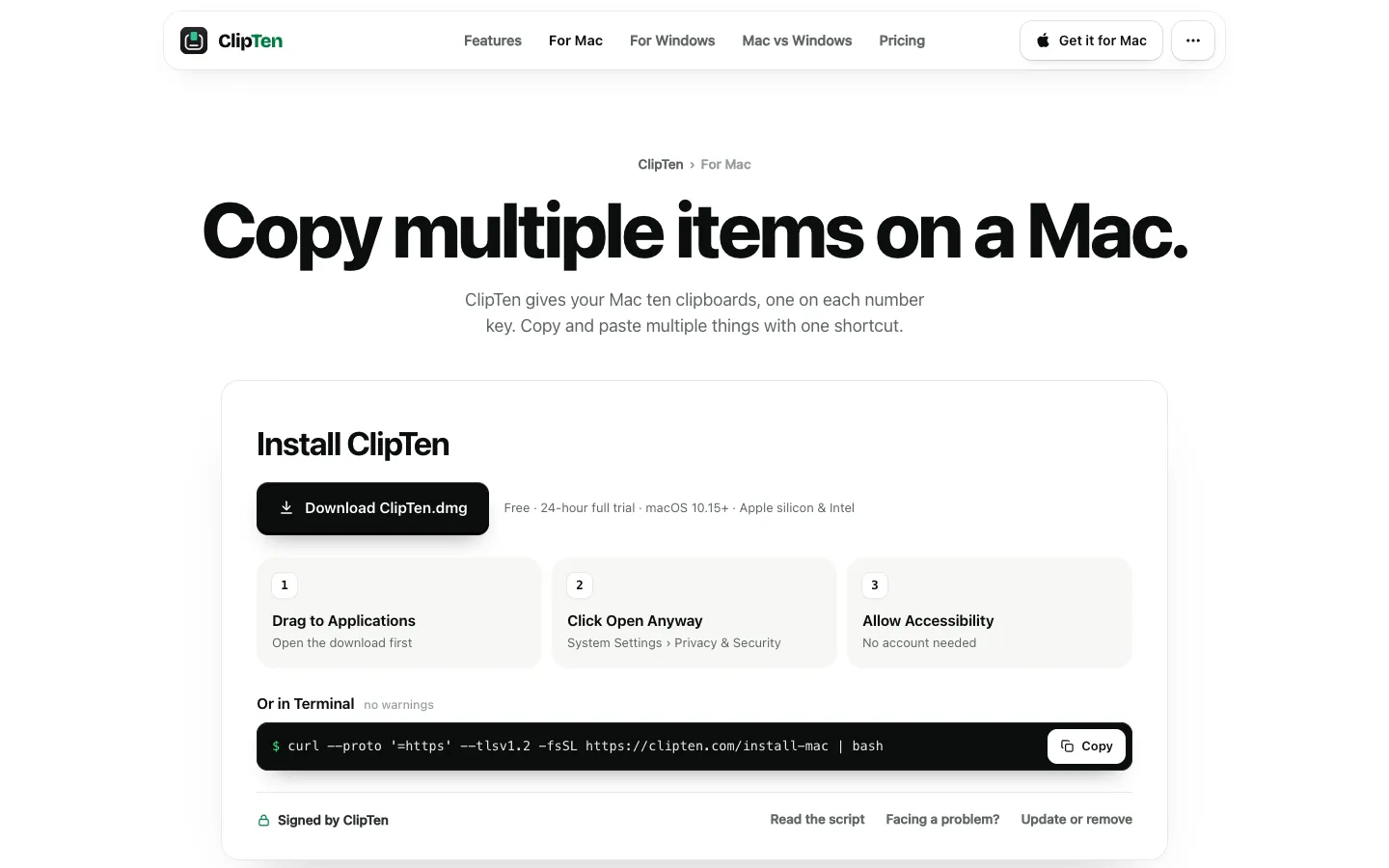
ClipTen isn't from the Mac App Store, and the site's install steps tell you to open the download first, then click Open Anyway in System Settings under Privacy & Security. So macOS warns on first open and you have to allow it yourself. It asks for Accessibility once. The site says nothing you copy is sent anywhere, slots are encrypted on disk and the app sends no analytics or crash reports. There's no public source code.
How do I copy multiple items on a Mac?
macOS holds only one copy at a time, so you need an app. With ClipTen, hold Command, press C and tap a number to save, then hold Command, press V and the same number to paste.
Does ClipTen save my passwords?
No. When a password manager marks a copy as secret, ClipTen doesn't save it. Typed text is saved only if you turn it on, and never from password boxes, password managers or terminals.

More in Utilities.


