Wallerina
Put animated rain, stars and lightning behind your Mac windows
About Wallerina.
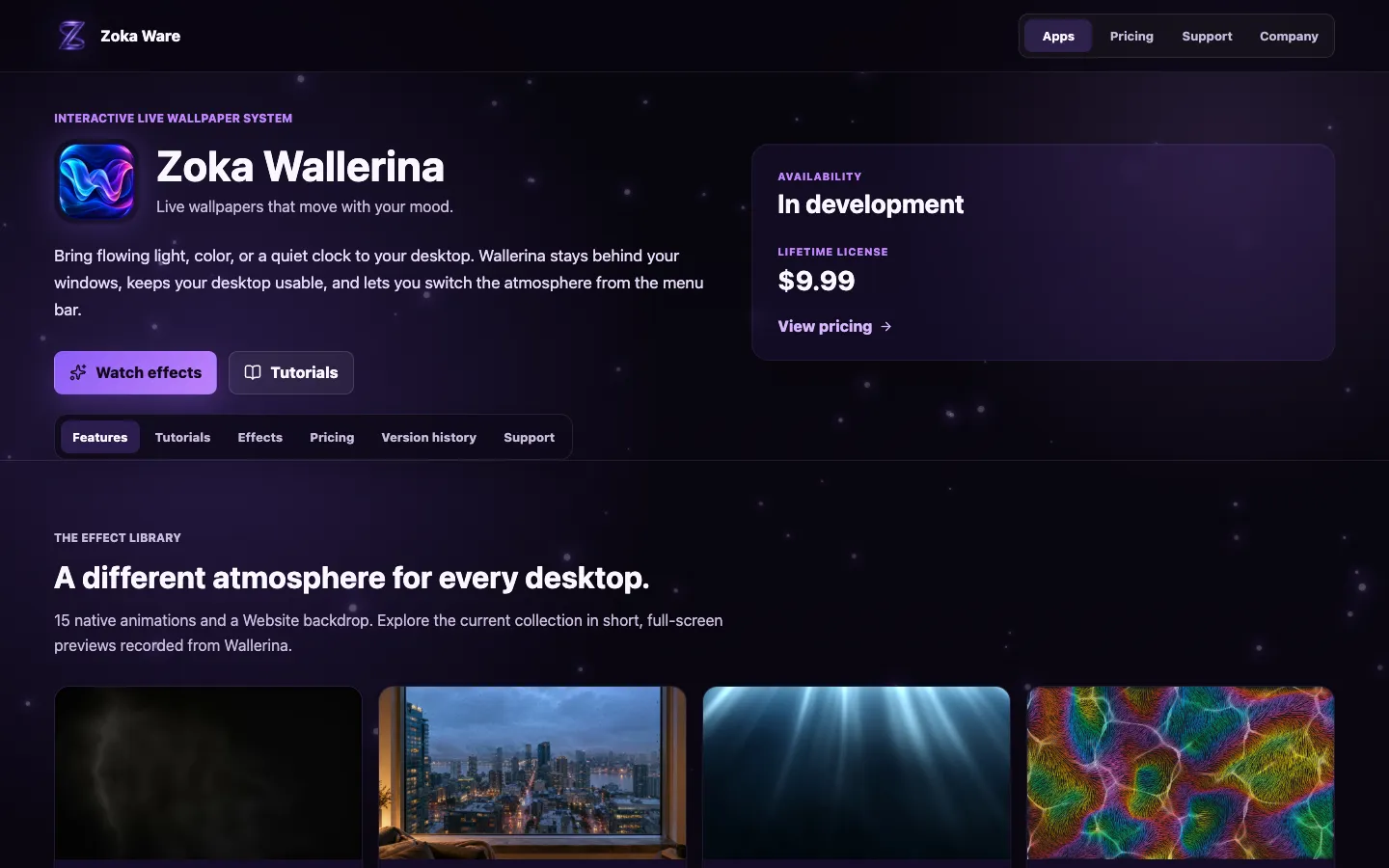
Wallerina plays animated wallpaper behind your windows on every connected display. Pick from 15 effects, including rain on glass, lightning, a starry galaxy, falling Matrix characters and a clock whose digits morph as the time changes, or put a live web page behind your desktop.
Switch effects, pause or mute from the menu bar, and use the same wallpaper on every screen or set each display separately. The effects are free to use with no time limit, and a one-time purchase unlocks the settings.
Features.
15 animated effects: Lightning, Rain Glass, Sun Ray, Spectrum, Matrix, Shine, Stars, Nebula Drift, Cosmic Drift, Dust Drift, Silk Drift, Golden Dust, Neon Contours, Neon Fluid and the Digit Morphic Clock. Each one starts from a prepared Default look.
Rain Glass: Water droplets gather, merge and slide down a window pane. The background can be one of the bundled interior scenes inspired by Paris, London, New York and Mount Fuji, or your own image.
Website backdrop: Show a live web page behind your desktop windows. Clicks pass through to the desktop, so you open the page in your browser when you want to use it. It opens the Zoka Ware website at first, and a custom address comes with Lifetime.
Menu bar controls: Switch effects, pause the wallpaper, mute sound or open Settings from the menu bar. Mute is remembered after a restart.
Every display: Use one wallpaper across all your screens, or configure each display on its own. Wallerina keeps the previous wallpaper on screen until the new one is ready when displays change.
Palettes and motion controls: With Lifetime you can change color palettes and adjust the motion and detail of each effect. Hold Shift to move sliders in finer steps.
Presets and profiles: Save your own editable presets and keep configuration profiles. The built-in Default preset stays as it is, and Save As makes your own copy.
Ambient sound: Effects can play ambient sound, such as rain and thunder in Lightning or the Deep Sea soundscape. One volume slider covers ambience and thunder together.
Performance controls: Lifetime adds controls to lower an effect's frame rate and quality. Optional CPU and GPU readouts in Settings are off until you turn them on.
Privacy: The native effects render on your Mac. The App Store listing says Wallerina has no advertising, analytics or tracking SDK, and only the Website effect connects to the site it shows.
Pricing.
Wallerina is free to download, and a one-time in-app purchase, Wallerina Lifetime, costs $9.99.
Free: the native effects with their default settings, with no time limit
Wallerina Lifetime: effect and app settings, color palettes, motion and detail controls, custom presets, configuration profiles, performance controls and a custom Website address
One-time purchase, no subscription