Legger
Edit plain text files in tabs, with autosave and crash recovery
About Legger.
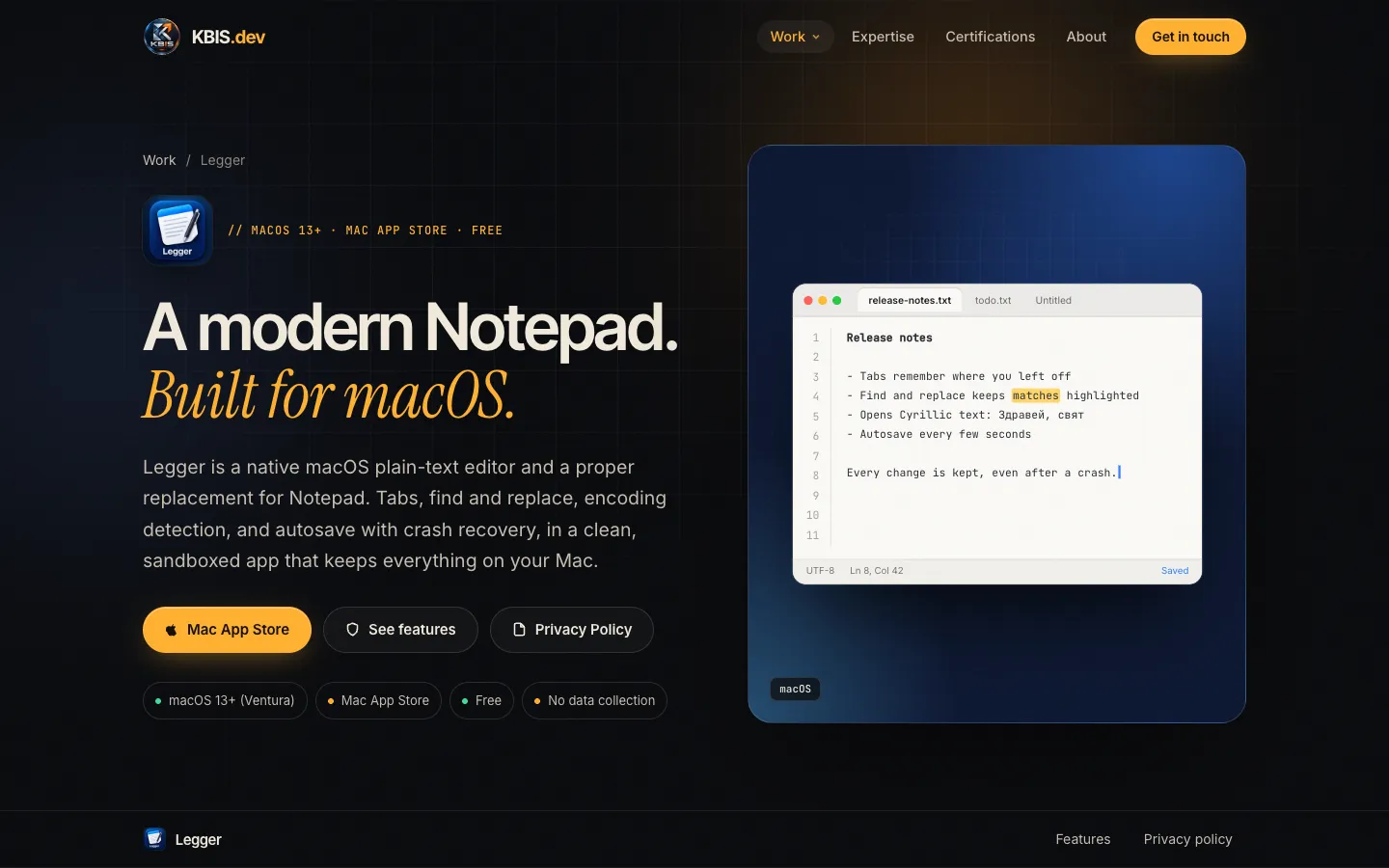
Legger is a plain text editor for Mac. You open as many files as you like in one window, each in its own tab, and find and replace keeps every match highlighted while you work through a file.
It reads older text files, including Cyrillic ones, and autosave brings back anything unsaved after a crash. You pick the font, zoom, line numbers and word wrap, and nothing you type leaves your Mac.
Features.
Tabs: Every document opens as a tab in a single window, so you switch files instead of juggling windows. Tabs remember where you left off.
Find and Replace: Matches stay highlighted, so every occurrence is visible as you go. Find Next and Find Previous search from your cursor, and version 1.1 made both faster on large documents.
Encoding detection: Legger works out a file's text encoding on its own, including UTF-8, UTF-16, Windows-1251 and ISO-8859-5. Version 1.1 added Windows-1252, Windows-1250, Windows-1254 and ISO-8859-9, plus better detection for Turkish, French, German, Spanish, Polish and Hungarian. If a file still looks wrong, Reopen with Encoding under Format lets you choose.
Autosave and crash recovery: Your work is saved every few seconds, and unsaved text comes back after a crash or force-quit. Edits to a saved file are kept when you quit and are waiting the next time you open it.
Large files: Files up to about 100 MB open quickly and stay responsive. For a file over 150 MB, Legger asks before opening it.
Changed on disk: If another app changed a file while Legger was closed, Legger tells you before you save over it.
Line numbers, word wrap, fonts and zoom: Turn line numbers and word wrap on or off, zoom in or out, and use any font installed on your Mac.
Privacy: There are no ads, no account and no data collection. The App Store listing says Legger has no network access at all, so your files never leave your Mac.
Pricing.
Legger is free on the Mac App Store.
All features
No ads
No account
No data collection


