Chairtax
Make your Mac wait until you stand up and do your reps
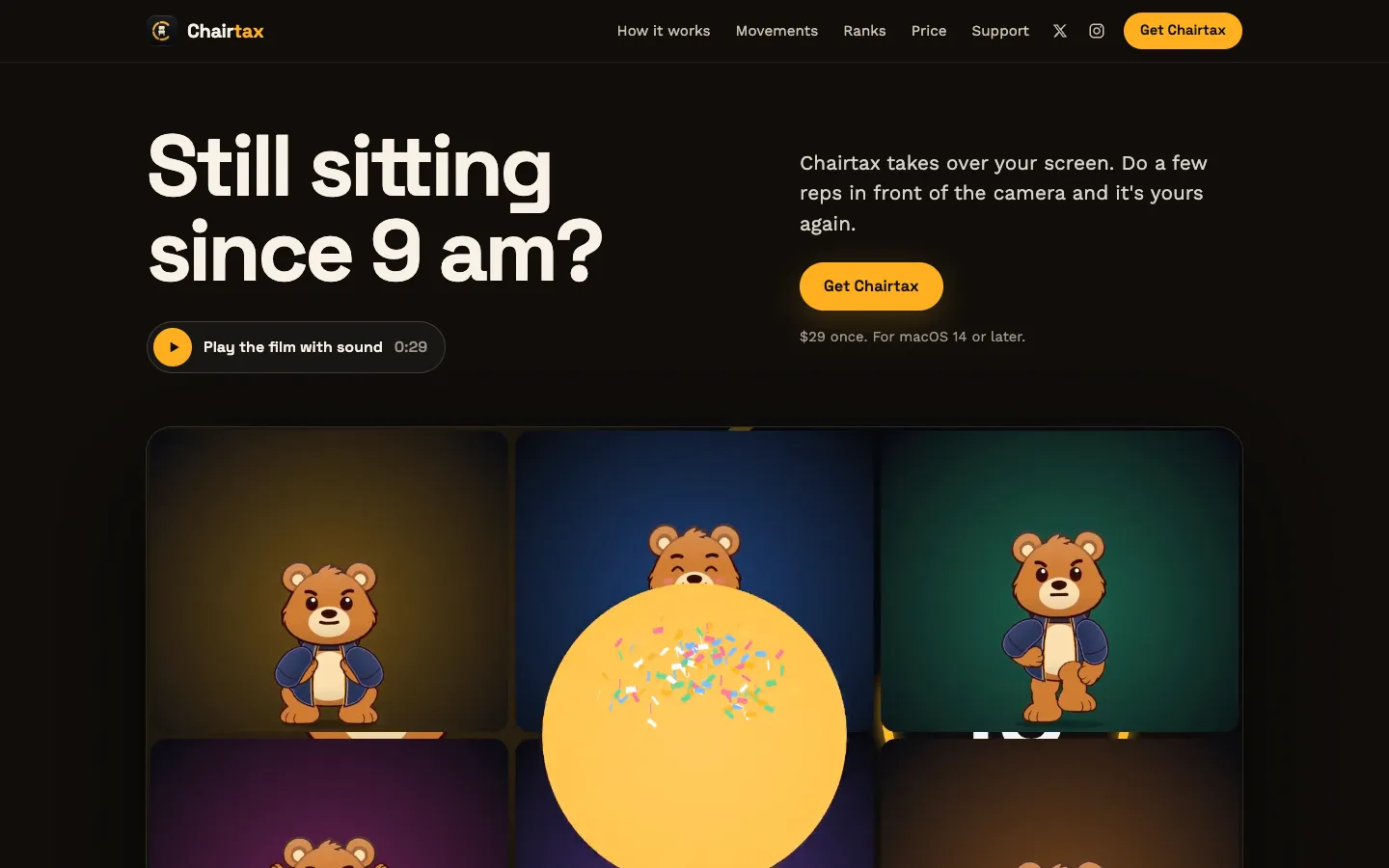
About Chairtax.
Chairtax covers your Mac's screen at the interval you set and gives it back once you've done a few reps in front of the camera. Pick squats, jumping jacks or one of four other movements, and the camera counts each rep as you go.
A normal reminder is easy to dismiss, so Chairtax makes the break hard to skip. You choose how strict it is, from a card you can wave away to a covered screen that stays until the reps are done.
Features.
Locked breaks: Set a break every 15, 30, 45 or 60 minutes, with 5, 10, 15 or 20 reps each time. You also choose your working hours and whether breaks run on weekdays only or every day.
Heads up: A notice appears 30 seconds before each break, telling you the movement and how many reps.
Six movements: The camera counts squats, chair stands, jumping jacks, high knees, overhead reaches and side bends. Version 1.1 counts reps from up close, so you can stay near your desk.
Typed phrase: If the camera can't see you, or you'd rather not move, you can type a phrase to end the break instead.
Ranks: Cub shows a card you can dismiss, though that ends your streak. Brown bear covers the screen but allows two skips a day and lets you switch apps. Grizzly keeps the screen covered until the reps are done.
Emergency override: Every rank has a button that gives your screen back after 60 seconds. A break also ends on its own after 15 minutes, or after 30 seconds with nobody in front of the camera.
Waits for calls: If another app is using the camera or microphone, as on a video call, the break waits five minutes and checks again. If you've been away from the keyboard for five minutes, the break is rescheduled.
Pause from the menu bar: Pause breaks for 1, 2 or 4 hours, until the next morning, or until you turn them back on.
Your record: Chairtax keeps your streak, total reps, award shields and the last 14 days of reps. Bearly, a bear in a navy hoodie, does each movement next to your count.
Privacy: Rep counting runs on your Mac with Apple's Vision framework. No camera frame is saved or uploaded, the break screen shows a stick figure unless you turn the camera picture on, and there's no account or analytics.
Pricing.
Chairtax costs $29, paid once on its website, or $29.99 on the Mac App Store.
All features
No subscription
A website licence works on one Mac at a time
Website copies come with a money-back challenge: do 100 camera-counted reps on 16 of your first 30 days and you get the $29 back, and you keep the app
What users love.
Rep counting that works An early user who tried it said the setup was easy and it picked up their squats accurately.
Made for long sitters People who sit through hours of work without moving say it's the kind of app they'd been looking for.


