TimeScroll
Free, open-source Rewind alternative that keeps everything on your Mac
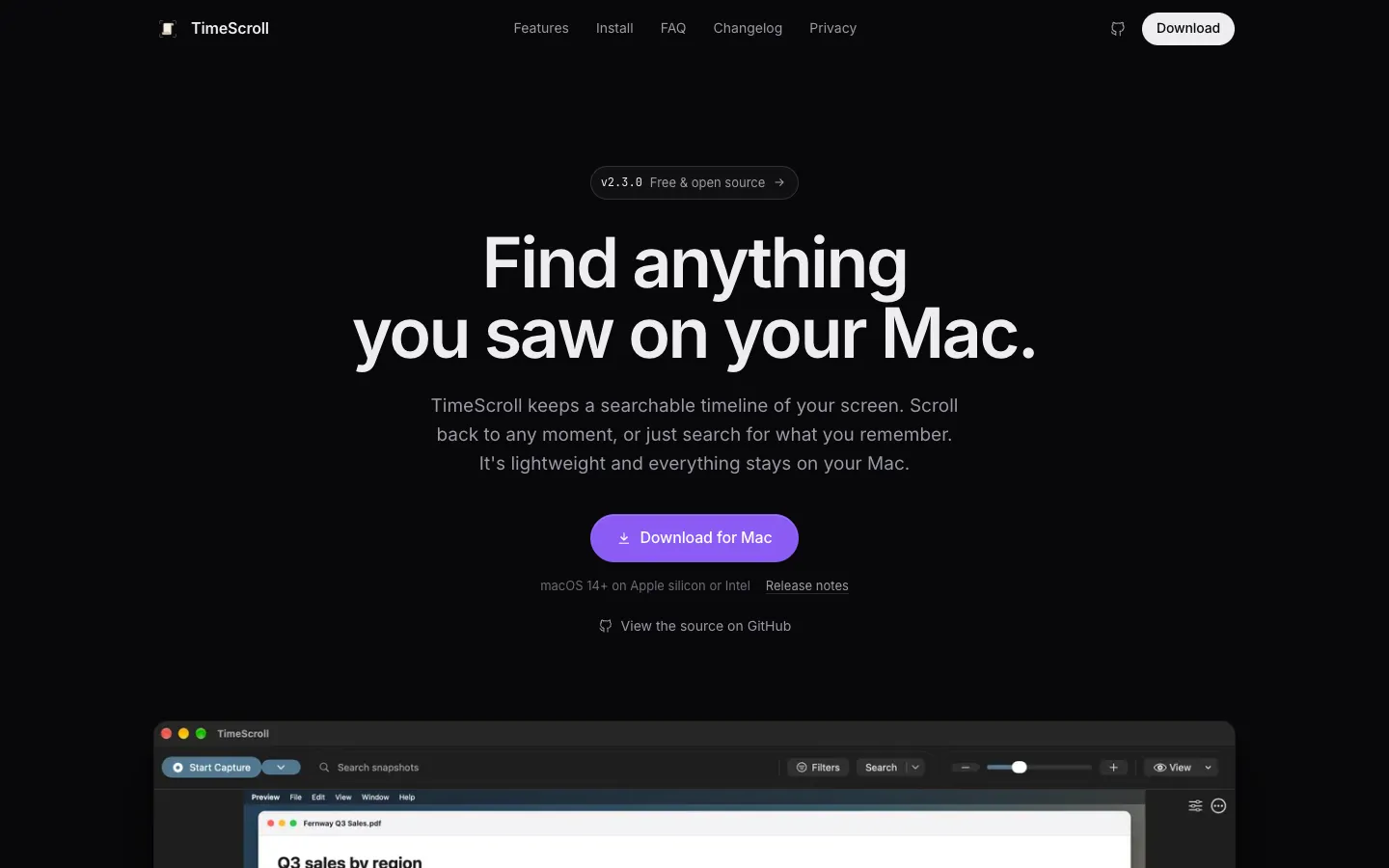
About TimeScroll.
TimeScroll saves a snapshot of your screen every few seconds and reads the text on it, so you can scroll back through your day or search for something you saw. Matches are highlighted on the snapshot, and you can filter results by app and date.
Your history is stored in a folder on your Mac, with no account or cloud. A local AI model can also find a moment from a description of it, or write up what you did over any stretch of time.
Features.
Timeline and sessions: Your history is grouped into sessions of related work, even across app switches. Jump to any day from the calendar, drag to scrub, and pinch or Option-scroll to zoom.
Text search: Search any word you saw, with matches highlighted on the snapshot. Filter by app and date, or search only within a time range you select.
AI search: Find a moment by describing it. Search runs on your Mac with Apple-optimized MobileCLIP2 image models or a local Ollama model, and Ollama models that understand images can search the screenshots themselves.
Summaries: Select an hour, a week or even a year to see the time spent in each app and a written summary of what you did. Summaries are written by a local Ollama model, which you install yourself, and finished days can be summarized in the background.
Direct mode: TimeScroll reads on-screen text through macOS Accessibility instead of OCR (reading text from the pixels), which uses much less energy. OCR mode is still there for apps that don't expose their text.
Time ranges and timelapse: Delete or export any selected range. Export a period as a timelapse video at up to 600x speed, or save a single snapshot as PNG or JPEG.
Leave things out: Exclude apps so their windows are never captured. Version 2.3 excludes common password managers by default and can optionally leave out private browser windows, though TimeScroll says that detection isn't 100% reliable.
Encrypted vault: In beta, the database and media can be encrypted on disk. You unlock with Touch ID or your Mac password, and a recovery passphrase restores access if the key is lost.
Audio transcripts: Optionally record your microphone, system audio or both, transcribed on your Mac with Whisper. It's off by default.
Storage control: Snapshots that barely changed are skipped, and the rest are stored as compressed HEVC video. History is kept for 30 days by default, and you can choose the folder, back up older snapshots or compact them.
Works with Claude: A built-in MCP server lets Claude and other MCP clients search your history when you ask. It's off by default.
Shortcuts: Start Capture, Stop Capture and Is TimeScroll Capturing actions work in Shortcuts, Siri and Spotlight without opening the app, so you can, for example, stop capturing on battery.
Light on resources: Capture backs off when your Mac runs hot and restarts on its own after display sleep or a display change. On an M4 Mac over three days, TimeScroll measured about 1.1% of one CPU core and 150 to 250 MB of memory.
Privacy: There are no accounts, analytics or telemetry. The app only goes online to check for updates, which you can turn off, and to download models you ask for.
Pricing.
TimeScroll is free and open source under the GPL-3.0 licence.
All features
No account
AI search and summaries run on local models on your Mac
You can support development on Patreon
What users love.
Free and open source A few people say they'd been looking for a free, open-source app like this for a long time. One said being open source is what sets it apart from Windows Recall.
Privacy and performance One user who had held off over privacy and speed worries said those concerns were put to rest completely.
Small storage footprint Users point out that storage use makes or breaks apps like this, and they welcomed the drop from about 155 KB to about 20 KB per snapshot.
A way off Rewind Some users are keen to finally replace Rewind with it.