AppTraction
Check your App Store sales, reviews and listing from your Mac
About AppTraction.
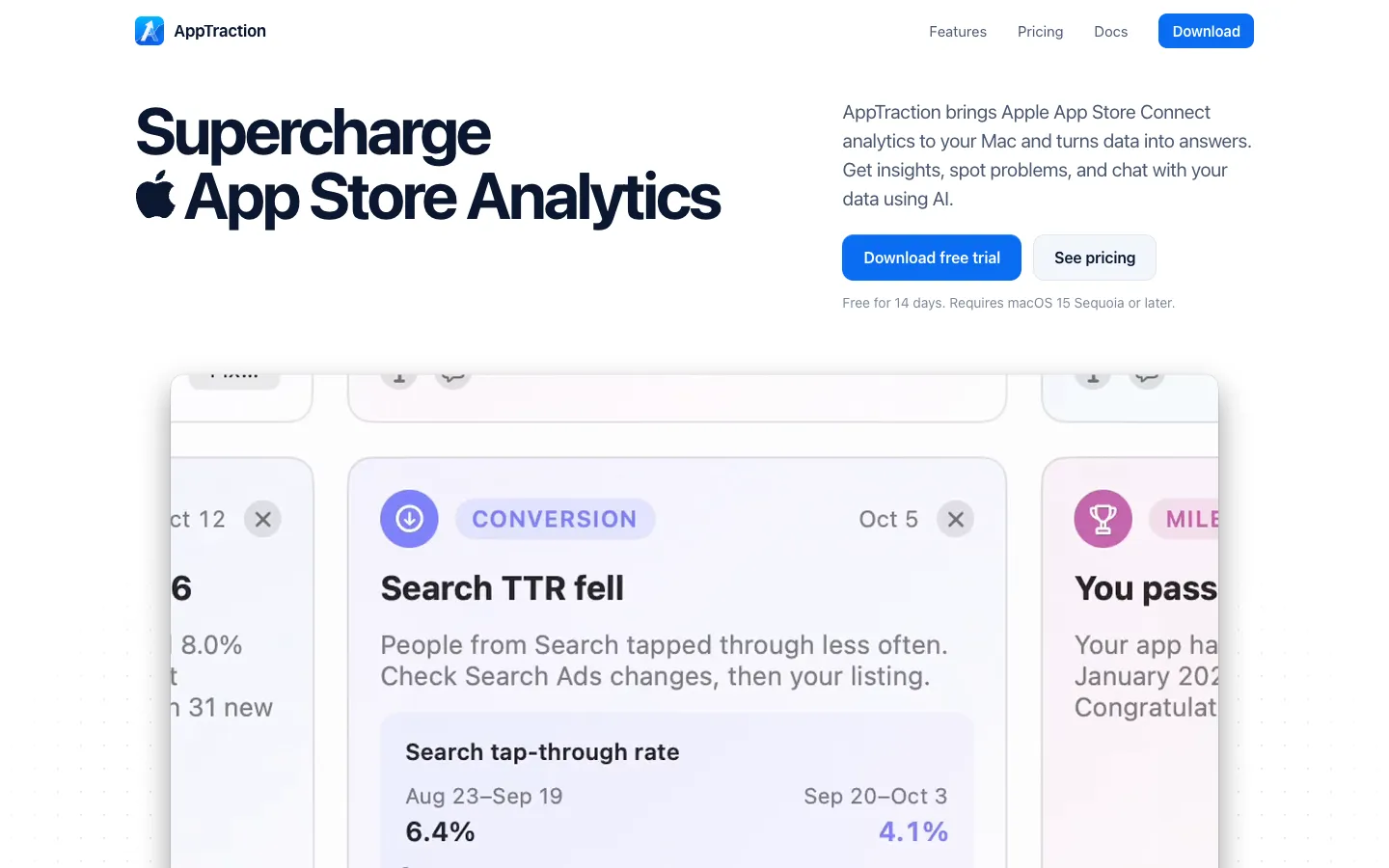
AppTraction brings your App Store Connect sales, analytics, ratings and reviews to your Mac and flags what matters. It watches your apps in the background for over 50 types of insights, such as problems, trends and milestones, and keeps your data on the Mac so charts appear instantly.
You can chat with an AI about your numbers, read and reply to reviews, and have it suggest listing fixes that it applies to App Store Connect once you approve them. The AI features run through your own Claude, Codex or OpenRouter account.
Features.
Insights: AppTraction checks your apps for issues, trends and milestones across Discovery, Conversion, Revenue, Ratings, Markets, Retention and Reports. Most are worked out on your Mac without AI.
Chat with your data: Open a chat anywhere and ask in your own words, such as why sales jumped in March or whether version 4.2 helped conversion. The AI reads your metrics, releases, timeline events, listing and reviews.
Listing fixes: Review Listing checks for wasted keywords, a short description or an untranslated title, and the AI points out typos. Suggested changes show current and new text, and nothing goes to Apple until you click Apply Changes.
Listing editor: Edit keywords, subtitles and descriptions for a version you're preparing, and upload screenshots for every language at once from a folder.
Reviews: Read every written review from every App Store country, filter by platform, version, rating or date, and reply from the app. AI can suggest replies, and your Mac's built-in translator handles other languages.
Reports: AppTraction writes a weekly, monthly and yearly report for each app, comparing each period with the one before. You can export them as PDF, Markdown or plain text, or ask follow-ups with Chat About This.
Territories map: See every App Store country on a map, colored by first-time downloads, with impressions, conversion rate, sales and each country's share.
Graphs and comparisons: View numbers by day, week, month or year, compare any two periods, and mark releases, ad campaigns and price changes as timeline events so the AI can explain jumps.
Several accounts: Add as many App Store Connect accounts as you like and pick which apps to track.
Notifications and MCP server: Get notified about new data, reviews and insights. A read-only MCP server lets tools like Claude Desktop read your data, and it stays off until you allow it.
Demo app: File, then Add Demo App, lets you explore with sample data before connecting your own account.
Privacy: There's no AppTraction account. Your App Store Connect keys sit in your Keychain and your data is stored on your Mac.
Pricing.
AppTraction costs $6.99 a month, $39 a year or $99 once. Every plan starts with a 14-day free trial of all features.
All plans include every feature
Lifetime includes all future updates
No credit card needed for the trial
Each key works on up to 5 Macs
Refund within 14 days of any payment, including renewals
AI features use your own Claude, Codex or OpenRouter account, and usage counts against that plan