About Mirrorr.
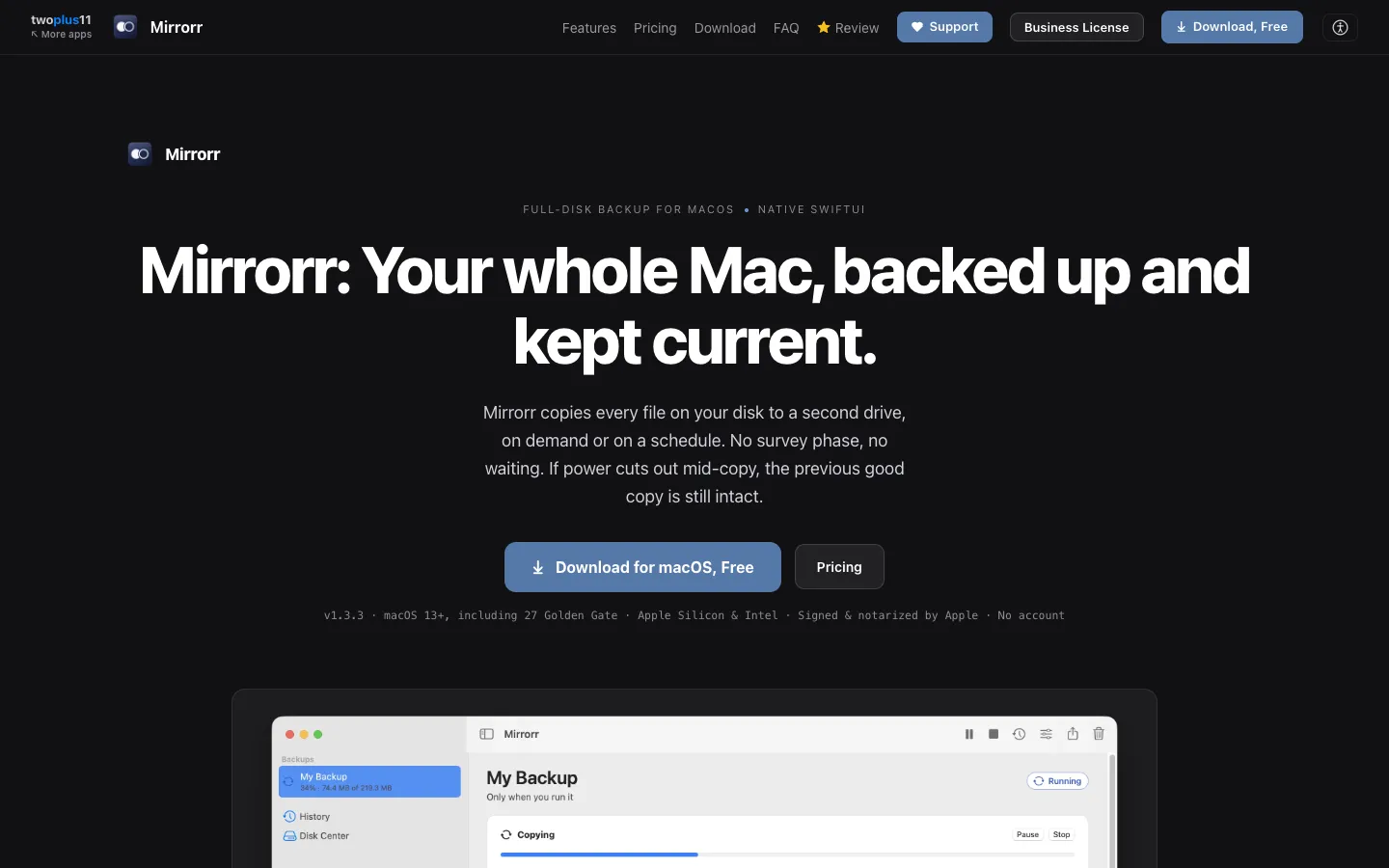
Mirrorr copies every file on your Mac to a second drive, either when you press Go or on a schedule. It starts copying right away, and it writes each file under a temporary name before renaming it into place, so a power cut mid-copy leaves the last good copy intact.
The backup is ordinary folders and files that any computer can open. Scheduled runs work even before anyone logs in, and files you change or delete on your Mac are moved to an archive folder on the backup drive, where you can still get them back.
Features.
Starts instantly: There's no survey or indexing pass first. Mirrorr copies the first file as soon as you press Go and finds the rest in the background.
Crash-safe atomic writes: Every file is written to a temporary name and renamed into place once it's complete. If the power fails, the previous good version of that file is still there.
Scheduled backups: Set a schedule and Mirrorr runs it unattended. The copying engine runs as a system service, so scheduled runs work before anyone logs in.
Chunked copy with resume: Files of 64 MB and up are copied in chunks with a checkpoint every 64 MB. An interrupted run on a 50 GB file picks up from the last checkpoint instead of starting over.
SafetyNet archive: When a file is deleted or changed on your Mac, the old copy on the backup drive goes to a dated archive folder. Mirrorr prunes this archive automatically, so treat it as a short safety margin and not as long-term file history.
Restore browser: Search the backup by file name, look through past versions in SafetyNet and put files back where you want. Restores never delete anything, so the worst case is a duplicate.
Byte-level verify: Verify mode reads back every file it writes and compares SHA-256 hashes (digital fingerprints) of the original and the copy. If one byte differs, the run stops and names the file. The checksum list uses the standard shasum format.
Dry run and pause: Preview every file a backup would copy, update or remove before it writes anything. You can also pause a running backup and resume it later.
Exclude filters: Skip caches, build folders or anything else you don't need. Include rules can keep one folder inside an excluded one.
Failure alerts and health checks: Add your own email server and Mirrorr emails you when a scheduled backup fails. The app also warns you when a task hasn't run in too long, keeps failing or has never finished.
Safety guards: Destinations are tied to the drive's unique ID, so Mirrorr won't write to the wrong disk. It stops before a destination fills up, waits if the drive disconnects mid-run, and won't let two tasks share one destination.
Full metadata: Permissions, owners, ACLs, extended attributes, resource forks, timestamps, hard links, symlinks and sparse files all carry over.
Multiple tasks and mirrorrctl: Run as many backup tasks as you like, each with its own source, destination, schedule and filters. The mirrorrctl command-line tool can do everything the app does.
iCloud and network drives: Files stored only in iCloud are skipped, so Mirrorr doesn't force your Mac to download them. You can back up to any mounted drive, including a network share.
Privacy: No account, no cloud and no analytics. The only connections it makes are an optional weekly update check and, if you enter a business key, a licence check.
Pricing.
Mirrorr is free for personal use, and using it at work takes a $15 business licence per device, paid once.
Personal: the full app with every feature, no key and no account
Business: $15 per device, one-time payment, no subscription
Free updates forever on both
One seat per device, which you can move to a replacement Mac
14-day refund on paid licences
What users love.
Crash-safe copying Early users single out the temp-file-then-rename approach. One said a half-copied file that looks like a real one is the worst outcome a backup can have.
Free at home Commenters call free personal use generous for a kind of app that usually costs money, and like that there's no subscription.
Restore browser and past versions Users like being able to pull back an older copy of a file without restoring the whole drive.
Native and private People give credit for a native app with no telemetry that keeps everything on local drives.
The developer's track record Some commenters already use several of his other apps. One said a problem they reported was fixed quickly, and called his pricing fair.