Skip to content
macappstoday
  • Today’s appsThe apps launching today
  • CategoriesBrowse by what apps do
  • ArchiveEvery day so far
DealsBlack Friday dealsSubmitSubmit your App
Cacophony app icon
Launched Nov 24, 2026

Cacophony

Play your Mac's sound on several AirPlay 2 speakers at once
PriceFreeNo cost
CategoryVideo & audio ›
RequiresmacOS 26or later
LaunchedNov 242026 ›
Cacophony screenshot

About Cacophony.

Cacophony lets your Mac play its sound on several AirPlay 2 speakers at the same time. macOS normally sends system audio to one AirPlay speaker, so Cacophony adds a virtual audio output device and streams whatever plays through it to the speakers you pick.

It lives in the menu bar. Choose speakers with the standard macOS AirPlay picker, set each speaker's volume, and Cacophony switches your output over and back for you. It sends all system audio, not individual apps.

Features.

  • System-wide output: Everything your Mac plays goes to the selected speakers, not just one app.

  • Multi-room playback: Select more than one AirPlay 2 speaker at once, such as several HomePods.

  • Native speaker picker: Speakers are chosen in the macOS AirPlay interface, including pairing and grouping.

  • Per-speaker volume: Set each speaker's level from the menu bar panel.

  • Automatic switching: Your output changes to Cacophony when you pick speakers and goes back to the previous one when you deselect them.

  • Menu bar controls: Left-click opens the audio panel. Right-click opens a menu for the driver, Launch at Login and Quit. Launch at Login is on by default.

  • Driver setup in the app: On first launch Cacophony offers to install its audio driver. You can install, update or remove it from the app without terminal commands.

  • Recovers from failures: A failed AirPlay selection recovers without restarting the app.

  • Liquid Glass icon: The app icon follows Light, Dark and Tinted appearances.

Pricing.

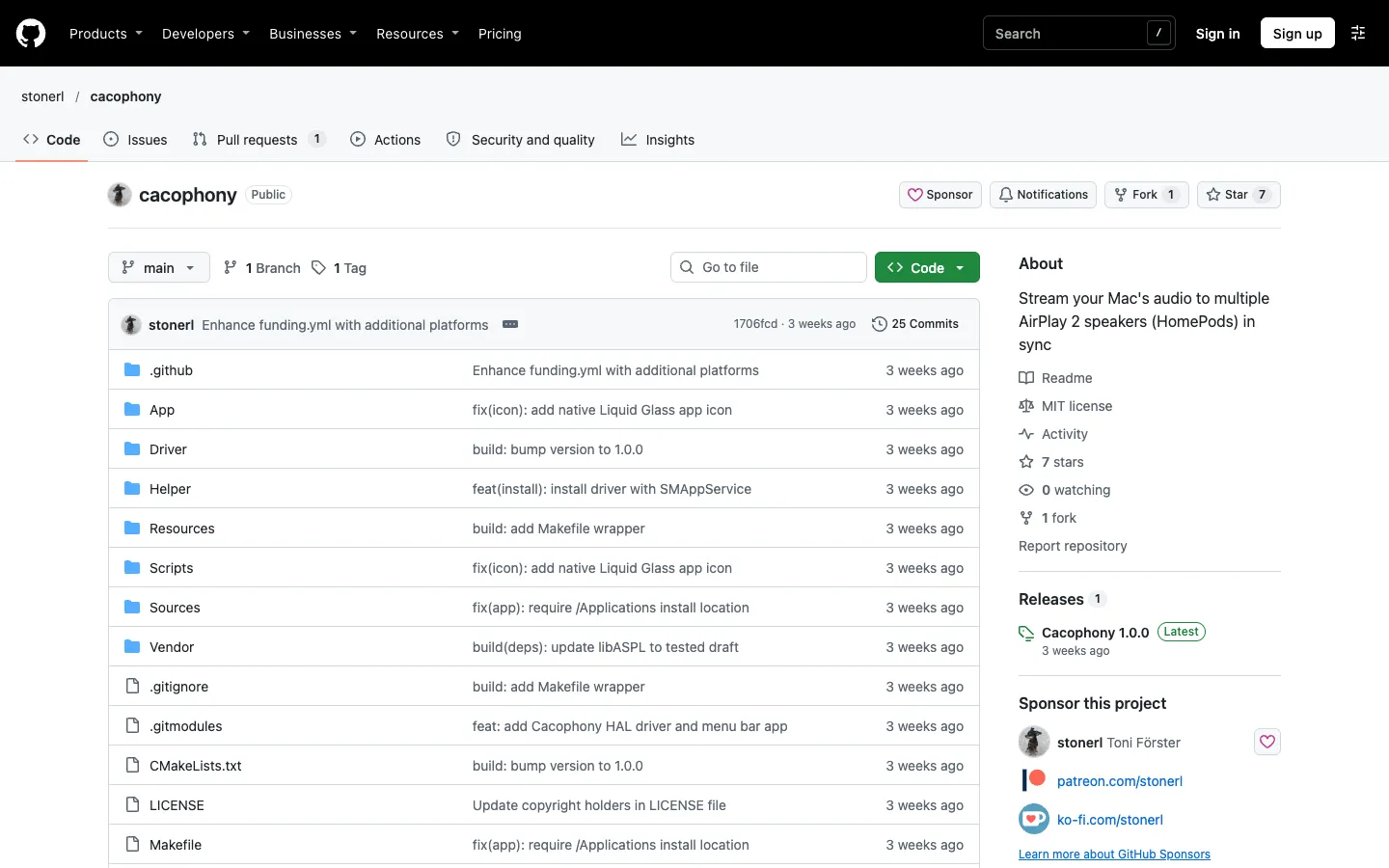
Cacophony is free and open source under the MIT licence.

  • No price, paid tier or in-app purchase is listed

  • Source code is public on GitHub

  • The developer accepts donations through GitHub Sponsors, Patreon and Ko-fi

What users love.

  • It fills a gap One user said they didn't understand why Apple hasn't added this feature, since it's already on iOS.


Questions.

What is Cacophony?
Cacophony is a menu bar app that sends your Mac's system audio to one or more AirPlay 2 speakers at once.
Is Cacophony free?
Yes. It's free and open source under the MIT licence, and no paid tier is listed. The developer takes optional donations through GitHub Sponsors, Patreon and Ko-fi.
Does Cacophony work on my Mac?
It needs macOS 26 or later, and the download is about 1.9 MB. The developer says in the launch post that it runs on Apple silicon Macs only, but the GitHub page doesn't say. You also need AirPlay 2 speakers on the same network, and the app has to run from the Applications folder.
Is Cacophony available for Windows or iPhone?
No. Cacophony is a Mac app, and its GitHub page doesn't mention other platforms.
Where can I download Cacophony?
From GitHub, on the releases page of github.com/stonerl/cacophony. It has no website and isn't on the Mac App Store. Toni Förster makes it, and the latest version is 1.0.0, released October 21, 2026.
Is Cacophony safe?
Installing its audio driver needs administrator approval, and you approve a background helper in System Settings under Login Items & Extensions. Installing or updating the driver briefly restarts Core Audio. The release notes say it uses private Apple APIs that may break in future macOS releases. The developer says in the launch post that releases are signed and notarized by Apple, and the source code is public under the MIT licence.
How do I play Mac audio on multiple AirPlay speakers?
macOS only sends system audio to one AirPlay speaker, so you need an app. With Cacophony, pick several AirPlay 2 speakers in its menu bar panel and your Mac's sound plays on all of them in sync.
Does Cacophony add a delay?
Yes. The release notes say AirPlay adds about two seconds of delay, so it isn't suited to video or gaming. The developer told users that proper video sync would need AirPlay built into each app.

More in Video & audio.