Skip to content
macappstoday
  • Today’s appsThe apps launching today
  • CategoriesBrowse by what apps do
  • ArchiveEvery day so far
DealsBlack Friday dealsSubmitSubmit your App
Kare app icon
Launched Nov 24, 2026

Kare

Copy text from any app, video or scan on your screen with OCR

PricePaidSee pricing
CategoryUtilities ›
ChipApple silicon
RequiresmacOS 14or later
LaunchedNov 242026 ›
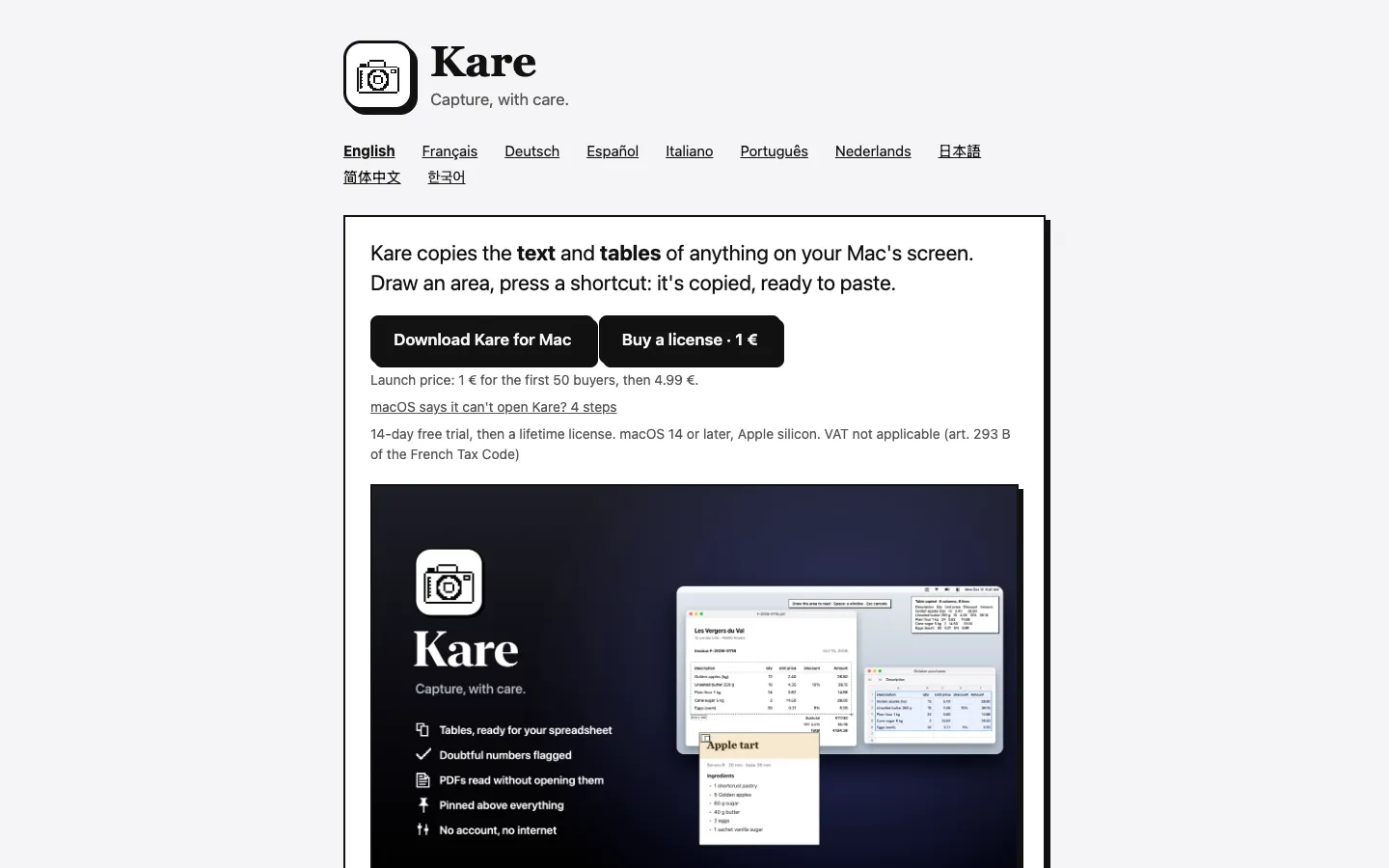
Kare screenshot

About Kare.

Kare copies text and tables from anything on your Mac's screen. Press a shortcut, draw a box over what you want, and it's on your clipboard, ready to paste.

Tables keep their shape: paste one into Excel, Numbers or Google Sheets and each value goes into its own cell. Kare also reads images and PDFs you copy in the Finder, scans included, and it does all of this on your Mac with Apple's own text recognition.

Features.

  • Tables stay tables: Draw over a table in a PDF, an image, a web page or any app, and Kare tells you how many columns and rows it found. It pastes one value per cell in Excel, Numbers or Google Sheets, and as a real table in Mail, Notes or Pages.

  • Doubtful numbers flagged: When the print is very small and a digit could be misread, Kare asks you to check instead of copying a possible mistake. Zooming in on screen and capturing again fixes it.

  • Copied PDFs and images: Copy files in the Finder with ⌘C, then press ⌃⌘J and Kare reads the text, even from a scan. It handles up to 10 files at once and PDFs of up to 10 pages.

  • Screenshots and scrolling capture: Capture an area, a single window or a whole page that scrolls.

  • Pin a capture: Keep a capture floating above your other windows, with zoom and opacity controls.

  • QR codes and barcodes: Kare copies what a code contains. A link in a QR code never opens by itself.

  • Text from video and screen shares: It reads whatever is on screen when you draw the box, so it works on a paused video, a slide in a call or a shared screen, whatever app shows it.

  • Custom shortcuts: ⇧⌘2 reads text, ⇧⌘1 captures an area, ⇧⌘8 takes a scrolling capture and ⌃⌘J reads copied files. You can change any of them, and Kare warns you when another app already uses one.

  • Menu bar app in 10 languages: Kare lives behind a camera icon in the menu bar. Its interface comes in English, French, German, Spanish, Italian, Portuguese, Dutch, Japanese, Chinese and Korean.

  • Privacy: Everything is read on your Mac by macOS. There's no account, no analytics, no online AI, and nothing is sent anywhere. The only connection is Check for Updates, and only when you click it.

Pricing.

Kare costs 1 €, paid once. That's a launch price for the first 50 buyers, and after that it costs 4.99 €.

  • 14-day free trial

  • Lifetime licence with free version 1 updates

  • No subscription

  • Use it on your own Macs

  • Refund on request within 14 days of purchase

Questions.

What is Kare?
Kare is a menu bar app for Mac that reads the text on your screen and copies it, keeping tables in rows and columns so they paste cleanly into a spreadsheet.
Is Kare free?
No, but you can try it free for 14 days. After that it's a one-time payment of 1 € at the launch price for the first 50 buyers, then 4.99 €, with no subscription.
Does Kare work on my Mac?
It needs macOS 14 Sonoma or later and an Apple silicon Mac. Kare doesn't mention Intel Macs. The download is tiny, about half a megabyte.
Is Kare available for Windows or iPhone?
No. Kare is Mac only.
Where can I download Kare?
From the developer's website, kare.dmparis.fr, which links to the download on GitHub. It isn't on the Mac App Store. David Mouriau, a solo developer in France, makes it, and the latest version is 1.43. The first time you open it, macOS may say it can't verify the app; click Open Anyway in System Settings › Privacy & Security, once.
Is Kare safe?
Kare asks for Screen Recording permission, because macOS requires it before any app can read what's on your screen. It says it collects no data: text recognition runs on your Mac, there's no account, no analytics and no online AI, and it never connects to the internet unless you click Check for Updates. The licence key is checked offline too. There's no public source code.
How do I copy text from my screen on a Mac?
For an image you've opened, macOS Live Text lets you select the text for free. To grab text from anywhere, such as a video, a shared screen or an app that won't let you select it, press ⇧⌘2 in Kare and draw a box over the text.
How do I copy a table from an image or PDF into Excel on a Mac?
Press ⇧⌘2 in Kare and draw over the table, then paste it into Excel or Numbers and each value lands in its own cell. For the best result, capture only the table, not the whole page, and zoom in first if the print is very small.

More in Utilities.

