About Mac.apk.
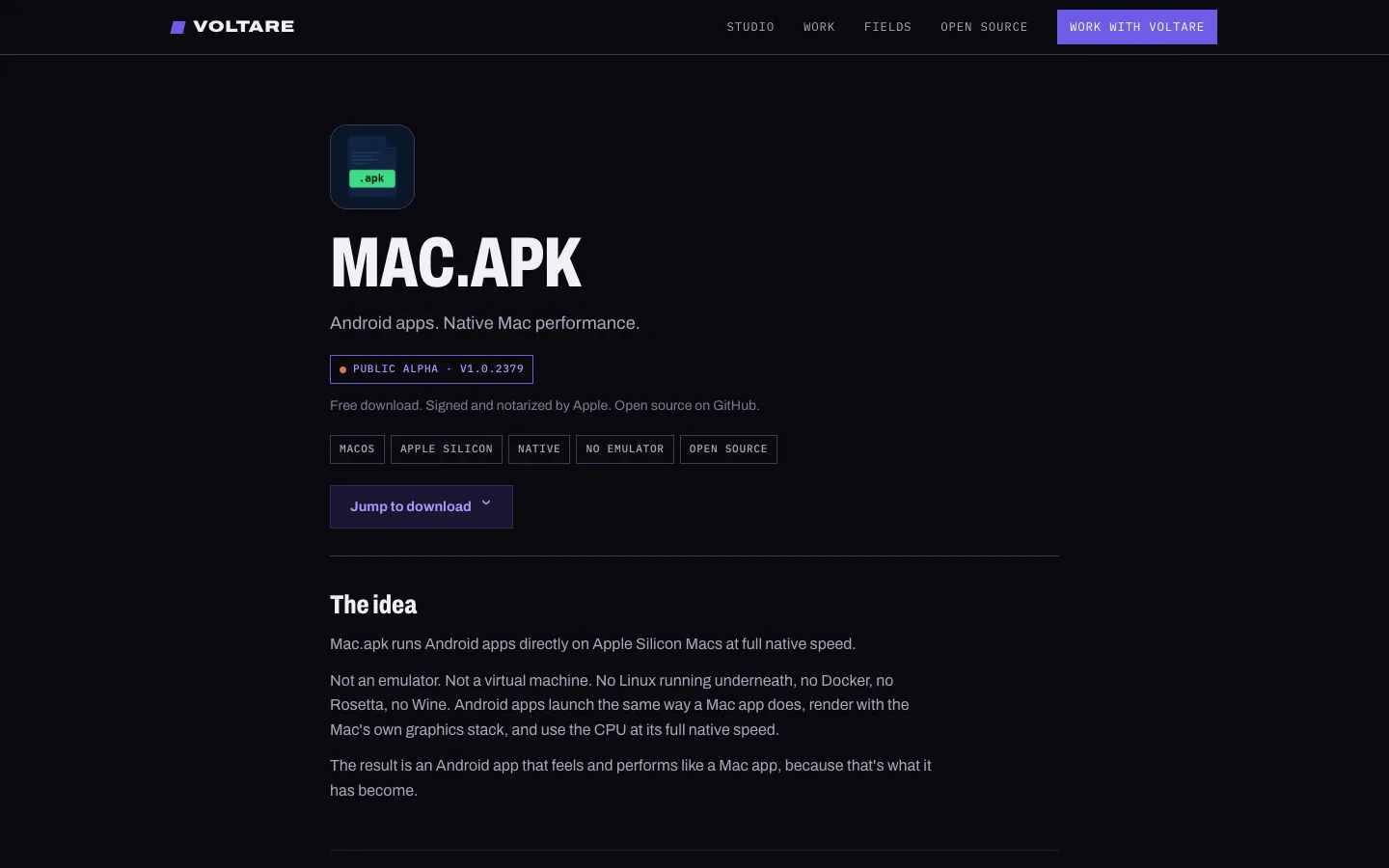
Mac.apk runs Android apps on Apple silicon Macs. Open an APK file and it becomes its own Mac app, with a Dock icon, a window you can resize and a back button next to the window controls.
There's no emulator or virtual machine behind it. Mac.apk rebuilds the Android app environment on top of macOS, so the app's code runs straight on your Mac's processor and draws through its graphics chip. It's still an alpha: many apps work fully, some only partly, and some don't run yet.
Features.
Android apps as Mac apps: Each app runs as a normal macOS process with its own window, Dock icon and place in Cmd-Tab. Windows resize and rotate, and follow your Mac's light or dark mode.
Install by double-click: Double-click an .apk file or drag it onto the Mac.apk window. It also takes .apkm, .xapk, .apks and .apkx bundles. The first launch of a large app can take up to a minute, and later launches are fast.
App stores: F-Droid and Aurora Store work for finding and installing apps, and version 1.0.2379 fixed installs from F-Droid. The Google Play Store opens and shows its screens, but Google sign-in only works through Mac.apk's own account manager.
Controls for games: The Controls menu holds key-binding profiles, a Space Bar Taps Center option and Tilt Control for games that expect you to tilt a phone. Android TV apps work with the arrow keys, Enter and Esc.
Mouse and trackpad: Right and middle clicks, back and forward buttons and hover all reach the app, along with two-finger pan and rotate.
Fits into macOS: Music apps show up in macOS Now Playing, and apps can use your location through Location Services, asked app by app. A language menu sets the language per app or for all of them, and windows snap and tile.
Shared folders: Apps share storage the way they would on a phone. A setting maps Android's Download, Documents, Pictures, Movies and Music folders to the matching folders on your Mac.
Per-app proxy: Send an app's traffic through its own HTTP or SOCKS5 proxy. Mac.apk also asks for Touch ID before it installs anything.
Clean uninstall: Uninstalling from the Mac.apk window removes the app's data and can keep your game saves for a later reinstall.
No ads or purchases: Mac.apk serves no ads and supports no in-app purchases, by design. It checks GitHub for updates and tells you about them, but never downloads or installs anything by itself.
Pricing.
Mac.apk is free and open source.
All features
Source code under the AGPL-3.0 licence
Optional donations through GitHub Sponsors
A commercial licence for companies that want to ship it without the AGPL's terms
What users love.
How much already runs Early testers were surprised by how many apps work in an alpha.
A BlueStacks replacement Players say they no longer need to open BlueStacks Air, and one could finally play natively with a controller.
Playing with friends One player was glad to finally join their partner's game world, and others run Minecraft Bedrock on it.
Testing and tinkering Some see it as handy for testing apps and automation, or for side projects.