FileOctopus
Move, copy and find files in a Finder-style app with split panes
About FileOctopus.
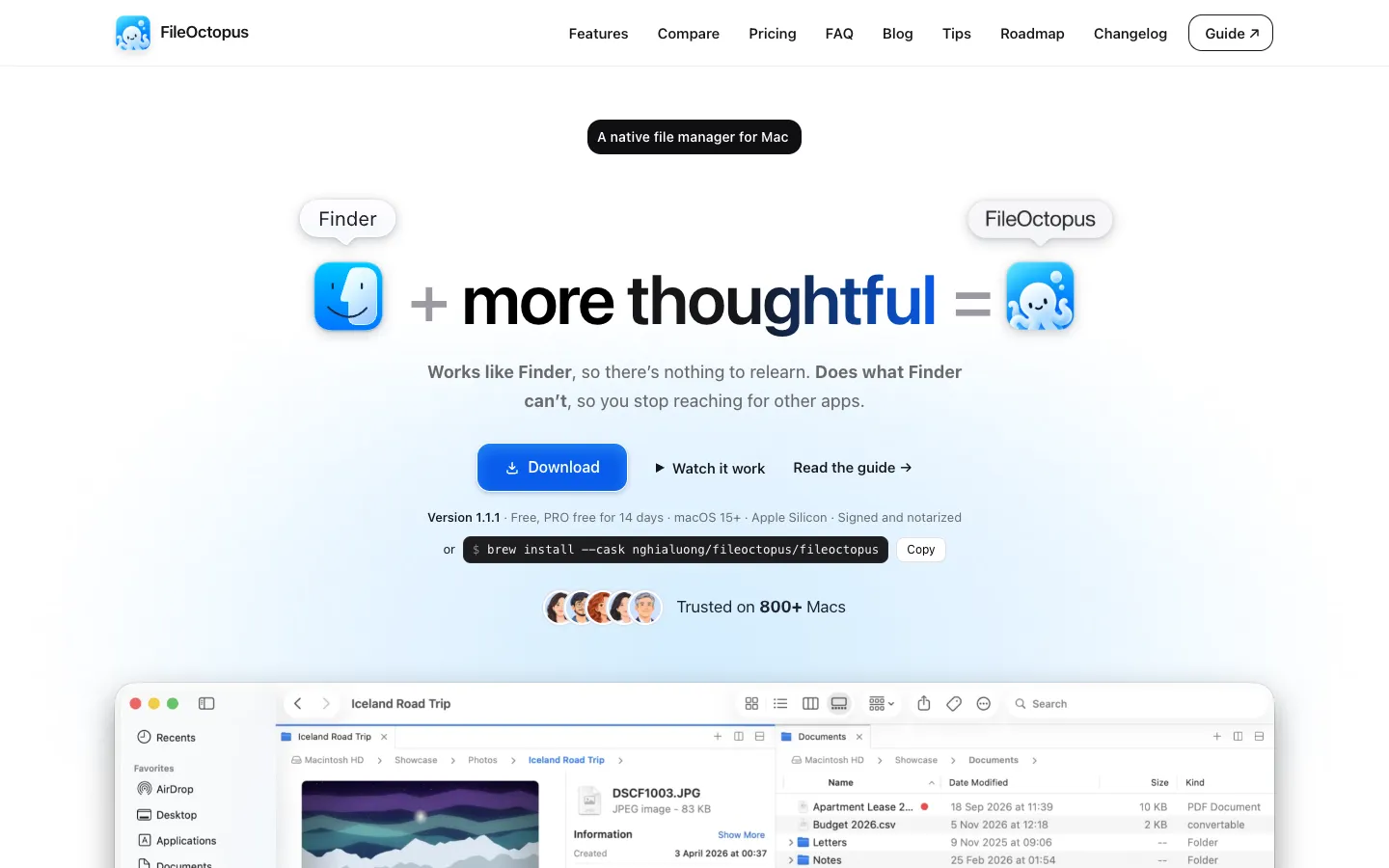
FileOctopus is a file manager for the Mac that works the way Finder does. It has the same four views, Quick Look on Space, tabs and Finder's shortcuts, so there's little to relearn. It adds the things Finder lacks, starting with two panes side by side.
Copies and moves are more careful: if a name clashes, it keeps both files by default, and you can undo recent file operations even after quitting the app. You can also search in plain words, such as "pdfs from last week", and connect to remote servers.
Features.
Finder-style views: Icon, List, Column and Gallery views, Quick Look, tabs and Finder's keyboard shortcuts stay the same. You can switch to Windows Explorer or Total Commander shortcuts.
Split view: Free has two panes per window, and PRO goes up to 16. Copy or move to the other pane with a shortcut or drag between them, and save a window with its panes and tabs as a named workspace (PRO).
Plain-words search: Type something like "pdfs from last week" and it turns into visible filters. The search is rule-based and local, not AI. It covers filenames, fuzzy matches and Spotlight results, and PRO can also search inside documents and text in images.
Safe file operations: Keep Both is the default when names clash, and Merge shows what will change before it does. Pause and resume copies, check moves between drives, and see a Problems list with Retry.
Undo after quitting: Undo the last 20 steps for 24 hours, even after you quit and reopen the app.
Compare and clean up: Compare Folders and sync, and the Find Duplicates scan is free, with clean-up in PRO.
Remote servers: Connect to SMB shares and iCloud Drive, Google Drive and Dropbox in Free. PRO adds SFTP (beta), WebDAV, Cloudflare R2 and S3-compatible storage, and a Copy Google Drive Link command.
Quick Open and Command Palette: Jump to any folder or command from the keyboard, and batch rename files with a preview.
Use it instead of Finder: A setting makes Show in Finder in other apps open FileOctopus.
Privacy: There's no account. The developer says usage stats and crash reports are separate opt-ins, and crash reports are off by default.
Pricing.
FileOctopus is free with no time limit and no account. PRO is a one-time purchase with no subscription, and every PRO feature is free for 14 days with no card.
Free: Finder's four views, two panes, safe copies and moves with undo, cloud storage, network shares, search, merge and Quick Open
PRO: up to 16 panes and workspaces, saved searches, search inside files and images, Compare Folders and duplicate clean-up, copy queue, File Shelf and remote servers
PRO is $29.99, with lower early prices on the pricing page: $14.99 for the first 100 buyers and $19.99 for the next 200
One licence is for one person on up to 2 Macs at a time
Early licences include every future version. Later ones include 1 year of updates, then $14.99 to renew for another year
After the trial, the app continues as Free
30-day money-back, no questions asked
What users love.
It feels like Finder One user said it felt just like using Finder with the extra features they'd wanted, and bought it after 15 minutes. Others like how clean it looks and how close it stays to Finder.
A quick-to-reply developer Users say the developer is polite, answers fast and adds changes regularly.
Buyers after a short try Several people said they bought PRO after trying it.