
DisplayShift
Move your windows to a new monitor the moment you plug it in
About DisplayShift.
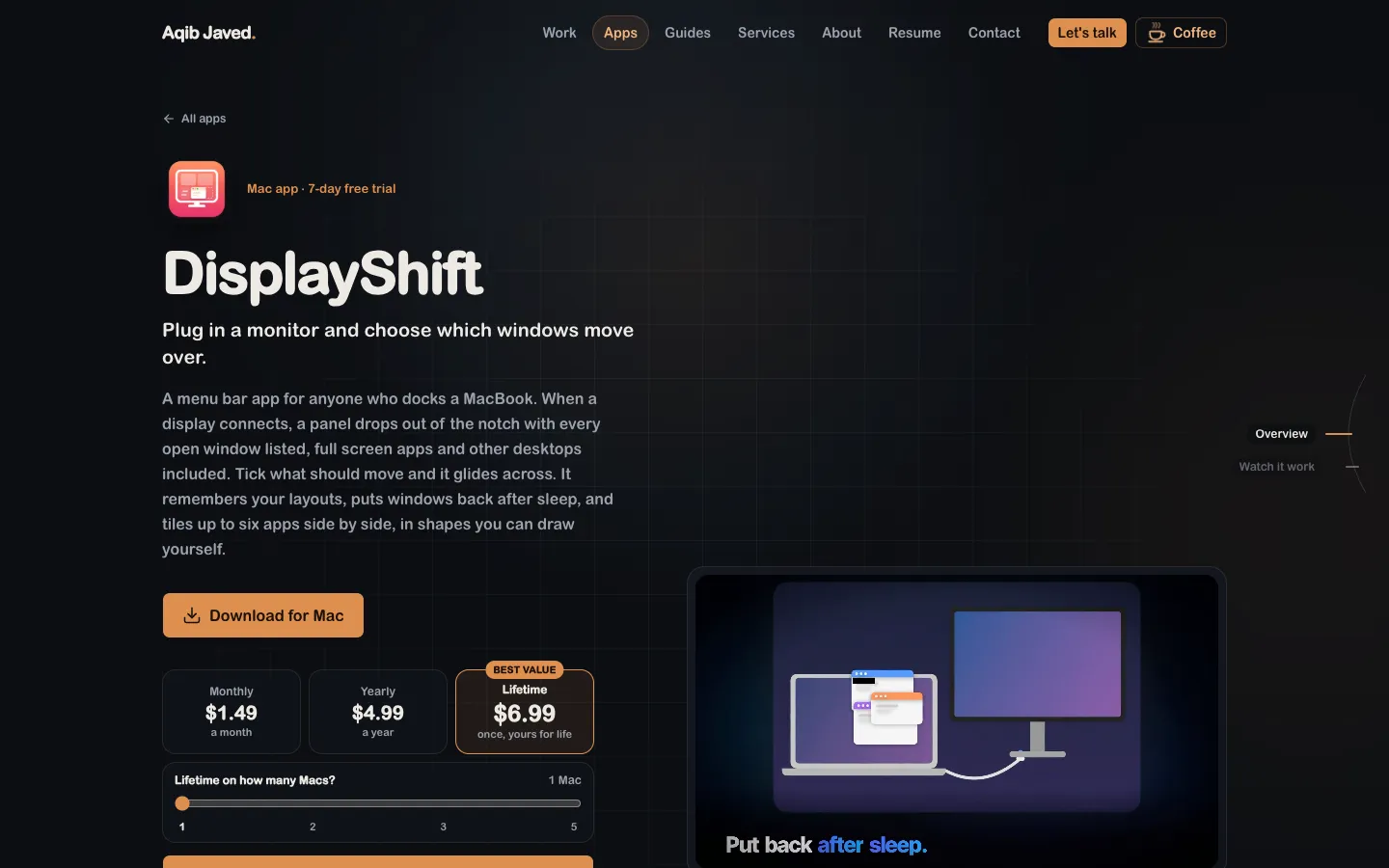
DisplayShift is a menu bar app for people who connect a MacBook to an external monitor. When a display connects, a picker drops out of the notch and lists every open window, including full screen apps and windows on other desktops. Tick the ones you want and they glide across to the new screen.
It remembers your layouts for each screen setup and puts windows back after sleep or when you unplug. It can also tile two to six apps side by side, in shapes you draw yourself.
Features.
Window picker: Plug in a monitor or start an AirPlay display and the picker lists windows not yet on the new screen. Tick what moves. Control-Option-Command-M opens it any time.
Full screen apps: They leave full screen, move to the other display and go full screen again there, behind a soft curtain instead of macOS's own animations.
Saved layouts: Layouts are remembered for each screen setup, including which desktop each window was on and Split View pairs. Unplug and your MacBook layout comes back. Every move has an Undo.
Put back after sleep: When macOS piles your windows onto the MacBook at wake, DisplayShift returns them to their spots.
Tiling: Tile two to six apps side by side in thirds, quarters or a grid. Version 1.7.20 added custom layouts that you split by dragging lines or typing exact percentages. Drag the bar between tiled windows to resize the neighbours together.
Rules per app: Keep an app on the MacBook, send it to the external display, or never move it. You can also save named layouts, such as Coding, with their own shortcuts.
Remove empty desktops: One click closes every desktop with nothing on it, on every screen.
Other displays: Works with an iPad, Apple TV, smart TV or another Mac used as a display. On a Mac without a notch, or if another app already uses yours, the picker drops from just under the menu bar.
Settings: Move everything to one screen in a click, and keep your monitor arrangement when macOS shuffles it.
Privacy: No analytics, telemetry or account. Saved layouts keep a hash of each window title, never the title. The app goes online only to check your license key and look for updates.
Pricing.
DisplayShift costs $6.99, paid once, for 1 Mac, after a 7-day free trial. You can instead pay $1.49 a month or $4.99 a year.
Every option is the full app
Monthly and yearly plans cover 1 Mac
Lifetime keys for more Macs are offered at checkout: 2 Macs $12.58, 3 Macs $16.78, 5 Macs $24.47
Updates are free for the version you bought
Purchases are final and aren't refunded, except where your local law gives you a right to a refund


