AutoShot
Take a screenshot of every display on a timer and make a timelapse
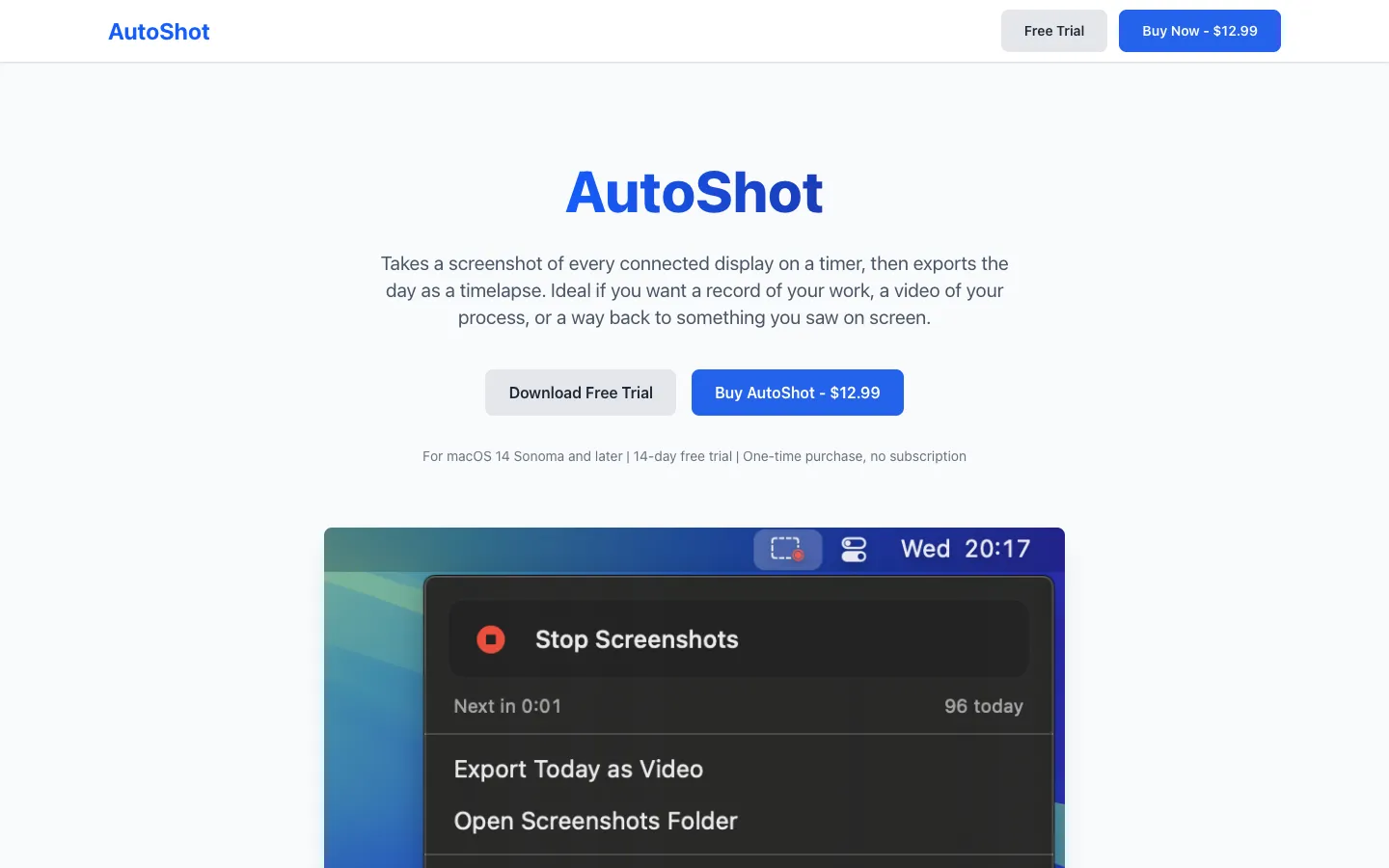
About AutoShot.
AutoShot takes a screenshot of every display connected to your Mac at an interval you set, and sorts the files into a folder for each day. You start it once from the menu bar and it keeps going on its own.
You can leave chosen apps out of the screenshots, search them by the text they contain, and export any day as a timelapse video. That gives you a record of your work, a video of your process, or a way back to something you saw on screen.
Features.
Every display, on a timer: Capture every 1, 5, 10 or 30 minutes, or at a custom interval. Each display goes into its own file, or you pick just one, in PNG, JPEG or HEIC at full or half size.
Your day as a timelapse: Export today with one click, or pick several days in the Timelapse tab and join them into one MP4. You choose the speed and get one video per display.
Sorted by day: Screenshots go into a folder for each day, in Pictures/AutoShot by default or any folder you choose. Files are named with the date, time and display.
Keeps private apps out: Add apps such as your password manager or messages to an exclusion list. Their windows never appear in a screenshot, and capture is skipped while one is in front. You can also hide notifications and desktop icons.
Pauses when you're away: Skip screenshots after 1 to 30 minutes of inactivity, while the screen is locked, and across sleep and wake.
Automatic cleanup: Keep screenshots for anywhere from 10 minutes to 1 month. Older ones move to the Trash, and capture pauses if free space runs low.
Search by text: New in version 1.4. AutoShot reads the text in each screenshot with Apple's built-in text recognition and saves it with the file, so Finder and Spotlight can find a screenshot by a word or number on screen. You can also make existing screenshots, or any other folder, searchable.
Menu bar and shortcut: Start and stop from the menu bar or with a global keyboard shortcut. There's no Dock icon.
Light on disk: The vendor puts a default Retina JPEG at about 0.5 MB, or around 50 MB per display for an 8-hour day at one shot every 5 minutes. HEIC files are about half that.
Privacy: Screenshots and the recognized text stay on your Mac, and there's no usage tracking or analytics.
Pricing.
AutoShot costs $12.99, paid once. It starts with a 14-day free trial of every feature, with no email or credit card needed.
All features
No subscription
Free updates
One purchase covers all the Macs you own or control
When the trial ends, AutoShot stops taking new screenshots until you activate a licence. Your existing screenshots stay, and you can still export timelapses
30-day money-back guarantee