Skip to content
macappstoday
  • Today’s appsThe apps launching today
  • CategoriesBrowse by what apps do
  • ArchiveEvery day so far
DealsBlack Friday dealsSubmitSubmit your App
B-Roll Mosaic app icon
Launched Nov 25, 2026

B-Roll Mosaic

Browse your footage and loop the best bits before you edit
PricePaidSee pricing
CategoryVideo & audio ›
RequiresmacOS 14.3or later
LaunchedNov 252026 ›
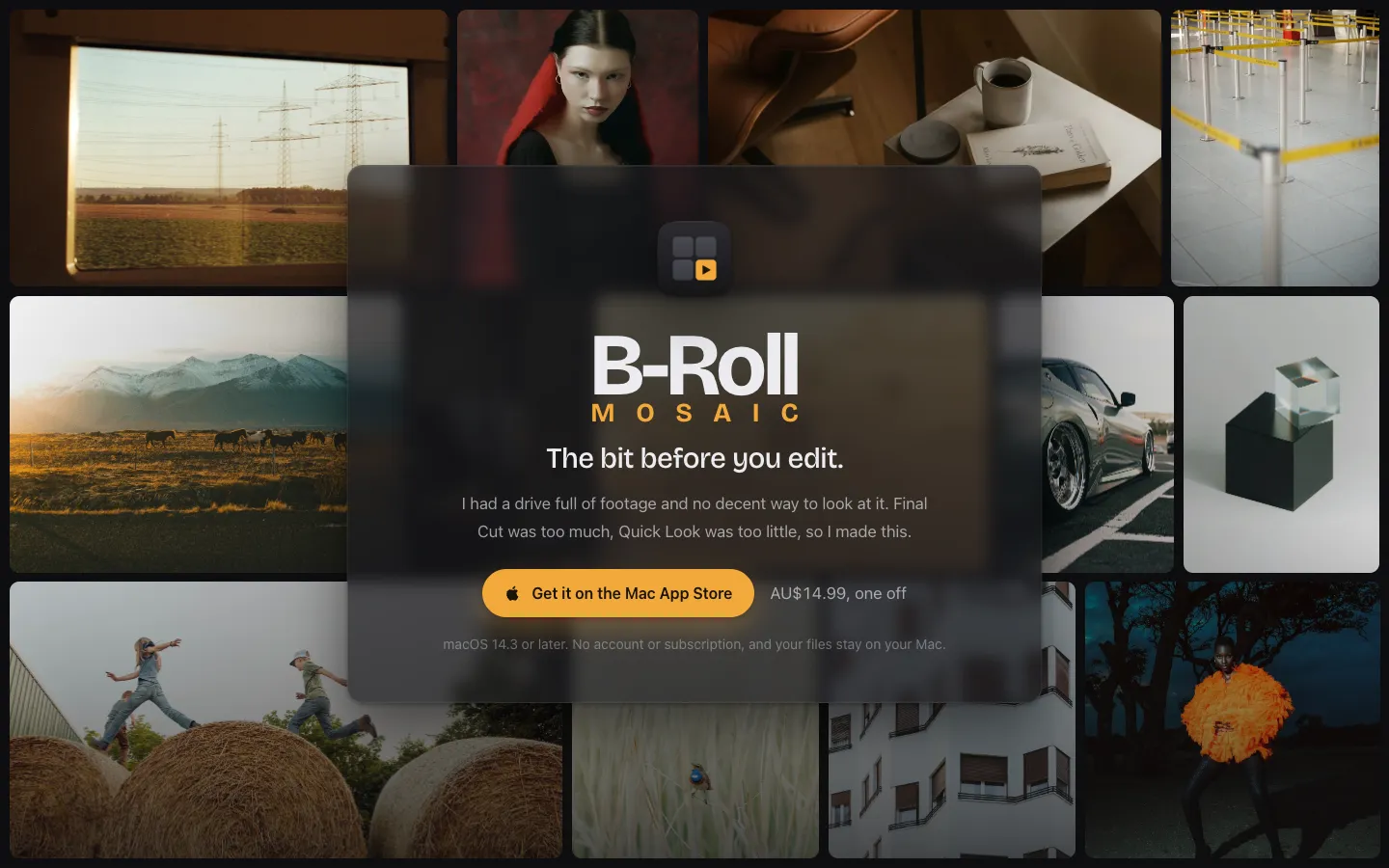
B-Roll Mosaic screenshot

About B-Roll Mosaic.

B-Roll Mosaic is a video organiser and player for the footage on your drives. Point it at a folder and every clip and still appears in its real shape, tall, wide or square, so you can see at a glance what fits your project.

Hover over a clip to scrub through it, mark loop points, and drag the loop out to Finder or your editor as its own file. It isn't an editor, but you can line clips up in a playlist to preview a rough cut.

Features.

  • Clips in their real shape: Phone clips show tall, wide shots show wide and squares stay square. Hover over a clip to scrub through it, and press space to play.

  • Loops: Mark an in point and an out point and the app remembers them. Next time, the clip starts at your in point and loops.

  • Drag out the loop: Drag a clip to Finder and you get just the looped section as its own file, with no export dialog.

  • Playlists: Add clips to a playlist and drag them around. Loops become segments, and images show for as long as you set. Drag a whole playlist to a Finder folder or your editor, and looped clips arrive trimmed.

  • Mosaic: One button puts a stack of clips or images on screen at once, for tone checking, a screen saver or a Ken Burns effect.

  • Labels and tags: It uses macOS colour labels and tags to organise and find files. Select several clips, right-click, and tag or label them all at once.

  • Loops follow your footage: If you move a shoot to another drive, your in and out points come with it. The app recognises each clip by its name and size.

  • Privacy: No account, nothing uploaded, and it doesn't connect to the internet.

Pricing.

B-Roll Mosaic costs $9.99 on the US Mac App Store, paid once.

  • All features

  • No subscription

  • No account needed

Questions.

What is B-Roll Mosaic?
B-Roll Mosaic is a video organiser and player that lets you browse footage, loop the parts you want and preview clips in playlists before you edit.
Is B-Roll Mosaic free?
No. It costs $9.99 once on the US Mac App Store, with no subscription. The website and App Store listing don't mention a free trial or free version.
Does B-Roll Mosaic work on my Mac?
It needs macOS 14.3 or later, and the download is about 1.4 MB. B-Roll Mosaic doesn't say whether it runs natively on Apple silicon or supports Intel Macs.
Is B-Roll Mosaic available for Windows or iPhone?
No. B-Roll Mosaic is a Mac app, and its website doesn't mention a Windows or iPhone version.
Where can I download B-Roll Mosaic?
From the Mac App Store. Adam Mazzitelli makes it, and the latest version is 1.0.3, released November 5, 2026.
Is B-Roll Mosaic safe?
It comes from the Mac App Store, where Apple reviews every app. The developer says it doesn't upload anything, needs no account and doesn't connect to the internet at all. The site doesn't list the permissions it asks for, and there's no public source code.
Do my loops survive if I move my footage?
Yes, since version 1.0.3. If you move a shoot to another drive, the app recognises each clip by its name and size and picks your in and out points back up the first time you open the new folder.
What files does B-Roll Mosaic open?
It plays mp4, m4v, mov and mpeg video, and shows jpg, png, heic, webp, gif and tiff images.

More in Video & audio.