About DiskFox.
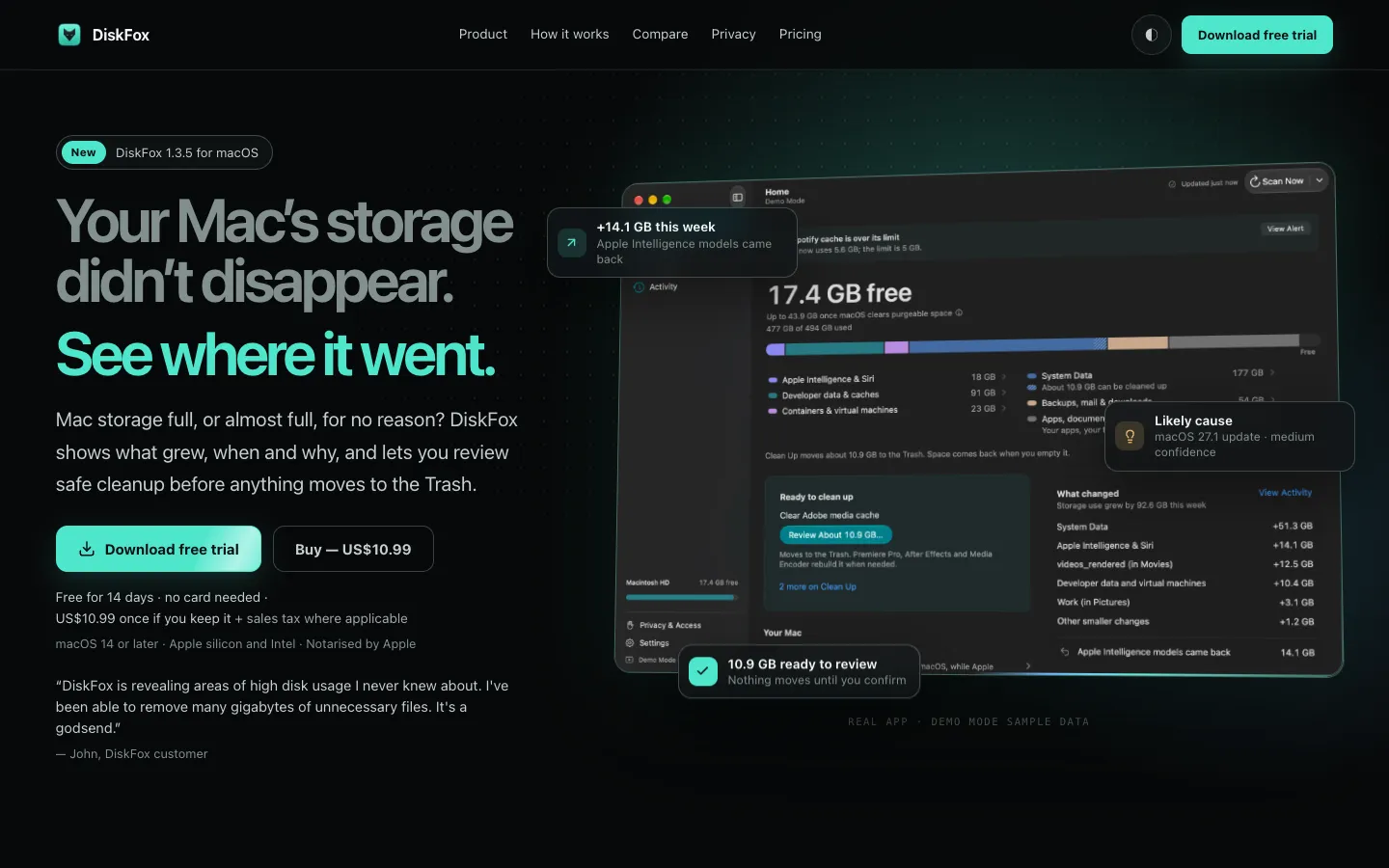
DiskFox shows what is using your Mac's storage and what changed since the last scan. Each scan is compared with the one before, so instead of one big number you get dated changes with a likely cause, such as a simulator runtime that added 9.7 GB on Wednesday.
You review what to remove before anything moves, and most items go to the Trash with a Put Back option. It also explains the System Data category and warns you if storage you cleaned up comes back.
Features.
What Changed: Compares this week's scan with the last one and lists each change with its date and likely cause. Causes macOS can't confirm are labelled "Likely".
Storage map: A map coloured by what grew this week, where you click a block to break it down. External drives get their own map and history.
System Data explained: Splits System Data into things like backup snapshots, Spotlight, caches and Apple Intelligence models, and shows when each grew. Time Machine and macOS update snapshots are listed separately with their size shown as unknown.
Came back alerts: If storage you cleaned returns, DiskFox warns you. Storage Trends shows how locations change over time.
60+ storage spots: Recognises more than 60 places storage builds up, including Xcode DerivedData, simulator runtimes, Docker, Homebrew and npm caches, and Spotify.
Explore tools: Lists games one by one, largest files, real app sizes and exact duplicates, which it verifies by reading the files locally. A menu bar panel gives a quick view.
Review-first Clean Up: There's no "clean everything" button. You pick what enters a review, and Cleanup History lets you put items back.
Background checks: Runs every 6 hours by default at background priority, and skips checks in Low Power Mode.
Languages: English, German, French, Spanish, Italian and Japanese.
Privacy: Scans read file sizes and dates only, and file contents never leave your Mac. There's no account. Full Disk Access is optional, and three anonymous usage counts are on by default and can be switched off in Settings.
Pricing.
DiskFox costs $10.99, paid once, with a 14-day free trial. You pay on its website.
All features during the 14-day trial, no card needed
Every version 1 update included
No subscription
One licence works on up to 2 Macs
14-day refund, no questions asked
What users love.
Finding duplicates One buyer found it reasonably priced and said it quickly helped them find duplicate files and free up a lot of disk space.
Everyday use Another user said it's been really useful for them.