BetterDisplay
Get sharper scaling, deeper dimming and more brightness on your Mac displays
About BetterDisplay.
BetterDisplay gives you control over your Mac's displays that macOS doesn't offer. It can turn an external monitor into a flexibly scaled HiDPI screen, change a monitor's brightness, volume and input over its own controls, and dim a screen all the way to black.
It also creates virtual screens, shows any display in a Picture in Picture window, and can push XDR and HDR displays past their usual brightness. Everything sits in a menu bar menu, and many features are free, with the rest unlocked by a one-time Pro licence.
Features.
Flexible HiDPI scaling (Pro): Turn built-in and external displays into fully scalable HiDPI screens, including high refresh rate and HDR modes. A resolution slider and favourite resolutions let you switch quickly.
XDR and HDR extra brightness (Pro): Push XDR displays up to 2000 nits and give compatible external HDR screens a boost beyond their normal maximum.
DDC monitor control: Change an external monitor's brightness, contrast, volume, input and power from the Mac, using your keyboard's brightness and volume keys or your own shortcuts. DDC is the standard way a Mac talks to a monitor's built-in settings.
Dimming to black: Lower the brightness below the system minimum, all the way to black, by combining hardware and software dimming.
Virtual screens: Create screens with any size and aspect ratio, for example to use a headless Mac remotely or to get scaled and portrait Sidecar layouts. HDR and high refresh rate virtual screens need Pro.
Picture in Picture and streaming (Pro): Show any real or virtual display, or selected windows, in a floating window or on another screen, with cropping, rotation and filters. Flipping the stream turns an iPad or monitor into a teleprompter.
Display connect and disconnect (Pro): Turn displays off and on without unplugging them, and optionally switch off the built-in screen when an external display connects.
Colour and image controls: Pick colour profiles and XDR presets, retouch a profile with a live preview, and choose colour modes and extra refresh rates on Apple silicon. Pro adds sharpening, colour temperature, custom 3D LUTs and automatic SDR and HDR profile switching.
Layout and configuration protection (Pro): Keep each display's resolution, refresh rate, rotation and colour profile from changing, and keep your arrangement steady across setups. You can also sync brightness across displays.
TV and receiver control: Control TV volume, power and inputs over HDMI-CEC, plus networked LG webOS, Samsung Tizen and Philips Android TVs and Yamaha receivers. You can also turn on Night Shift for a TV.
On-screen indicators: Use native or custom indicators for brightness and volume, including Live Activity and Dynamic Island styles on macOS 27.3. On supported MacBook Pros it can also dim the illuminated Apple logo.
Automation: Control it with macOS Shortcuts, the betterdisplaycli command line tool, URL schemes or HTTP. You can run a script whenever a display connects, disconnects, sleeps or wakes.
Pricing.
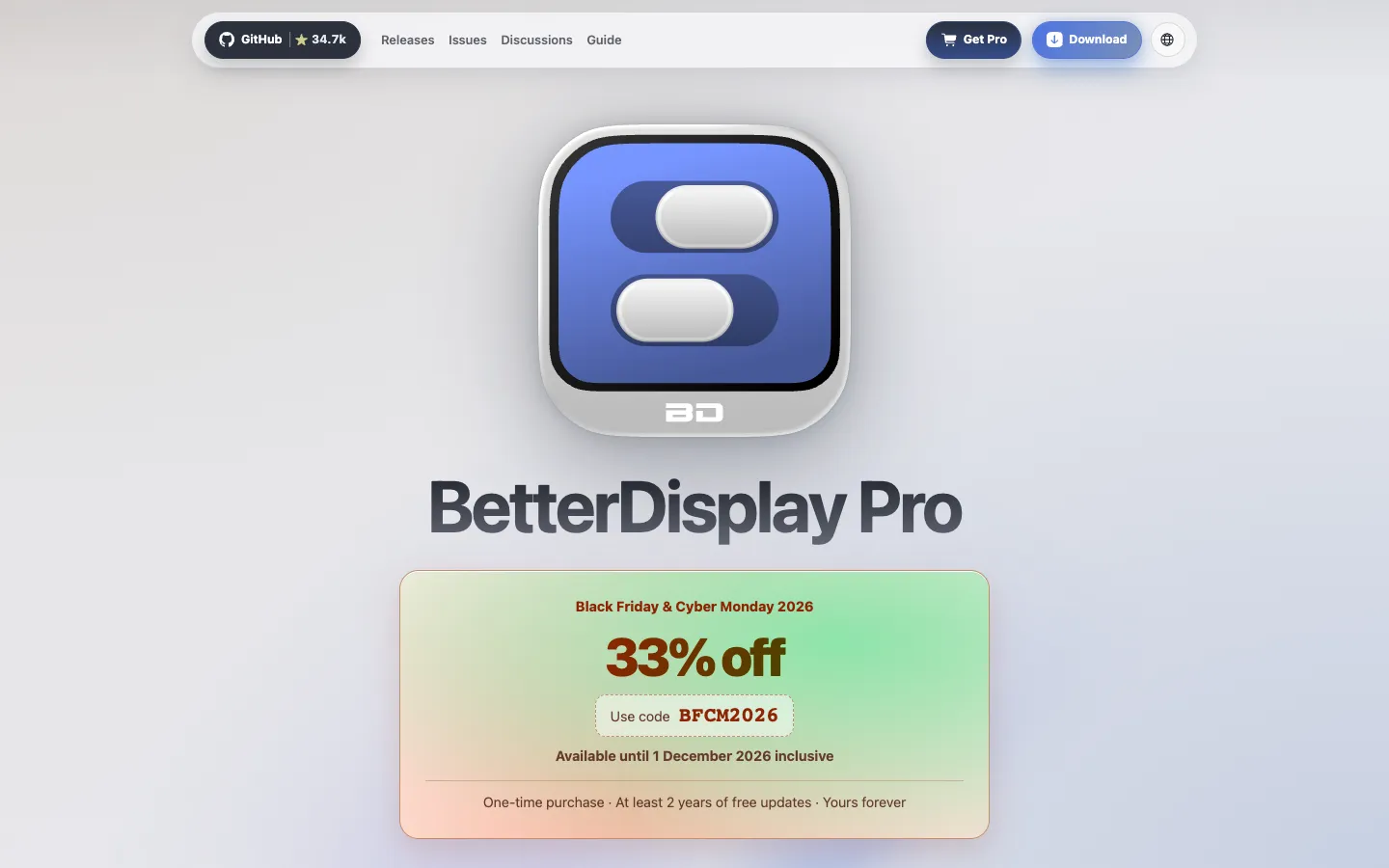
BetterDisplay is free to use for personal use, and BetterDisplay Pro costs $21.99 once. Use the code BFCM2026 to get 33% off until December 1, 2026.
14-day trial with every Pro feature unlocked
One-time Pro licence, not a subscription
At least two years of free updates, including any major version released in that time
One personal licence covers up to two of your own Macs at a time
Businesses need a licence to keep using the app after the trial, even the free features
What users love.
An app you can't do without Long-time users call it the first app they install on a Mac and say there's no real alternative, with some using it for five years.
Sharp text on any monitor People run it all day for the high resolution HiDPI option, which one user calls a lifesaver on any monitor that isn't one of Apple's expensive displays.
Dimming below the minimum Several users say the best part is turning an external display darker than macOS allows, which helps in a dark room at night.
A generous free version Users point out how much is included without paying, and some have used it on several MacBooks without needing Pro.
Virtual screens and input switching People use small virtual screens to reach a big monitor from a laptop remotely, and DDC to switch a shared monitor between a Mac and a PC.