Skip to content
macappstoday
  • Today’s appsThe apps launching today
  • CategoriesBrowse by what apps do
  • ArchiveEvery day so far
DealsBlack Friday dealsSubmitSubmit your App
Muffle app icon
Launched today · Saturday, November 28

Muffle

Blur every window except the one you're working in
PricePaidSee pricing
CategoryFocus ›
RequiresmacOS 14or later
LaunchedTodayNov 28 ›
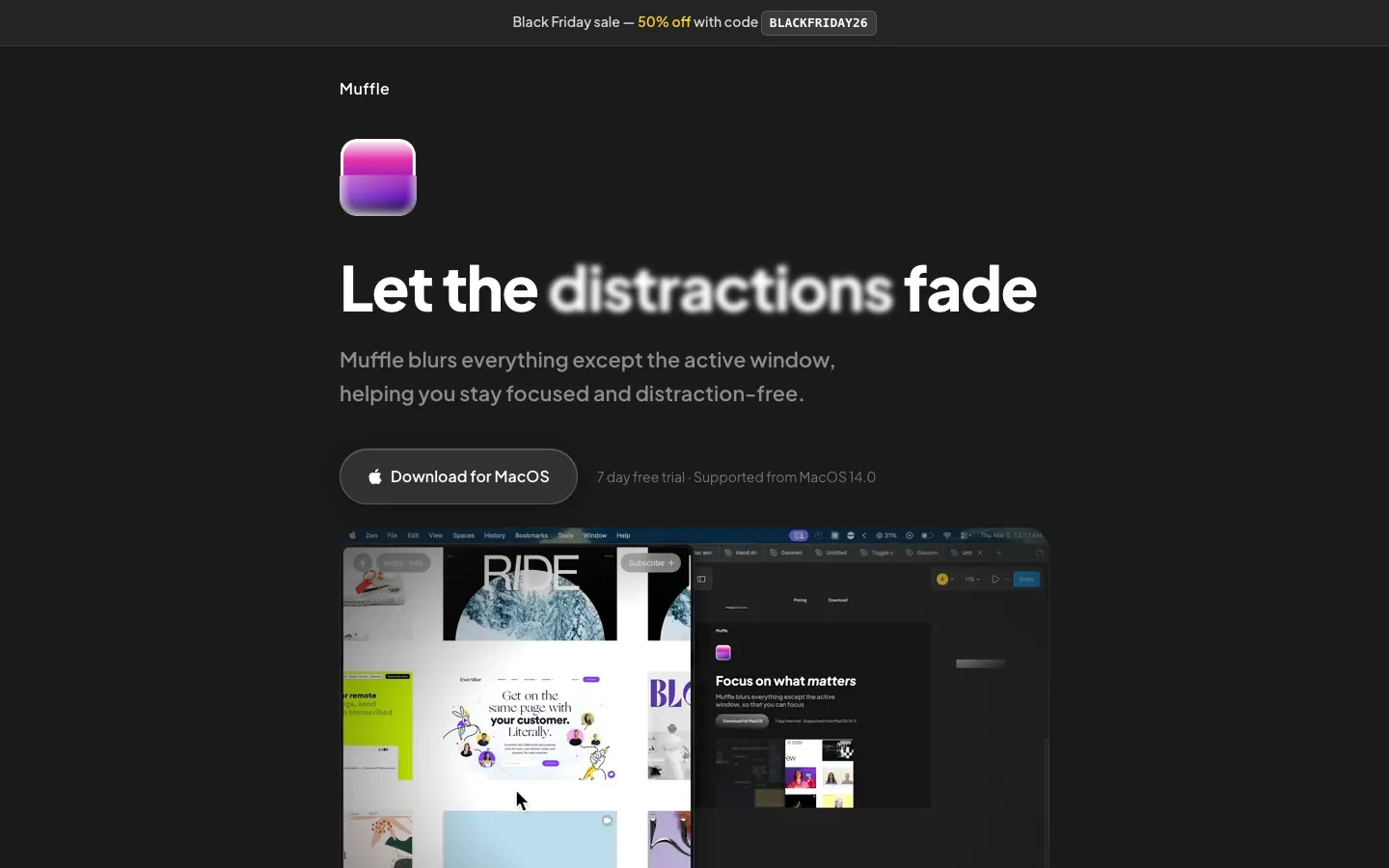
Muffle screenshot

About Muffle.

Muffle blurs everything on your Mac's screen except the window you're using. Click another window and the blur moves with you, so only the active app stays sharp.

It helps when you want to focus on one thing or keep the rest of your desktop out of view while you share your screen. Shake the cursor to turn the blur on or off, and set how strong the blur and dimming are.

Features.

  • Active window focus: Everything behind the window you're working in is blurred, and the effect follows you as you switch windows.

  • Shake to toggle: Shake your cursor to blur or unblur the screen in an instant. You can turn this off if you'd rather not use it.

  • Blur and dim controls: Set the blur strength and how much the background is dimmed, each as a percentage.

  • Hotkey: Turn Muffle on and off with a keyboard shortcut.

  • Multiple monitors: Apply the blur to every display at once or set it per monitor.

  • Light on resources: Muffle is written in Swift and uses close to zero CPU while idle.

  • Privacy: Muffle runs entirely on your Mac and doesn't collect, store or share any personal data. The only outside service it uses is the licence check.

Pricing.

Muffle costs $7.99, paid once. That's a launch offer on its usual price of $9.99, and you can use the code BLACKFRIDAY26 to get 50% off during the Black Friday sale.

  • Lifetime licence with unlimited updates

  • Works on 2 devices

  • No subscription

  • 7-day free trial

What users love.

  • An actual blur Users who had tried window dimmers said they'd always wanted the background blurred instead of only darkened, and were glad someone built it.

  • Multi-monitor support One owner of a dimming app said they'd rather use Muffle because it works across two or more monitors.

  • Focus in any app People liked getting a distraction-free mode in apps that don't have one built in.

  • Fair price after trying it One user who started out doubtful tried it and called it a decent little app at a fair price.

Questions.

What is Muffle?
Muffle is a focus app for Mac that blurs and dims your whole screen apart from the window you're working in.
Is Muffle free?
No. It costs $7.99 once as a launch offer (normally $9.99), and there's a 7-day free trial so you can try it first.
Does Muffle work on my Mac?
Yes, if it runs macOS 14 Sonoma or later. Muffle doesn't say whether it is built for Apple silicon, Intel or both. The download is about 3 MB.
Is Muffle available for Windows or iPhone?
There's a Windows version on the Microsoft Store. Muffle doesn't have an iPhone app.
Where can I download Muffle?
From getmuffle.com, which downloads the Mac app directly. It isn't on the Mac App Store, and the Mac App Store app with the same name is a different product. Abijith Vasanthakumar, who also makes Lattix, develops it. The site doesn't list a version number.
Is Muffle safe?
Muffle's privacy policy says the app runs entirely on your Mac, keeps your settings on your computer and doesn't collect or share any personal data. The developer says it reads window information from macOS, so it doesn't need Accessibility permission. The licence is checked through Lemon Squeezy, and the source code isn't public.
Can Muffle blur only one monitor?
Yes. You can apply the blur to all your displays at once or choose a setting for each monitor separately.
Does Muffle slow down my Mac?
Muffle is built in Swift and says it uses close to zero CPU while idle. Some users asked about the battery and graphics cost of the blur, and the developer hasn't published figures for that.

More in Focus.
