
MacVisor
Run Linux, Windows and macOS virtual machines on your Apple silicon Mac
About MacVisor.
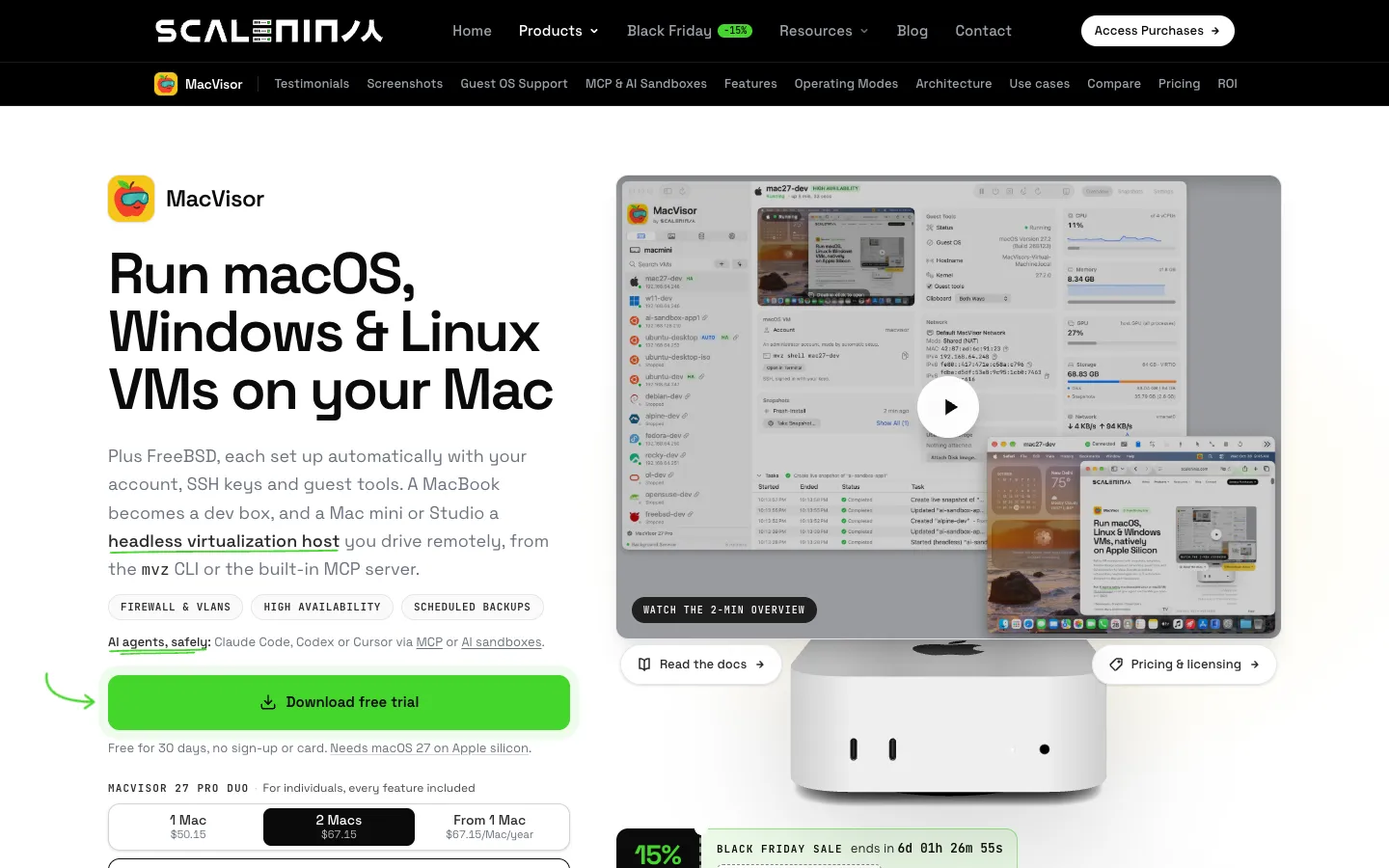
MacVisor runs macOS, Linux, Windows 11 and FreeBSD virtual machines on an Apple silicon Mac. Pick a cloud image or an installer and it sets the VM up for you, with your account, SSH keys and guest tools already in place.
The VMs run in a background service, so they keep going when the app is closed and can start at login. You can use it like a normal desktop app on a MacBook, or run a Mac mini as a headless host and manage it from the mvz command line tool.
Features.
macOS guests: Install macOS 27, 26, 15 or 14 from Apple's own installers, or use your own IPSW file. macOS 27 guests skip Setup Assistant and get the MacVisor Agent installed for you.
Linux from cloud images: Ubuntu, Debian, Fedora, Rocky, AlmaLinux, Oracle Linux, CentOS Stream, openSUSE Leap and Alpine come ready to use, with your account and SSH keys. You can add Docker, Podman, containerd or k3s at setup, and run x86 Linux programs through Rosetta.
Windows 11 on ARM: MacVisor installs Windows from Microsoft's ISO without you clicking through setup, with Remote Desktop, sound, Secure Boot and a TPM 2.0. Windows draws with the Mac's CPU, so it isn't meant for games or 3D work.
FreeBSD and appliances: Run FreeBSD, firewalls such as pfSense, OPNsense and OpenWrt, or Home Assistant OS from their ARM64 images.
Always-on VMs: Each VM runs in its own process under a background service. VMs can start at login, restart after a crash and run headless, and VM Watchdog restarts a guest that stops responding.
Snapshots and clones: Take disk-only or live snapshots that include memory, and MacVisor saves a safety snapshot before any rollback. Templates, linked clones and copy-on-write copies make new VMs in seconds.
Backups: Back up running VMs daily, weekly or on demand to another drive or a network share. VMs are kept out of Time Machine on purpose, because their disks change by gigabytes.
Networking: Use NAT, bridged, shared or host-only networks with DHCP, DNS, fixed addresses, port forwards and VLANs. Each network can have its own firewall, enforced on the Mac, and every VM is reachable by name.
mvz CLI: Nearly everything in the app works from the command line, with JSON output for scripts and CI. Open a shell in any VM, run commands, or get a Docker context for it.
Import from other apps: Bring VMs over from Parallels Desktop, UTM, VirtualBuddy, Tart and VMware Fusion, or build one from a qcow2, VMDK, raw disk or OVA file.
AI agents and sandboxes (Tech Preview): An MCP server lets Claude Code, Codex, Cursor and similar agents use only the VMs you open to them. AI sandboxes give a coding agent its own throwaway VM with a copy of your project, and you review its changes before applying them.
Shared folders and devices: Share folders, the clipboard and files by drag and drop, and pass USB devices through to a VM.
Privacy: MacVisor has no analytics or telemetry. It only connects to check your licence and look for updates, and your disks and guest traffic never pass through the developer.
Pricing.
MacVisor Pro costs $59 once for one Mac, a launch price until November 30, 2026, after which it goes up to $69. Use the code BLACKFRIDAY15 to get 15% off any licence until December 1, 2026.
Free 30-day trial of the full app, no sign-up or card
Pro Duo for two Macs: $79 once (then $99)
Business: $79 per Mac a year (then $99), with new major versions included
Pro includes every MacVisor 27.x update, and the next major version is 50% off
No limit on users or VMs on a licensed Mac
14-day money-back guarantee
What users love.
Polished from day one Users who came from Parallels and VMware Fusion say it feels finished, and one had Fedora and RHEL running with working graphics and sound straight away.
One-time licence People who avoid subscription VM apps like that Pro is paid once, and several call the pricing and trial terms fair.
Quick test machines Mac admins say spinning up fresh test VMs is fast and easy, and one prefers it to UTM for that.
VMs that outlive the window Users single out the background service that keeps VMs running after the app is closed, which makes a Mac work like a real VM host.