
Clean House
Free up Mac storage and see what each file is before it goes
About Clean House.
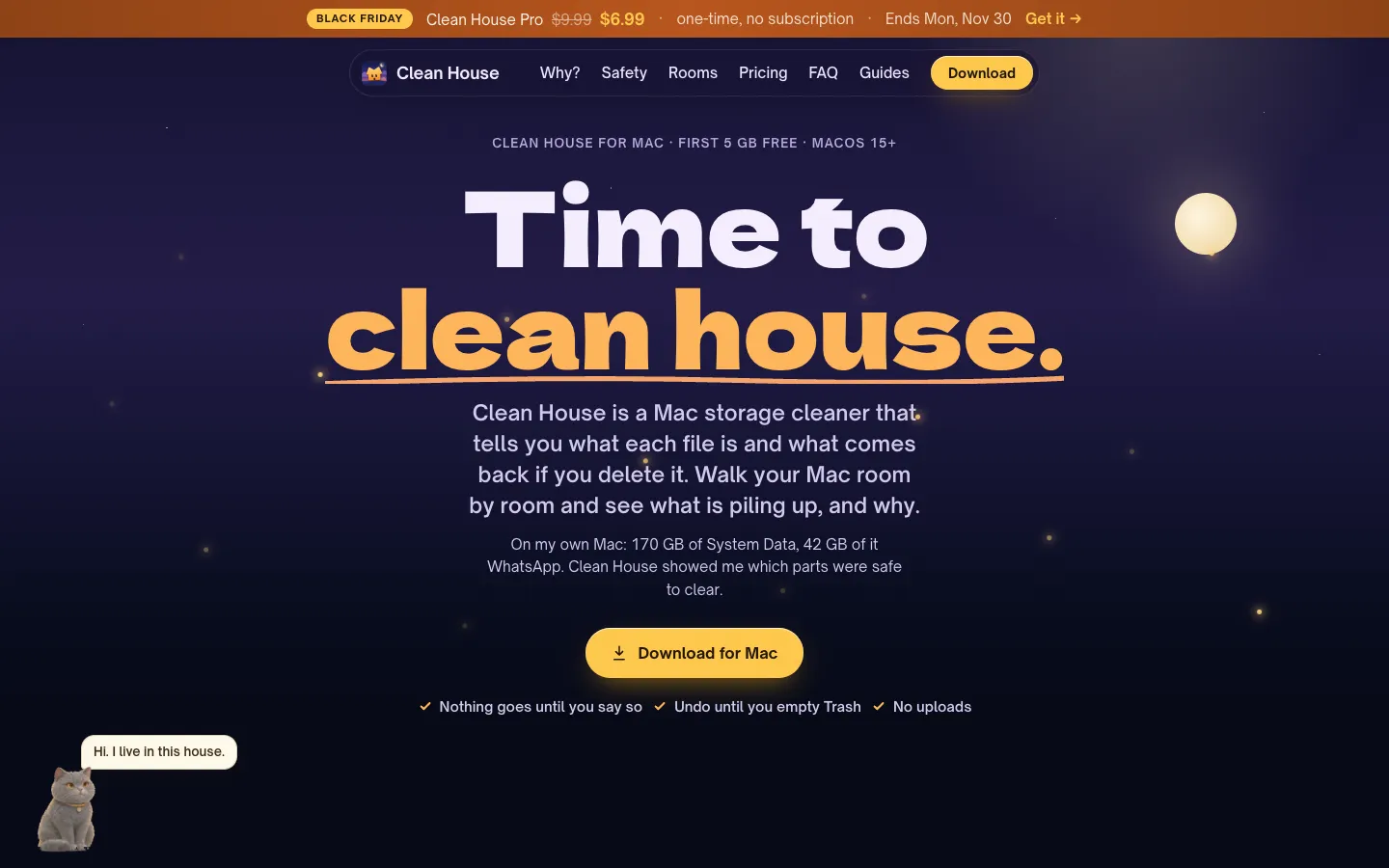
Clean House is a storage cleaner for your Mac that tells you what each file is and what happens if you delete it. It shows where a file came from, when you last opened it and whether it will download again, rebuild or be gone for good, then marks it safe to clear, look first or keep.
Your Mac is drawn as a house you walk through room by room, with big folders as boxes in the attic and apps as books on a shelf. Anything you clean goes to the Trash first, so you can put it back until you empty the Trash.
Features.
Why? cards: Every file gets a card with what it is, where it came from, the app that owns it, when you last opened it and what you lose if it goes. Caches that refill themselves get an option to cap them instead.
Plain verdicts: Each item is marked safe to clear, look first or keep. Nothing is ticked for you.
Rooms: Space shows your biggest folders, Reclaim holds what's ready to clear, Apps shows each app with its data and leftovers from removed apps, and Memory shows what each app is using right now. A Simple mode shows the same thing as a plain list.
Downloads, Desktop and Documents: Clean House sorts these folders by what each file is and when you last opened it.
Ready-made piles: Tick a whole pile at once, such as old screenshots, installers you've already used, zips you've opened, extra copies or downloads over a year old.
Tidy Desktop: Move everything on your Desktop into one folder with one click. Put Back returns every file to where it was.
Dev Desk: If you write code, a developer room lists every listening port by name with a stop button. Clean House also finds Xcode builds, simulators, Gradle and Docker data and local AI model folders, and marks model folders "look first".
Trash first: Files move to the Trash after one last check, and Recently Cleared puts them back until you empty it. System files are never offered for removal.
iCloud Drive: It reads iCloud Drive files without downloading them.
Privacy: Scans and Why? cards run on your Mac, and file names and paths are never uploaded. There's no account and no analytics, and the only regular network call is an update check you can turn off.
Pricing.
Clean House is free for your first 5 GB. Pro costs $9.99, paid once, and is $6.99 for Black Friday until Monday, November 30.
Free: scan your whole Mac, every explanation, Peek and undo, and clean up to 5 GB
Pro removes the 5 GB limit
One Pro licence works on 2 Macs
No subscription, updates included
A 5-Mac Household licence for $19 is coming soon
What users love.
Knowing what a file is first Early users like that every item says what happens if you delete it, which they say other disk tools never tell them.
The Trash-first approach People call moving files to the Trash, with undo, the right default for a cleaner.