
File Florist
Rename and sort your downloads, scans and screenshots by what's inside
About File Florist.
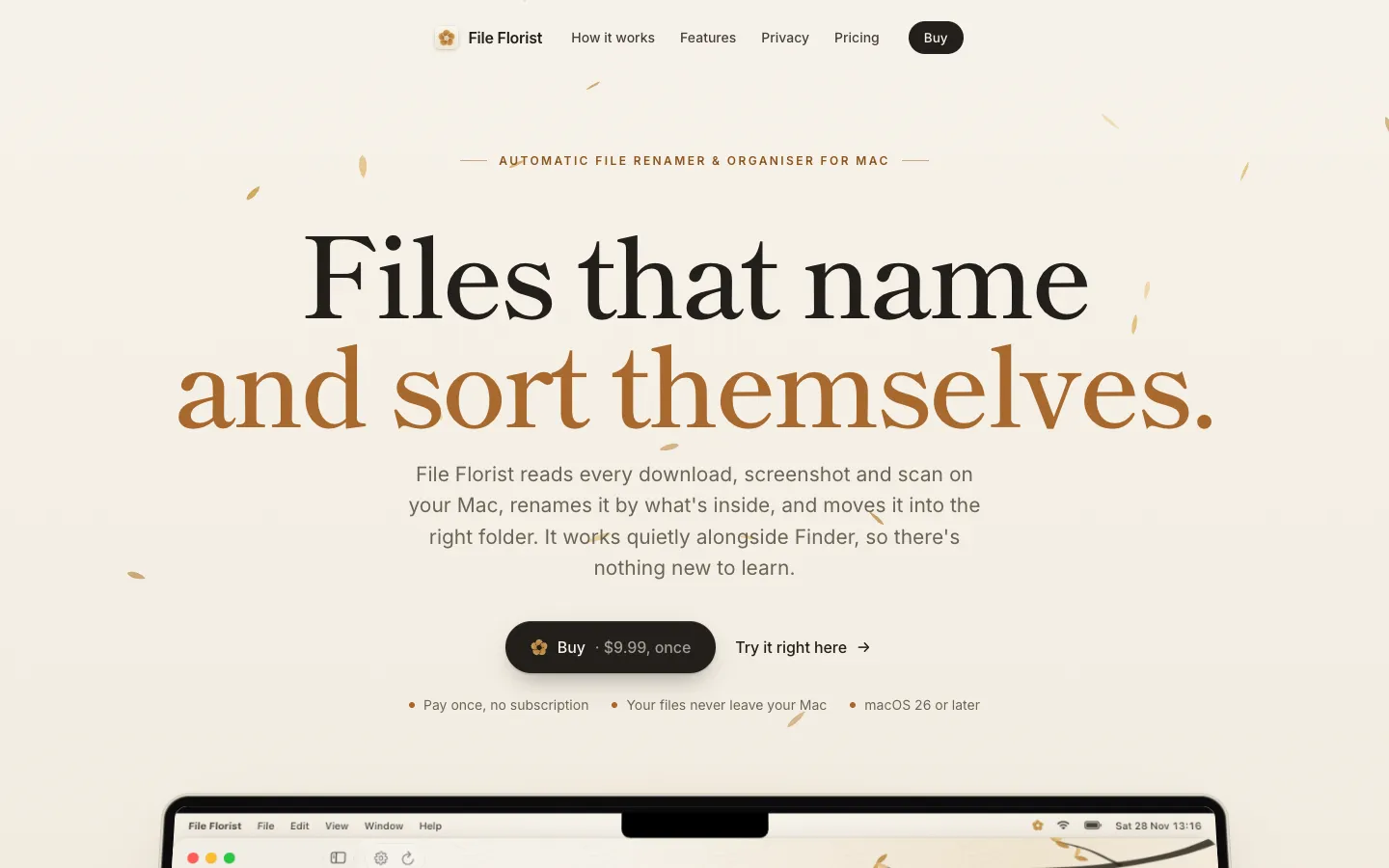
File Florist reads the files in your Downloads, Desktop or any folder you pick, gives each one a clear name based on what's in it, and moves it into a matching folder like Finance, Travel or Screenshots. A file called document.pdf becomes a name with the sender, the amount and the date.
You see every new name before anything moves, and you can change any of them. Turn on Auto-sort and new files get named and filed as they arrive, even with the window closed. Every rename and move can be undone.
Features.
Renames by content: It reads the text in PDFs and scans, what's in photos and screenshots, and what's said in recordings, then names the file after it. Bills and receipts get the sender, the amount in their own currency, and the date.
One-click sort: Choose a folder and File Florist files everything into folders such as Finance, Travel, Screenshots and Audio. You check the new names first.
Auto-sort: New downloads, screenshots and voice memos are named and filed the moment they land. A small note at the notch tells you, with an Undo button.
Three readers: Its own rules, its own trained model for papers like bills and tickets, and Apple Intelligence each read every file. When they disagree, the file waits in a Not sure list with what each one said, so you decide.
Smart Rename in Finder: Select files in Finder, right-click, and they're renamed. You can also right-click a folder to sort it.
Rules in plain words: Type rules like "Bank statements go in Finance, by year." If you move a file once, it remembers where that kind of file goes.
Search by meaning: Find a file by describing it, like "flight to Tokyo", or ask a question such as what a trip cost and get the figure from the file. Search can also jump to the right moment in a video or recording.
Ask it why: Right-click any sorted file to see what File Florist read, saw or heard, and how it picked the name.
Clean Up: It finds installers you've already installed, old screenshots, large files, files you haven't opened in months, and near-identical photos with the best one picked. It never deletes anything for you.
History and Undo: Every rename and move is kept. Put back one file or a whole afternoon's work, under the old names. Duplicates go to their own folder instead of being deleted.
Leaves projects alone: Code projects, apps and iCloud-only files are never touched.
More sources: It can watch Mail attachments and iCloud Drive's Downloads, and name photos and videos as you import them from a camera card. Shortcuts actions let you sort folders from your own automations.
Languages: It reads papers in English, Japanese, Hindi, Marathi, Spanish and German, and the app itself comes in five languages.
Privacy: Files are read on your Mac and never uploaded. There's no account and no cloud. It goes online only to check your licence key and look for updates.
Pricing.
File Florist costs $9.99, paid once. That's a launch price for the first 50 buyers. It usually costs $19.99.
Every feature, with no tiers or add-ons
Free updates
No subscription
One licence works on one Mac
All sales are final, with no refunds, so try the demo first