Glueys
Eye rest, stand-up and water reminders that never cover your screen
About Glueys.
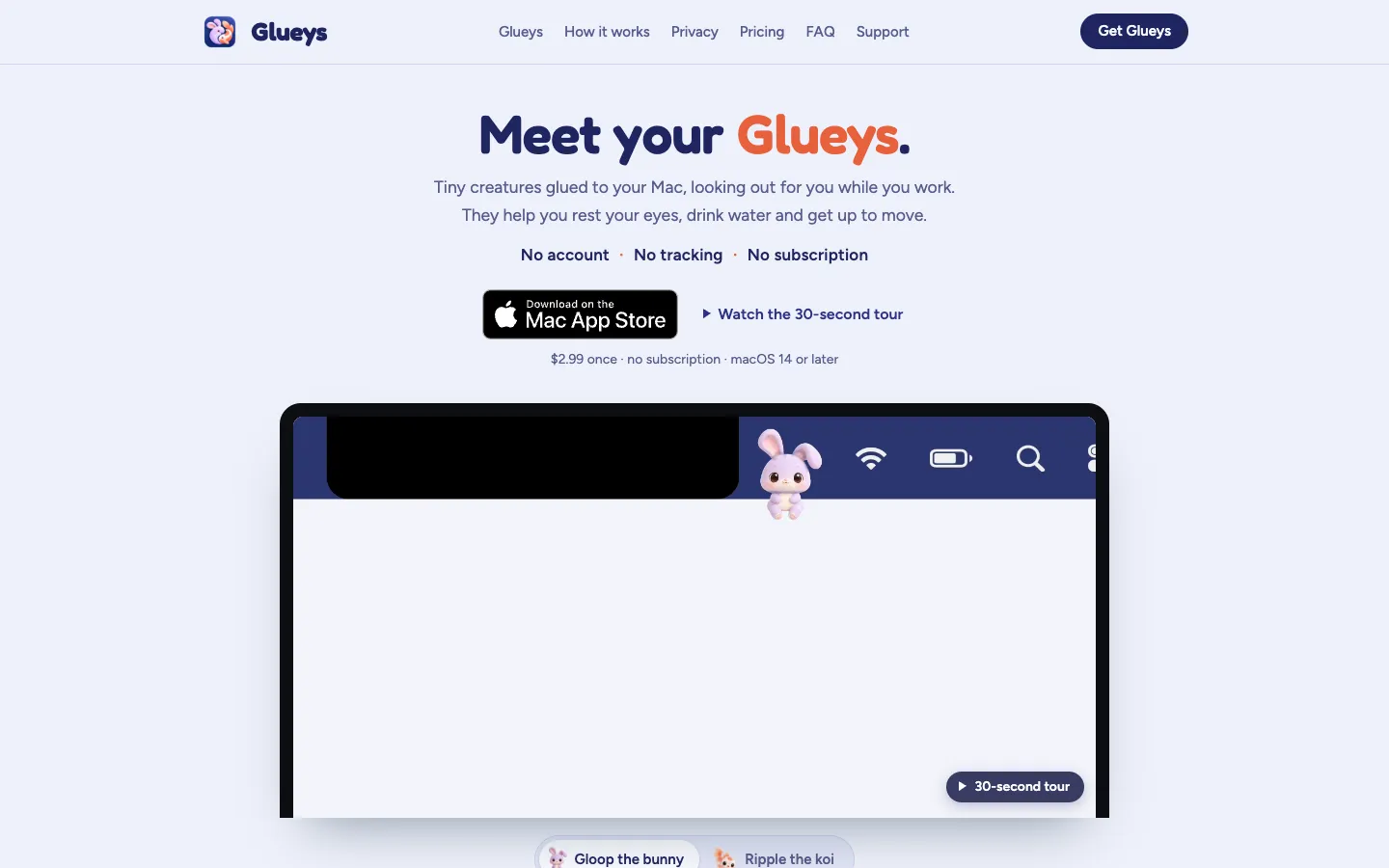
Glueys reminds you to rest your eyes, drink water and stand up, using a small bunny or koi that sits in your Mac's menu bar. When a break is due, the creature does it with you: it blinks slowly and looks far away for an eye rest, jumps when it's time to stand, and munches a carrot or soaks in coffee on a real break.
Nothing pops up or covers your screen. Glueys waits for a natural pause, keeps out of the way during calls and full-screen apps, and counts the breaks you actually took, including the ones you took on your own.
Features.
Gloop and Ripple: Pick Gloop, a bunny that sits on the menu bar with its feet dangling, or Ripple, a koi in a water bubble. You can switch between them any time and your settings stay the same.
Default rhythm: Rest your eyes every 20 minutes (three slow blinks, then look far away for 20 seconds), stand up after 30 minutes of sitting, and take a real 5 to 10 minute break every hour. Water is offered when you stand up, and there's one slow deep breath each afternoon.
Your day: Click your Gluey to see today's eye rests, stand-ups, breaks and glasses of water. Only what you did counts, and stepping away for 5 minutes (you can change this) counts as a break. Each morning a small card shows how yesterday went.
✓ Done button: If you kept typing while you stood up, tap ✓ Done under your Gluey and the stand-up still counts.
Its own spot in the menu bar: Glueys sits by the notch among your menu bar icons, so it never covers an app's menus. You can also drag it to the corner of the Dock's row or any screen edge, and it works on external displays.
Good manners: It hides while a call is using your microphone and steps aside for full-screen films and slides. It's silent unless you turn on its soft sound.
Quiet hours and focus sessions: Set quiet hours and weekends off, start a 25, 50 or 90 minute focus session with no reminders, or pause it for 30 minutes, an hour or until tomorrow.
Your own timings: Choose Gentle, Balanced or Active, or set how often each reminder comes and turn off the ones you don't want. You can also set how long you look away (10 to 60 seconds) and cap reminders at one every 10 to 120 minutes.
It learns: A reminder you skip often starts coming less often.
Out of screenshots: Glueys keeps itself out of screenshots and screen sharing unless you turn that on in Settings.
Light on battery: At rest it uses well under 1% of the processor, nothing when the screen is off, and it never keeps your Mac awake.
Privacy: No account, no analytics, no ads and no internet connection. It only checks whether you're at your Mac, and your daily counts stay on your Mac.
Pricing.
Glueys costs $2.99, paid once on the Mac App Store.
Both Glueys, Gloop and Ripple
All five reminders
Every 1.x update
No subscription and no in-app purchases
Family Sharing
No free trial; refunds go through Apple
What users love.
A cute nudge that works Early users call it adorable, and one said they'd actually take breaks with a little koi judging them.
No interruptions One user said a companion that takes the break with you is smarter than another reminder that breaks your flow, and liked that it stays out of the way.
Stays in the menu bar and hides on calls People like that it lives in the menu bar instead of taking over the screen, and several picked out that it hides when the microphone is in use.