About Ferry.
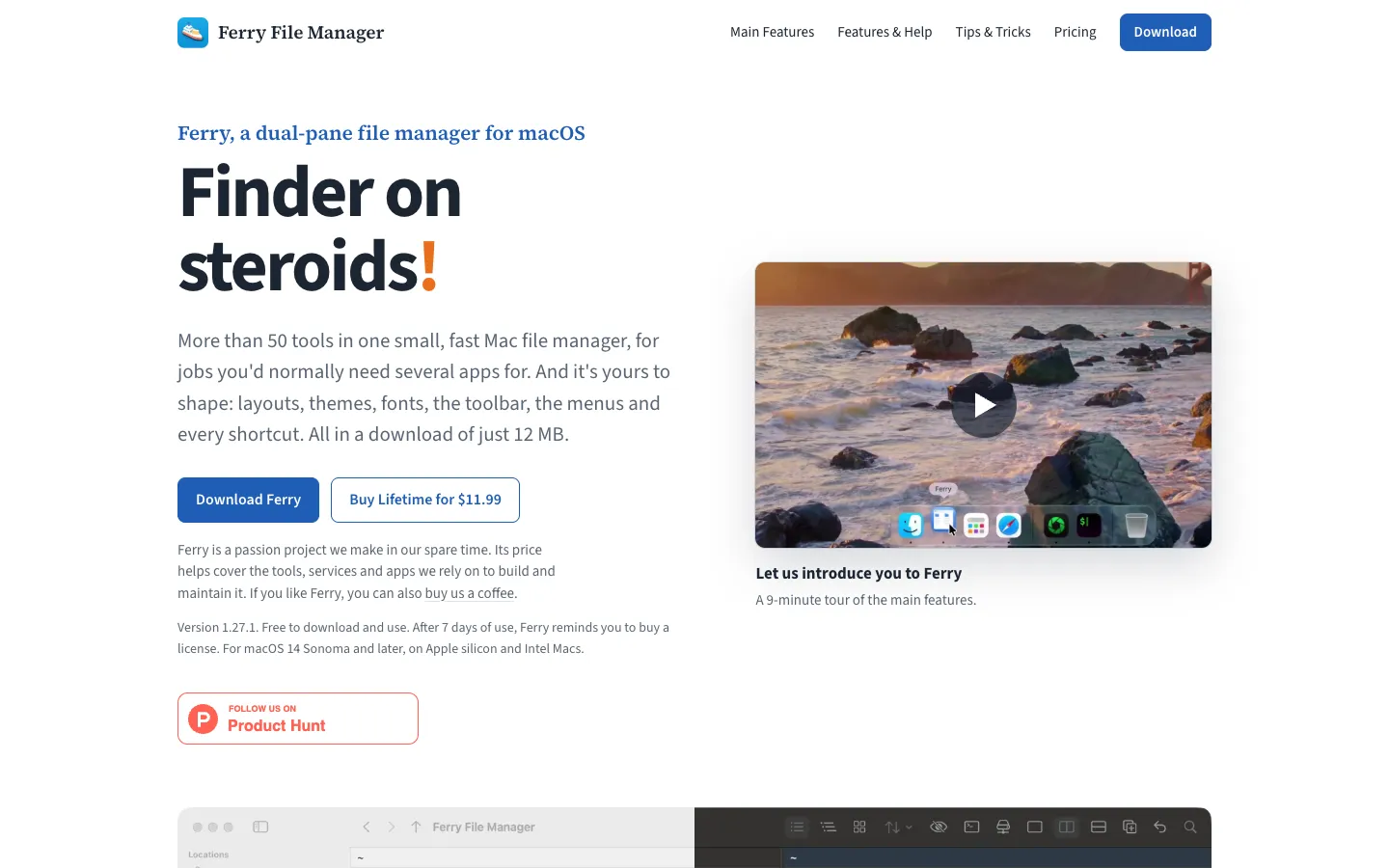
Ferry is a dual-pane file manager for the Mac. You get two folders side by side, each with its own history, view and sorting, so you can copy, move and compare between them without juggling Finder windows.
It also bundles more than 50 tools, such as batch rename, archives, folder sync, duplicate finding and connections to servers, so one app covers jobs that usually take several. Layouts, themes, fonts, the toolbar, menus and every shortcut can be changed.
Features.
Two panels: Each panel has its own history, view, sorting and zoom. Choose list, tree, icon or column view per panel, swap sides, and use F5 to copy, F6 to move and F7 for a new folder.
Layouts and themes: Pick from eight layout presets such as Commander, Mac Style and Developer, give a folder its own layout, and choose from 12 themes and any font. Settings move to a new Mac in one file.
Copy queue: Pause copies, watch a live speed graph, and get instant APFS clones. Undo works for trash, copy, move and rename.
Batch Rename: Rename many files with a preview, regular expressions and undo.
Archives as folders: Browse ZIP, 7-Zip, RAR and TAR files like folders, and create ZIP, TAR.GZ, TAR.XZ, 7-Zip or disk images.
Servers: Connect to SMB, WebDAV, SFTP, FTP, AFP, NFS and S3-compatible storage including Cloudflare R2 and Backblaze B2. The connection manager syncs through iCloud, and folder sync works with SFTP too.
Compare and clean up: Compare and sync folders or files, find duplicates and big files, check folder sizes, and calculate SHA-256, SHA-1 and MD5 checksums.
Built-in viewers and editors: Quick View, a text and hex viewer, a Markdown and code editor, a CSV editor, plus notes and to-do lists.
Converters: Convert images between PNG, JPEG, HEIC, TIFF, GIF, BMP and WebP, crop and resize them, and edit photo metadata. The video converter needs ffmpeg and the video downloader needs yt-dlp, which aren't included.
Quick access: Tags, workspaces, a file basket, clipboard history of your last 50 copies kept in memory only, a command palette and a command line.
Privacy: It's a native app with no account, and it works without an internet connection.
Pricing.
Ferry costs $11.99 for a lifetime licence, paid once. A $20 Supporter licence is a lifetime licence with your name in the credits.
One licence works on every Mac you own
Ferry is free for 7 days of use, and only days you open it count
After that it keeps working fully, with a short reminder when it starts and once a day while it's open
Once you buy, the reminder stops, and the licence key arrives by email
Ferry checks the key on your Mac without going online
What users love.
Packed with features People who installed it found it had a lot of tools and ticked most of their boxes.
Folder sync One buyer said the folder sync option settled their decision to buy.
A familiar fit for dual-pane fans Users coming from Midnight Commander, ForkLift and Pathfinder said they bought it soon after trying it.